


Preview
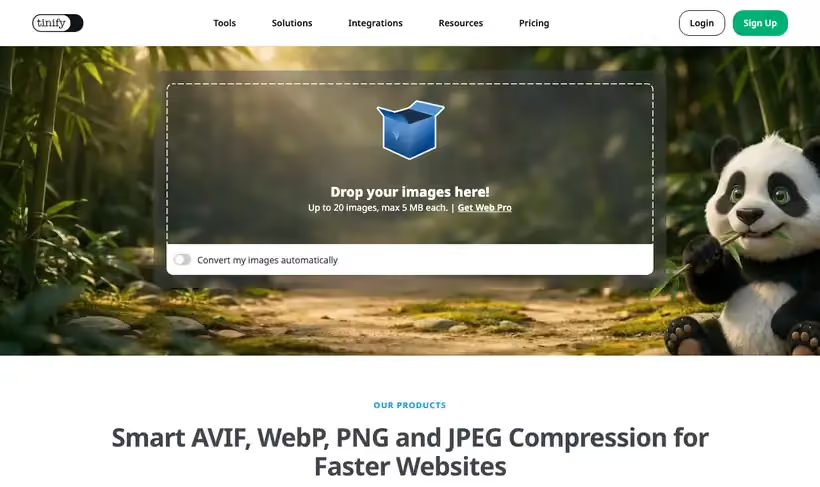
What it is.
Most slow pages are slow because of one oversized image, and this clears a folder of them in a single drag. Compressing images with the website is free for everyone, up to 20 images at once at 5MB each.
It also converts between AVIF, WebP, JPEG, plus PNG in the same pass. There's nothing to configure, so you'll use it every week instead of meaning to.
What you get.
- Batch compression of up to 20 images at a time, at no cost.
- Conversion to AVIF, WebP, JPEG, plus PNG on the way out.
- Before and after file sizes, so the saving is visible per image.
- A zip download, so replacing the originals is one commit.
How to set it up.
Drag the whole folder in, up to the 20 image limit, instead of doing one file at a time.
Pick WebP for a marketing site, since browser support is broad and the saving is large.
Check any image with fine detail, because aggressive compression shows on gradients first.
Download the zip and replace the originals in one commit, so the change is easy to revert.
Rerun PageSpeed Insights on the page afterwards to confirm the improvement landed.
Pricing Plans
Web compressor
$0
up to 20 images at once, 5MB each
Use cases
A whole article of screenshots
Drop twenty images in and get them back smaller in one pass.
Convert on the way out
Export as WebP or AVIF instead of running a second tool.
Show the saving
Use the before and after sizes when someone asks whether it was worth it.
Best for
A blog post full of screenshots
Twenty at a time covers most articles, and the whole job takes less than a minute.
Handing images to a developer
Compress before they go in the repository, since nobody goes back to do it later.
Converting a library to WebP
Format conversion happens in the same pass, so there's no second tool involved.
Open the tool
Opens on Google in a new tab.