


Preview
What it is.
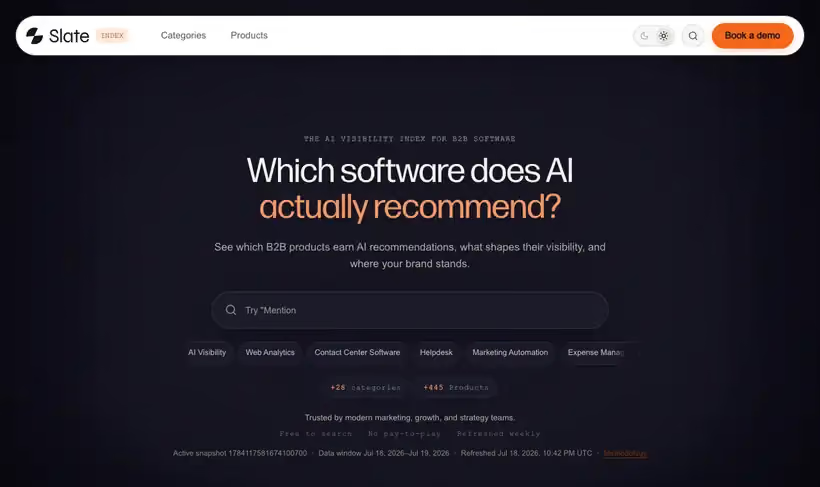
Buyers ask an assistant for a shortlist before they ask a vendor. Slate Index counts which products get named in those answers and orders each category by the result, free to search, across 445 products in 28 categories.
Two ways to use it. If you're buying software, the category page is a shortlist with the supporting AI answers attached; if you sell it, your own page shows whether assistants name you when a buyer asks, and which sources they read to decide.
What you get.
- Your position in your own category, with the AI answers behind it.
- The sources assistants read to decide, which is where the work goes.
- A shortlist with supporting evidence, if you are the one buying.
- A weekly refresh, free to search, with no paid placement.
How to set it up.
Open your own category and read the order before you read your own position.
Check which sources appear behind the answers in your category, since those are the pages assistants read.
Compare your product page against the two products above you and note which sources they hold and you do not.
Recheck weekly and skip the daily look, because the index refreshes on a weekly schedule.
Treat a position change as a signal to check your source coverage, not as a score to report to a board.
Pricing Plans
Slate Index
$0
free to search, 445 products across 28 categories
Use cases
Find out whether you are in the answer
Search your category and read the AI answers behind your position.
Pick the pages to work on
Look at which sources the assistants read, then earn coverage there.
Brief a leadership update
Take the shortlist and its evidence into the meeting where budget gets set.
Best for
Checking whether AI names you
Open your category and see whether a buyer asking an assistant would hear your product at all.
Building a buying shortlist
The category page gives you the products assistants suggest, with the answers that produced them.
Finding source gaps
The sources behind an answer tell you which pages to earn a mention on, which is more useful than a position.
Open the tool
Opens on Google in a new tab.