


Preview
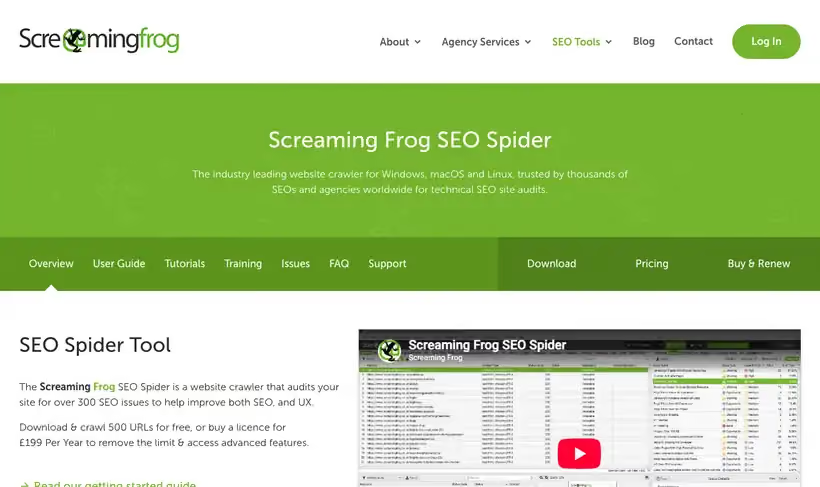
What it is.
Point the SEO Spider at a domain and it walks the site page by page, so you end up with one filterable table of status codes, titles, meta descriptions, headings, canonicals, hreflang, plus internal links.
Crawl up to 500 URLs and you pay nothing, which covers a marketing site and most documentation trees. A license at 245 euros a year lifts the cap and adds scheduling, JavaScript rendering, plus crawl comparison.
What you get.
- A CSV a developer works straight from, with the source page named for every bad link.
- Every title over 60 characters flagged, which is the list that wins back clicks fastest.
- The pages nothing links to internally, which is usually why they never rank.
- An XML sitemap built from the pages the crawler reached, which often differs from the CMS list.
How to set it up.
Download the app, open Configuration and set the user agent to Googlebot for a first pass.
Enter the domain and crawl, then read Response Codes first to clear broken pages and redirect chains.
Switch to Page Titles and filter for Over 60 Characters to find titles at risk of truncation.
Open Internal and sort by Inlinks to find pages with nothing pointing at them.
Export the Crawl Overview report, then keep it as the baseline you compare next month's crawl against.
Stay under 500 URLs per crawl on the free version by crawling one subfolder at a time.
Pricing Plans
Free version
$0
crawls up to 500 URLs per crawl
Paid license
245 EUR
per year, per user, no crawl cap
Use cases
Developer handoff
Crawl, export the broken links with their source pages, and send the CSV to whoever owns the template.
Truncated titles
Sort titles by length and rewrite anything the results will cut off.
Orphan page sweep
Crawl with the sitemap included and list the pages nothing internally links to.
Best for
Auditing a marketing site
Under 500 URLs a free crawl covers the whole thing, and the export is the audit document.
Finding broken internal links
The redirect and broken link reports name the source page for every bad link, so a developer goes straight to it.
Checking a template change
Crawl one subfolder before and after a release and compare titles and canonicals row by row.
Open the tool
Opens on Google in a new tab.