


Preview
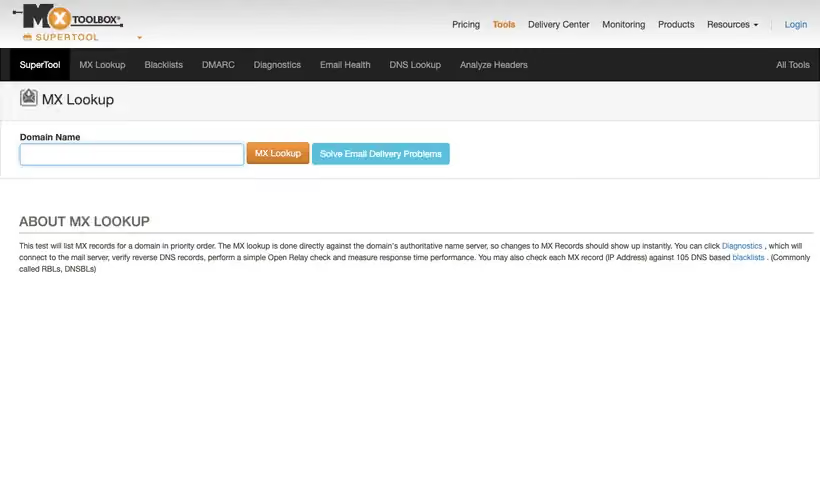
What it is.
Run this the moment a campaign underperforms. MXToolbox checks MX records, SPF, DKIM, DMARC, an open relay test and response times from one box, and puts each mail server IP against 105 DNS based blacklists.
Run it the moment a campaign underperforms. Before anyone starts rewriting subject lines, the blacklist and SPF results tell you whether the mail had a chance of arriving.
What you get.
- A blacklist verdict across 105 DNS based blacklists per mail server IP.
- The parsed SPF and DMARC records, so a syntax error shows up on screen.
- An open relay test, which catches a badly configured mail server.
- Response times per mail server, useful when delivery is slow and not blocked.
How to set it up.
Enter your domain in the lookup box and run the MX check first, since everything else depends on the records it finds.
Open the blacklist result and read only the listings that matter for mail, since some lists are informational.
Run the SPF lookup and count the DNS lookups in your record, because SPF fails above 10 of them.
Check the DMARC record next, and confirm the policy is what you think you published.
Repeat the whole check for every subdomain you send from, since records are set per hostname.
Pricing Plans
Public lookups
$0
no login, 105 blacklists checked per IP
Use cases
Rule out a blacklisting
Run the mail server IP and get a verdict across the blacklists in one pass.
Read your own SPF
See the parsed record on screen and catch a syntax error before a send.
Open relay check
Test the server for the misconfiguration that gets a domain listed.
Best for
First check on a deliverability problem
Blacklist and SPF results in under a minute, before anyone starts blaming the copy.
Verifying a DNS change
Paste the domain after a record change and read the parsed result, which catches syntax errors a text editor hides.
Auditing a domain you inherited
One lookup shows what mail infrastructure is in place, which is often news to the new owner.
Open the tool
Opens on Google in a new tab.