


Preview
What it is.
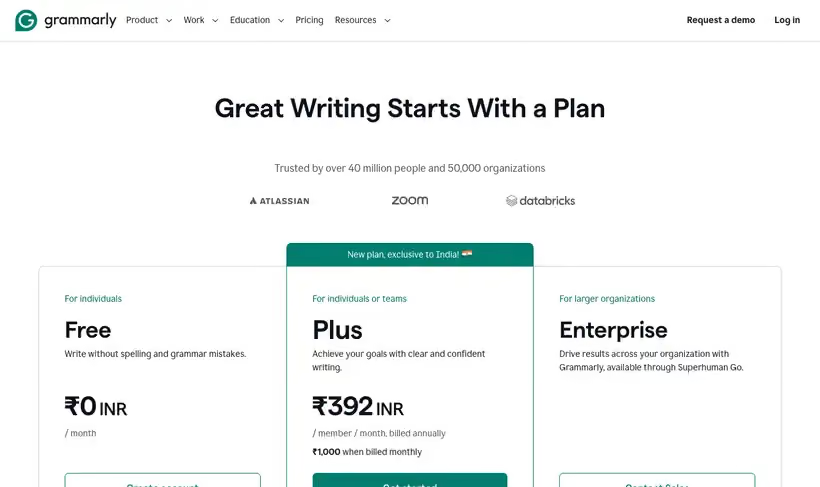
The typo that matters is the one in line one of an outbound email. Grammarly's free plan covers spelling and grammar wherever you type, plus 100 AI prompts a month.
For a GTM team the value shows up in outbound and support replies, where a typo in the first line costs more than it does in a blog post nobody reads carefully.
What you get.
- Inline correction inside the browser, the CRM and your mail client.
- 100 AI prompts a month for rewrites and tone changes.
- Unlimited spelling and grammar checking, with no word cap.
- Goal settings per document, so tone changes with the audience.
How to set it up.
Install the browser extension first, since that's where most GTM writing happens.
Turn it on for your CRM and email client, which is where a typo is most expensive.
Set the goals for a document before you write, because tone suggestions change with the audience.
Ration the 100 AI prompts a month for the pieces that matter, since the checker itself is unlimited.
Ignore any suggestion that flattens your voice, because a correct sentence that sounds like nobody is worse.
Pricing Plans
Free
$0
writing checks plus 100 AI prompts a month
Use cases
Catch the cold email typo
Correct the first line inside the CRM, where the mistake costs the most.
Tone change on a reply
Use the monthly prompts to soften a message before it goes out.
Unlimited checking on long copy
Run a full landing page without a word limit stopping you.
Best for
Outbound email
The first line of a cold email is where a typo does the most damage, and this catches it in the compose window.
Non-native English writers
Inline correction in the tool you're already using beats writing somewhere else and pasting back.
Teams without an editor
It won't replace one, and it catches the class of mistake an editor would be annoyed to be asked about.
Open the tool
Opens on Google in a new tab.