


Preview
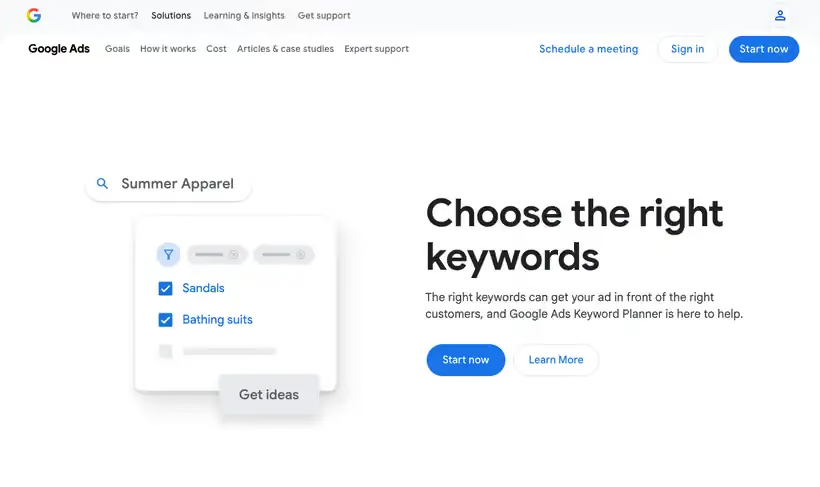
What it is.
Keyword Planner is a free resource inside Google Ads for building keyword lists for search campaigns. Feed it a seed term or a competitor URL and you get ideas back with monthly search estimates and the average cost for an ad to show.
Paid teams spend most of their time in the forecast. It refreshes daily off the last 7 to 10 days of auction data adjusted for seasonality, so a plan you built in November reads differently in February.
What you get.
- Monthly search estimates with the average cost per click beside them, so a budget has a basis.
- A forecast of clicks and conversions at a spend level you set.
- Keyword ideas generated from a competitor URL, which turns their site into your list.
- A plan that pushes into a live campaign without retyping anything.
How to set it up.
Create a Google Ads account and add billing information, since the keyword ideas feature stays locked until account setup is complete.
Open Discover new keywords and start from a competitor URL to get ideas you would not have guessed.
Set the location and language before reading a single number, because both change volume more than the keyword does.
Move the useful terms into a plan, then open the forecast and set a monthly spend to see clicks at that budget.
Treat the forecast as a range, since it refreshes daily on the last 7 to 10 days of data adjusted for seasonality.
Pricing Plans
Keyword Planner
$0
included with any Google Ads account
Use cases
Budget for a paid test
Enter the terms, set a spend level, and read back the clicks it forecasts.
Sanity-check an agency estimate
Compare the average cost per click against what a proposal promised you.
Seed list from a rival
Paste a competitor domain and pull the terms Google associates with it.
Best for
Sizing a paid search test
Cost estimates come from the same auction you will bid in, so a budget built here survives the first week.
Sanity-checking a content plan
Third-party volume figures are models built from panels. This number comes from Google, so use it when the figure has to hold up in a budget.
Finding commercial terms
A high cost-per-click estimate is a signal that other companies are paying to reach that searcher.
Open the tool
Opens on Google in a new tab.