


Preview
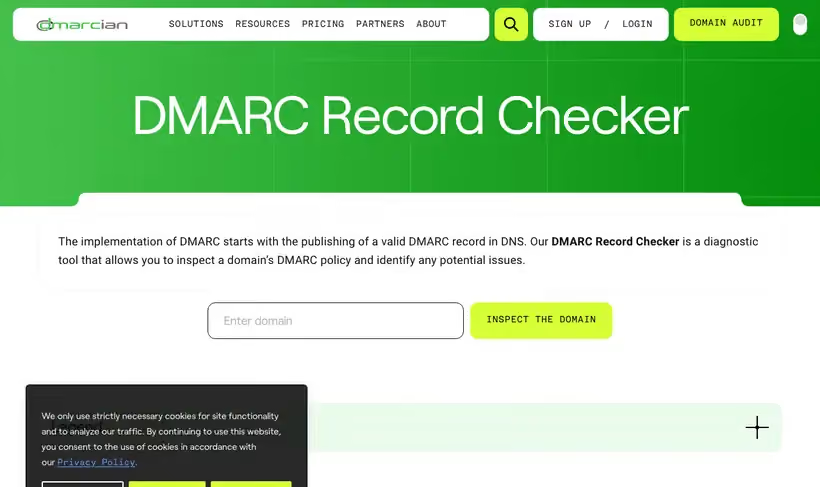
What it is.
Plenty of domains carry a DMARC record that enforces nothing, and this tells you in five seconds whether yours is one of them. dmarcian's free tools include an inspector that pulls the record and translates every tag.
Most teams find their policy is set to p=none, which enforces nothing at all. Seeing that spelled out is usually what starts the project.
What you get.
- The live DMARC record for any domain, with each tag translated into plain words.
- The policy tag spelled out, so you know whether anything is being enforced.
- The organizational domain a subdomain inherits from, when it has no record of its own.
- Sibling free tools for SPF, DKIM, plus record building.
How to set it up.
Enter the sending domain and read the policy tag first, since p=none enforces nothing.
Check whether a reporting address is set, because without one you never see who is sending as you.
Look at the percentage tag, since a policy applied to a fraction of mail is a partial rollout.
Run the same check on every subdomain you send from, as each can carry its own record.
Move from p=none to quarantine only after the reports come back clean for a few weeks.
Pricing Plans
Free DMARC tools
$0
inspector, record wizard, plus checks for SPF and DKIM
Use cases
Find out whether anything is enforced
Look up the domain and read the policy tag in plain words.
Start the DMARC project
Show the team the live record before anyone argues about priorities.
Check a partner domain
Inspect a vendor sending on your behalf and see what their record allows.
Best for
Starting a DMARC rollout
Start by finding out what your record says today. This reads it back in about five seconds.
Auditing a domain you inherited
New owners are often surprised by what the previous team published, or by the absence of anything at all.
Checking a competitor or partner
The record is public DNS, so you can check whether a partner's domain is protected before you trust mail from it.
Open the tool
Opens on Google in a new tab.