


Preview
What it is.
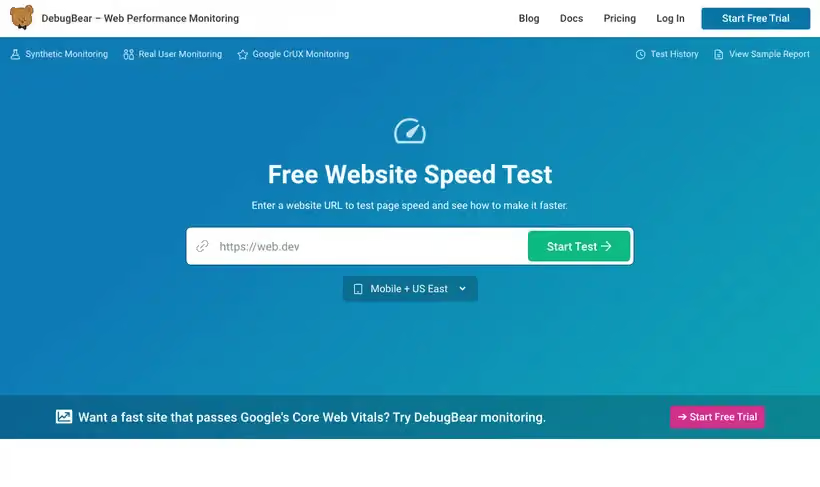
DebugBear sells web performance monitoring and puts a free speed test in front of it. You paste a URL, pick mobile or desktop, and it runs the test without an account.
The report shows what resources the page loads, plays the load back step by step, and flags third-party code that slows things down. It also pulls Google's own field data so you can see what visitors get.
Recommendations come with the result, so the output is a work list instead of a score on its own.
What you get.
- A page speed test you can run without signing up
- A request list showing what the page loads and in what order
- A full Lighthouse report alongside DebugBear's own checks
- Google field data for the same URL, next to the lab numbers
- Recommendations drawn from over 25 common performance issues
- The same test pointed at a competitor's URL, which the page suggests
How to set it up.
Open the test page and paste the URL you want to check into the field.
Pick Mobile or Desktop; both default to the US East test location.
Press Start Test and wait for the run to finish.
Read the resource list first, since a heavy third-party script is the usual cause.
Play the load back step by step to see when the page first shows content.
Check the Google field data next to the lab result, because visitors and test machines differ.
Use cases
Test without an account
Run the page once when the question is whether a change helped.
Read the request order
See what loads first and hand the blocking files to whoever owns them.
Lighthouse alongside the rest
Get the standard report and the extra checks from one run.
Best for
Diagnosing one slow page
You have a page that feels slow and want the request list plus Lighthouse audits from a single run.
Auditing third-party scripts
The report separates outside code from your own, which settles arguments about tag bloat.
Checking a competitor
The page suggests running the test on competitor URLs, and it only needs a public address.
Pairing lab and field data
Google field data sits beside the lab run, so you can see whether visitors feel the problem.
Open the tool
Opens on Google in a new tab.