


Preview
What it is.
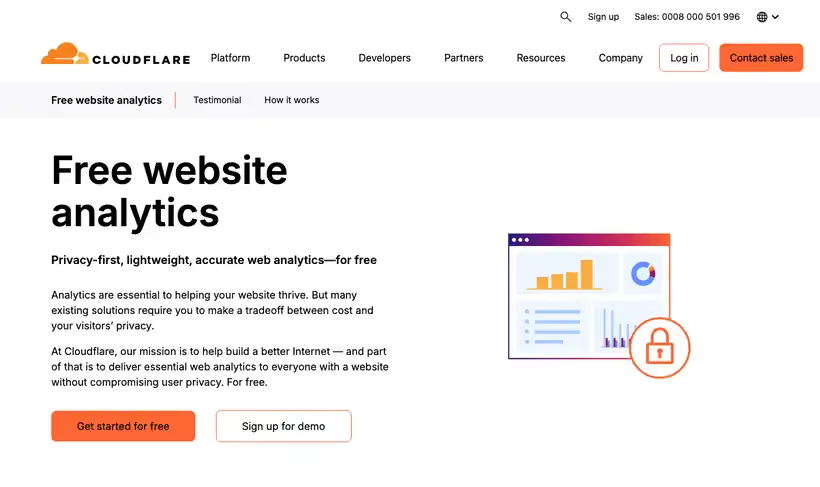
If a consent banner is suppressing a chunk of your analytics, this gives you a count that never depended on one. Cloudflare gives away free website analytics, privacy-first and lightweight.
You lose the deep segmentation a product analytics tool gives you. What you keep is a traffic number nobody can dispute on privacy grounds, which is often the argument that stalls a measurement project in Europe.
What you get.
- Page views, visits, plus referrers with no cookie and no client-side state.
- A traffic number legal will sign off, since nothing identifies a visitor.
- Core Web Vitals from your own visitors alongside the counts.
- A rough measure of what your consent banner costs, by comparison with GA4.
How to set it up.
Add the site in the Cloudflare dashboard and choose Web Analytics.
Drop in the JavaScript beacon, or skip it entirely if the site already proxies through Cloudflare.
Wait a day, then compare the visit count against GA4 to see how much your consent banner was costing you.
Use it as the traffic number in reporting, and keep a product analytics tool for behavior.
Check the Core Web Vitals panel monthly, since it draws on your own visitors and not a lab test.
Pricing Plans
Web Analytics
$0
free website analytics, no cookie required
Use cases
A number that survives a privacy review
Report traffic with no cookie, so nothing identifies a visitor.
Drop the consent banner
Remove the banner and stop losing everyone who declined it.
Vitals from your own visitors
Read the field speed data for the pages people land on.
Best for
Sites with a strict privacy review
No cookies means no consent banner, which removes the usual reason legal blocks an analytics rollout.
Sanity-checking GA4
Consent banners suppress a chunk of GA4 traffic. A cookieless count shows you roughly how big that chunk is.
Marketing sites and docs
For pages where you only need traffic and referrers, this is less setup than anything else here.
Open the tool
Opens on Google in a new tab.