


Preview
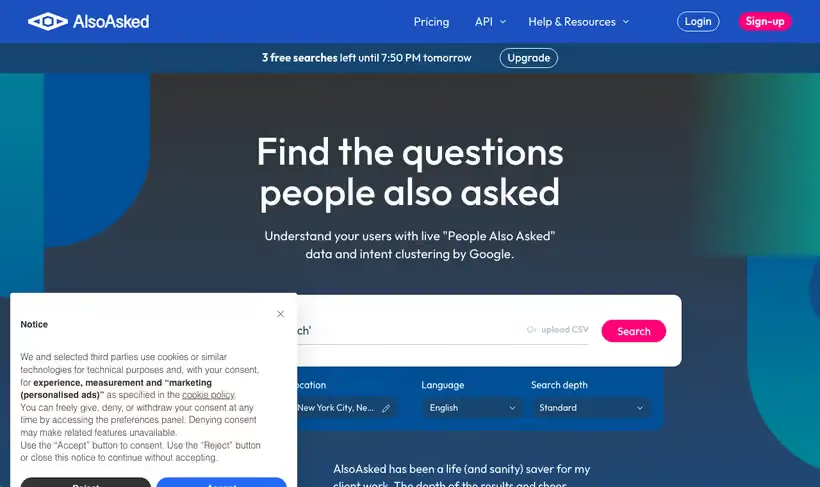
What it is.
Search a term and the People Also Ask questions come back as a branching tree, close enough to an outline that you can brief a writer from it. Each branch is a question someone opened after the one above.
You get free monthly search credits without registering, which is enough to check a topic before committing to anything. Paid plans start at $12 a month and add search history, CSV export, bulk searches, plus API access.
What you get.
- A question hierarchy you hand to a writer as the H2 list.
- Free monthly search credits without registering, so a topic check costs nothing.
- PNG export on every tier, which drops the tree straight into a brief.
- Region and language settings, so questions match the market you sell into.
How to set it up.
Enter the head term for the topic and pick the country and language before you search.
Read the first level as your H2 list, since those are the questions Google already pairs with the term.
Follow one branch two levels down to find the question a page has to answer to keep the reader.
Export the tree as a PNG and paste it into the brief so the writer sees the hierarchy.
Rerun the same term quarterly, because the question set moves as Google changes what it shows.
Pricing Plans
Free
$0
monthly search credits, no registration
Basic
$12
a month plus tax, 24 hour search history
Use cases
Subheading list for a brief
Enter the topic and hand a writer the first branch of the tree as the H2 list.
Ordering a guide
Follow the branches to see which question people ask before the next one.
Drop it in the doc
Export the tree as an image and paste it into the brief for context.
Best for
Building an article outline
The first branch level gives you the subheadings, in the order Google already associates with the term.
Answer engine coverage
Questions are the unit an assistant retrieves, so a page that answers a branch cleanly has something to be quoted for.
Sales objection research
Search your category and read the questions buyers ask before they ever reach a sales call.
Open the tool
Opens on Google in a new tab.