

Key Takeaways
- Start with Google Search Console before you buy any keyword tool. It shows the searches that already bring people to your site, which is the cheapest thing to act on.
- Read any published limit as this month's limit. MailerLite has halved its free subscriber cap twice, and Airtable cut its free record limit in February 2026 without warning anyone.
- Check how many people can log in before you check how much data you get. HubSpot's free plan holds 1,000 contacts but allows only two logins, so a team of five queues behind two of them.
- For watching how visitors behave, start with Microsoft Clarity. It's the only one of these that sets no limit on how much traffic it will record.
- Email deliverability is where free tools go furthest. Four of the ones that diagnose it need no account at all, so checking your sending setup costs an afternoon and nothing else.
- Work out how you'd get the data out before you build anything on a free plan. These tools show you plenty on screen and are much stingier about exports.
GTM stands for go-to-market: the work of getting a product in front of buyers and selling it. Fifty-four tools that do some of that work have a permanent free plan instead of a trial that expires.
Between them they cover search, analytics, email deliverability, outbound and scheduling, which is enough for a small team to run on without a software budget.
The GTM Exchange is a directory of go-to-market tools that TripleDart maintains, and one section of it lists the ones with a free plan.
Fifty-four of them, grouped by the job you're doing: search, paid ads, analytics, email, outbound, content, operations and AI. Nothing is ranked. A scheduling tool and a spam checker were never competing for the same slot.
How to Judge a Free GTM Tool
A free plan means a permanent allowance that resets, usually every month. That rules out the 14-day trial, which expires and leaves you stuck.
The big number on the pricing page is rarely what stops you. More often it's the login count, the export, the length of history the tool keeps, or the size of a queue.
Search Console shows you 1,000 rows of data and no more. Buffer holds 10 scheduled posts per social account, and nothing new goes in until one of them publishes.
Hotjar keeps one month of history and no more, which puts a month-on-month comparison out of reach.
Zapier's free plan gives you one trigger and one action per automation. That isn't enough for a rule such as only alerting you when the deal is over $10,000.
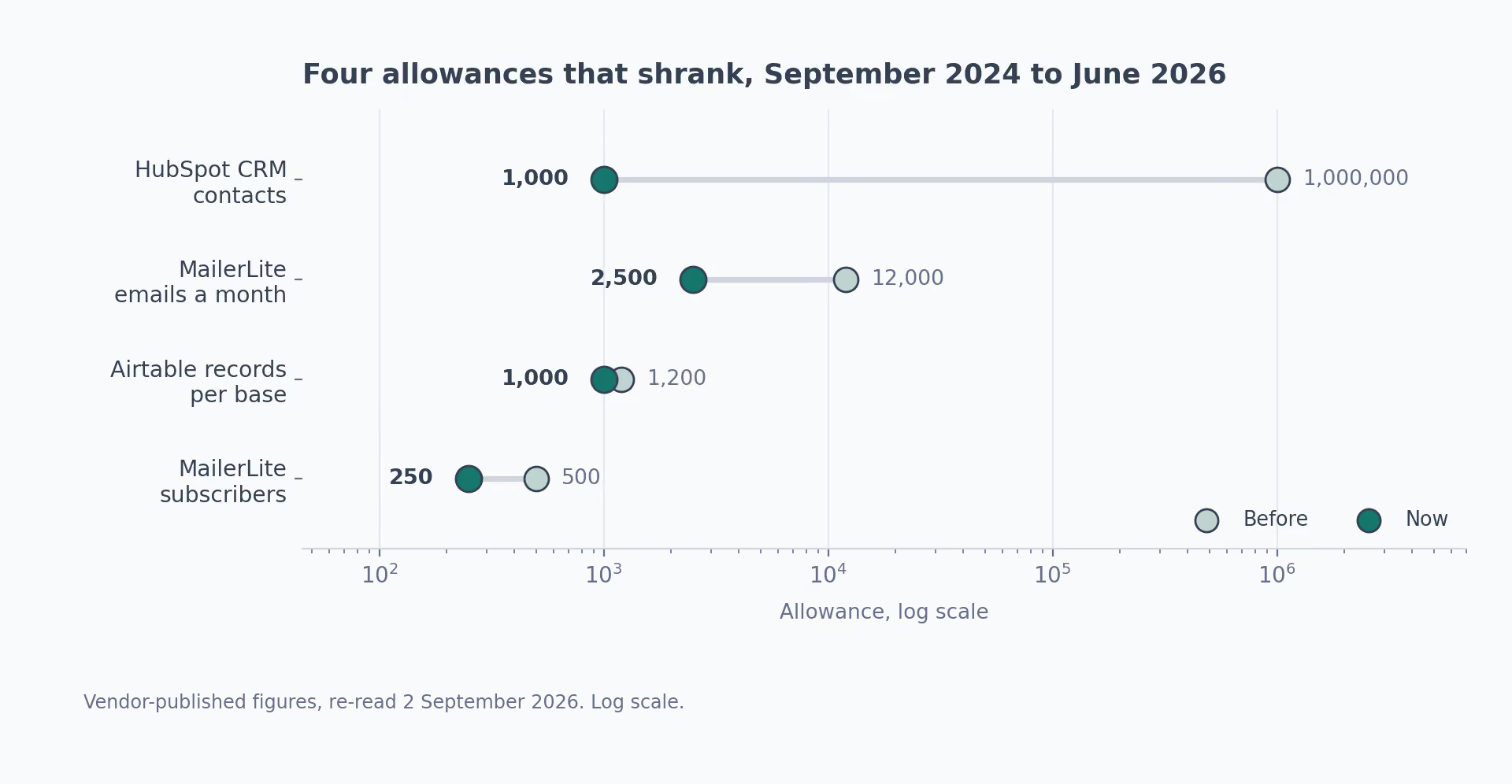
The other thing to know is that these numbers move. Four of them shrank in the last two years, and one shrank in a way that locked people out of their own data.
| Tool | Free allowance before | Free allowance now | When it changed |
|---|---|---|---|
| MailerLite | 500 subscribers, 12,000 emails a month | 250 subscribers, 2,500 emails a month | 16 June 2026 |
| Airtable | 1,200 records per database | 1,000 records per database | February 2026 |
| HubSpot CRM | 1 million contacts | 1,000 contacts, 2 logins | September 2024 |
| Hotjar | One plan with surveys included | Three products, billed separately | July 2025 |
Any Airtable database already over 1,000 records went read-only until somebody deleted rows or paid, according to SaaS Price Pulse. You could look at your data but not add to it.
A content calendar built in January stopped accepting new rows in February.
MailerLite handled its cut better. It published the change in advance and gave free accounts some paid features in exchange.
Search: The GTM Tools That Show What People Already Look For
Two questions matter in search. What are people looking for, and can Google read your pages properly? These ten answer one or the other.
Search is also the one area where the paid platforms cost serious money and the free plans hold up. I'd start a stack here before anywhere else.
1. Google Search Console
Most keyword tools estimate what people search for. Google Search Console tells you instead, because it reports the searches that brought people to your site, along with your average position in the results.
You prove you own the site once, by uploading a file or adding a line to your domain's DNS settings, and then it's yours permanently.
Cost
Free, once you prove you own it · Google Search Console listing
What I like
- It's the only tool here reading Google's own numbers instead of guessing at them.
- The quickest win takes 10 minutes: sort by impressions, which is how often your page appeared in results, find the pages that appear a lot and get almost no clicks, then rewrite those titles first.
What could be better
- The performance report shows a maximum of 1,000 rows. That's a hard limit and no filter widens it, so on a site ranking for more than 1,000 search terms you never see the rest.
- History runs out after 16 months. Google also hides the rarest searches to protect privacy, so what you see is never the full picture.
My tip
Pull the data through the API instead of downloading it from the screen. The API returns far more rows per day, which is the only way to put last month next to this one.
2. Ahrefs Free
Ahrefs sells a search platform that starts at $129 a month. Ahrefs Webmaster Tools is its free cut-down version.
You get a site audit, meaning an automated scan for broken links and slow pages, plus the keywords you rank for and up to 1,000 links pointing at your site.
Cost
Free on any site you can prove you own, with 5,000 pages crawled a month · Ahrefs Free listing
What I like
- The audit hands you an ordered list of what's broken, with the most expensive problems at the top, so you're not guessing where to start.
- Reviewers rate its crawler and its index of links above anything else you can get without paying.
What could be better
- Proving ownership is the wall.
- You can't point it at a competitor or a client's site, which rules out most of the pitch work agencies want it for, and the paid plans start at $129 a month.
My tip
Run the content gap report first. It lists the keywords up to five competitors rank for and you don't, and it's the only part of the free plan that looks at somebody else's site.
3. Screaming Frog SEO Spider
Screaming Frog is a program you install on your own laptop, and it visits every page on a site the way a search engine would.
What comes back is a spreadsheet: every broken link, every page title that's too long, and every link that bounces through three URLs before landing. The free version stops after 500 pages.
Cost
Free to 500 pages, then $279 a year · Screaming Frog SEO Spider listing
What I like
- Nothing else goes this deep.
- Reviewers on Capterra and Software Advice keep saying it finds more in one pass than the online tools do, and handing a developer the spreadsheet tends to end the argument about what's broken.
What could be better
- Those 500 pages include images and every variation of a URL, so reviewers report using up the limit before they reach the pages they came for.
- Saving a scan for later, reading pages built with JavaScript, and pulling custom data all belong to the paid version.
My tip
Before you press start, go into the configuration and tell it to skip images, stylesheets and anything with a question mark in the URL. That one step can turn 500 wasted pages into 500 you care about.
4. PageSpeed Insights
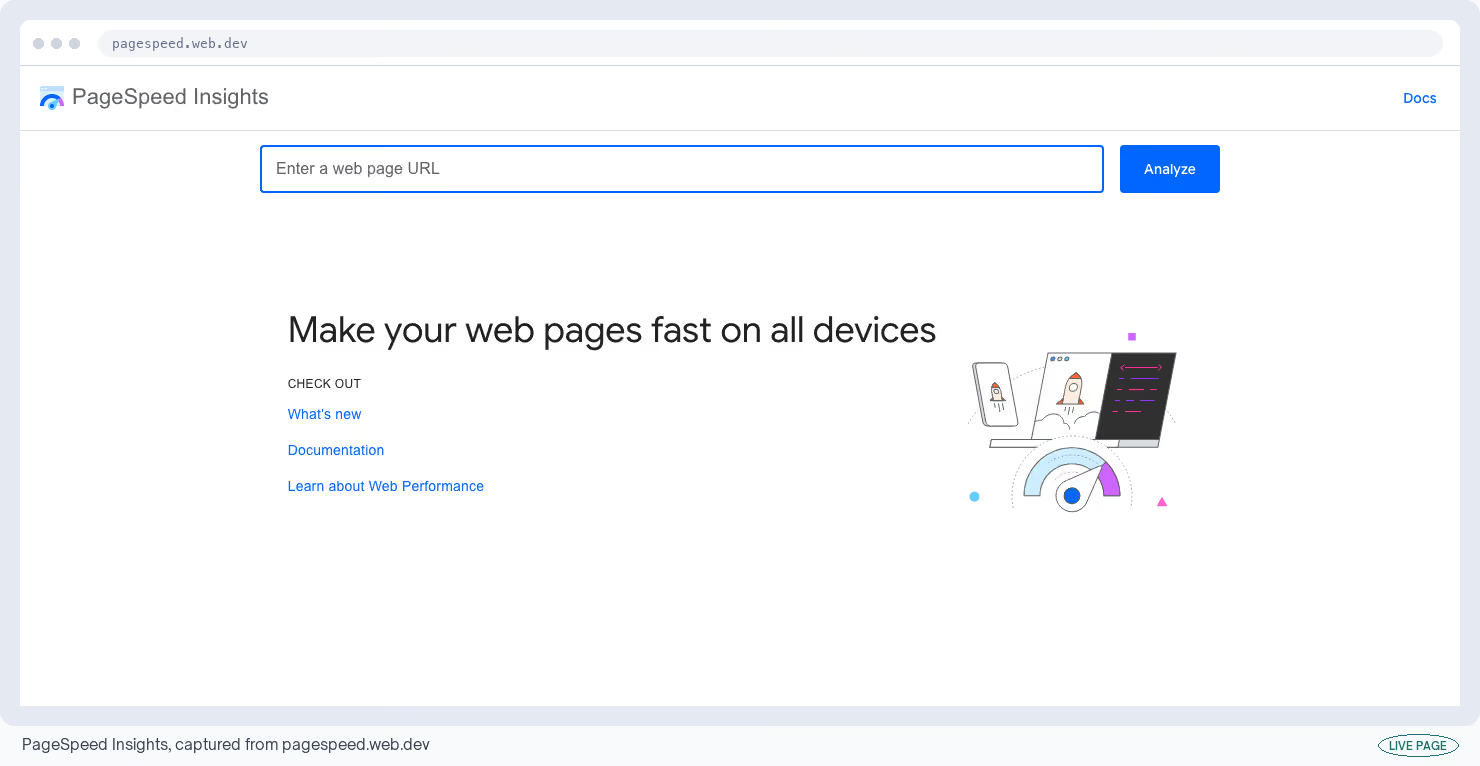
Paste a web address into PageSpeed Insights and you get two separate verdicts on how fast the page is.
The lab score comes from a test Google runs on its own machines. The visitor score is measured from Chrome users who loaded your page over the last month. That's the one that matches what people feel.
Cost
Free, no login, nothing to install · PageSpeed Insights listing
What I like
- It ends the argument about whether a page is slow, using numbers from your own visitors.
- Developers accept the list of problems it produces without much pushback, mostly because Google is the one publishing it.
What could be better
- The two verdicts often disagree.
- A page can score 100 on the simulated test and still feel slow, because the visitor data is a 28-day rolling average and takes a month to catch up with any change you make.
- Pages with little traffic get no visitor data at all.
My tip
Read the visitor panel first and treat the simulated score as a to-do list. Then wait a month before you tell anyone the change worked, because the visitor number won't have moved yet.
5. Google Trends
Keyword tools tell you how many people search a term. Google Trends tells you whether interest in the whole category is going up or down, which is the better question to answer before you commit a year of content to something.
Data goes back to 2004 across every country Google operates in, with nothing to sign up for.
Cost
Free, no account · Google Trends listing
What I like
- Putting two terms on the same chart over five years is the cheapest sanity check there is on a category bet.
- The country-by-country breakdown is useful too, and it's made a decent case for entering a new market for me more than once.
What could be better
- The numbers are relative, not absolute.
- Google scales the busiest point in your chart to 100 and everything else against it, so you never learn how many searches that represents.
- Each chart is scaled to its own busiest point, so you can't join two date ranges together and read the result as one trend.
My tip
Always add a second term you already understand. A line sitting at 40 tells you nothing on its own, and it tells you a lot next to a term whose demand you can already size.
6. AlsoAsked
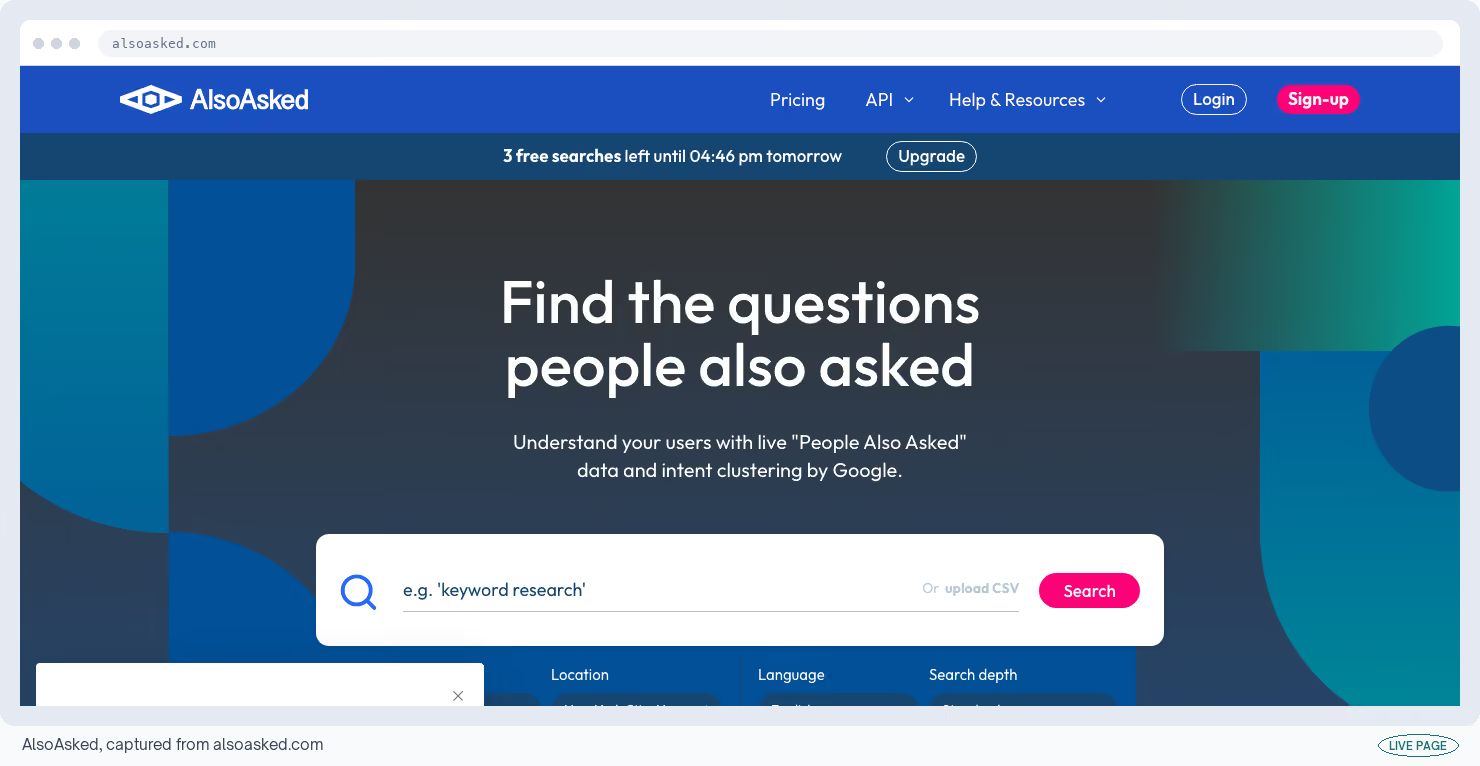
When you search on Google, it shows a short list of related questions under some results. The AlsoAsked tool collects those and draws them as branches, so you can see which question leads on to which follow-up.
You get three searches a day on the free plan with no card to enter anywhere.
Cost
Free for 3 searches a day, then $15 to $59 a month · AlsoAsked listing
What I like
- The branches. Reviewers pick it over a flat list of questions because the shape shows you the order people think in, and that order turns into an article outline with subheadings in about a minute.
What could be better
- Three searches a day disappears fast once you're planning a batch of articles.
- You get questions and no numbers alongside them, so anything about search volume means moving the list into a second tool.
My tip
Spend the daily three on the pages that make you money and nothing else. Save what comes back into a file, because tomorrow's three searches won't remember today's.
7. Semrush free tools
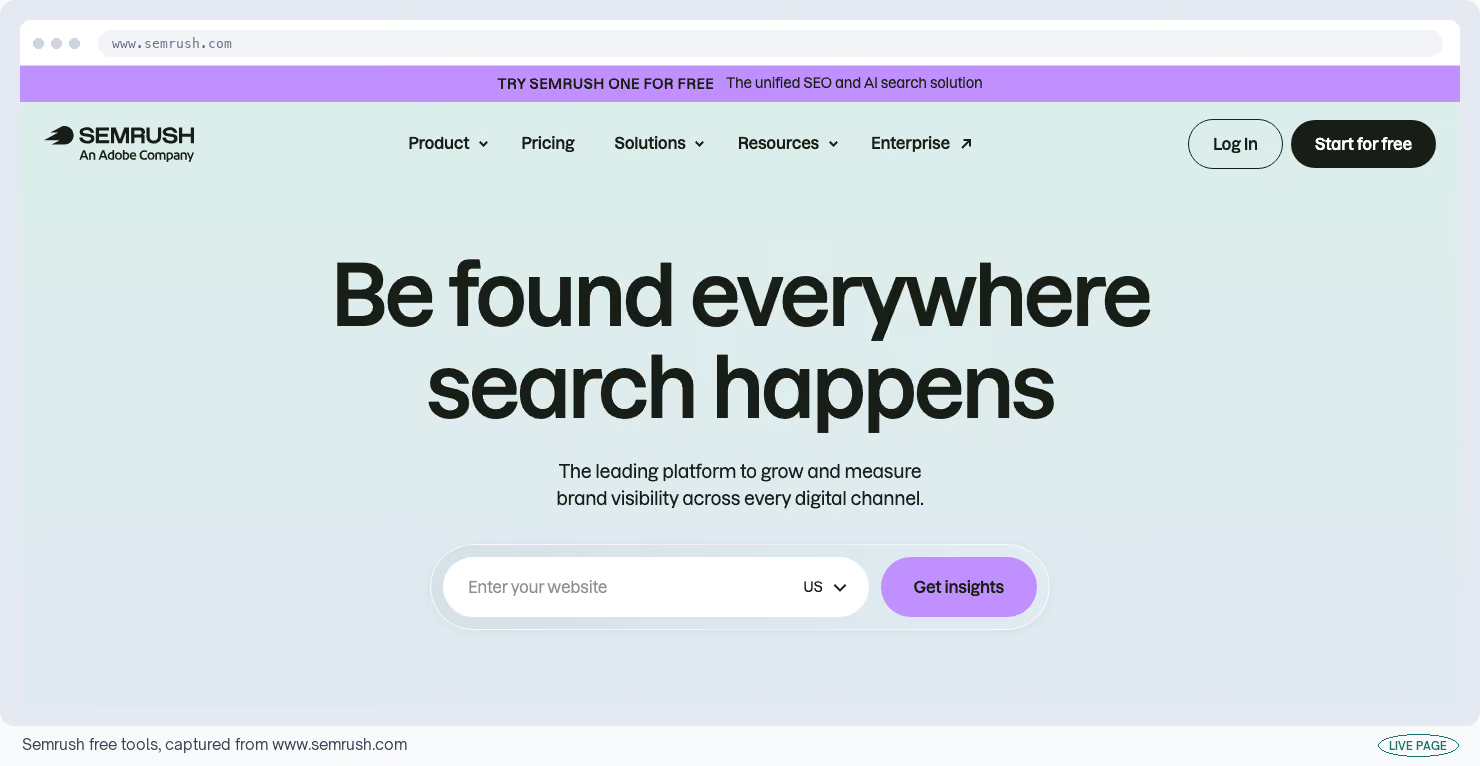
Semrush's full platform runs from $139 a month. Without paying, Semrush's free tools still let you scan a site for problems, get a traffic estimate for any domain, or check whether AI assistants mention a brand.
You get 10 of those requests a day, one saved project, 10 tracked keywords and a scan that stops at 100 pages.
Cost
Free for 10 requests a day, 1 project, 10 keywords · Semrush free tools listing
What I like
- You get a lot back from a single request.
- One lookup returns a traffic estimate, a set of keywords and a list of competitors, which is more ground covered in one go than anything else here manages.
What could be better
- Ten requests a day, and a site scan that stops at 100 pages.
- Reviewers describe it as a way to check a hunch instead of a way to work, and that's how it feels in practice.
My tip
Save the 10 for competitors' domains. Your own site is better covered by Search Console and Ahrefs Webmaster Tools, and neither of those spends a request to do it.
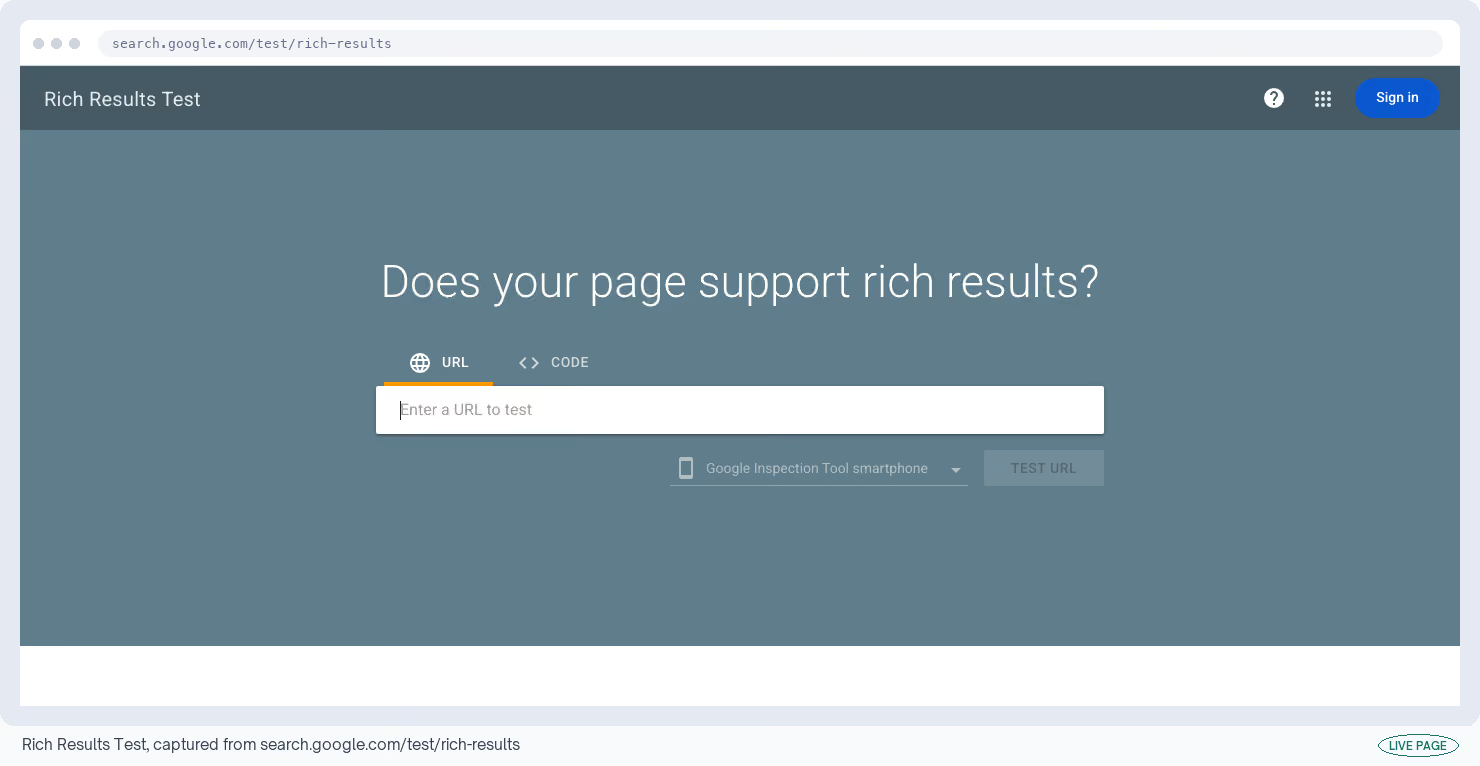
8. Rich Results Test
When a page shows FAQ answers or review stars in Google's results, it's because the page carries hidden labels telling Google what each bit of content is. Those labels are called structured data.
The Rich Results Test tells you whether Google can read the labels on your own pages.
Cost
Free, no signup · Rich Results Test listing
What I like
- A pass or fail in seconds, from the only party whose opinion decides whether your FAQ block shows up.
- It also shows you the labels Google managed to read, which is how you catch a page whose JavaScript never finished loading.
What could be better
- It only checks the label types Google uses for its own result features and silently ignores every other valid one.
- So a green result tells you nothing about whether the labels describing your company are correct.
My tip
Run the schema markup validator first, because it checks all your labels for mistakes, then come here to find out which of them Google cares about.
9. Ahrefs Free Keyword Generator
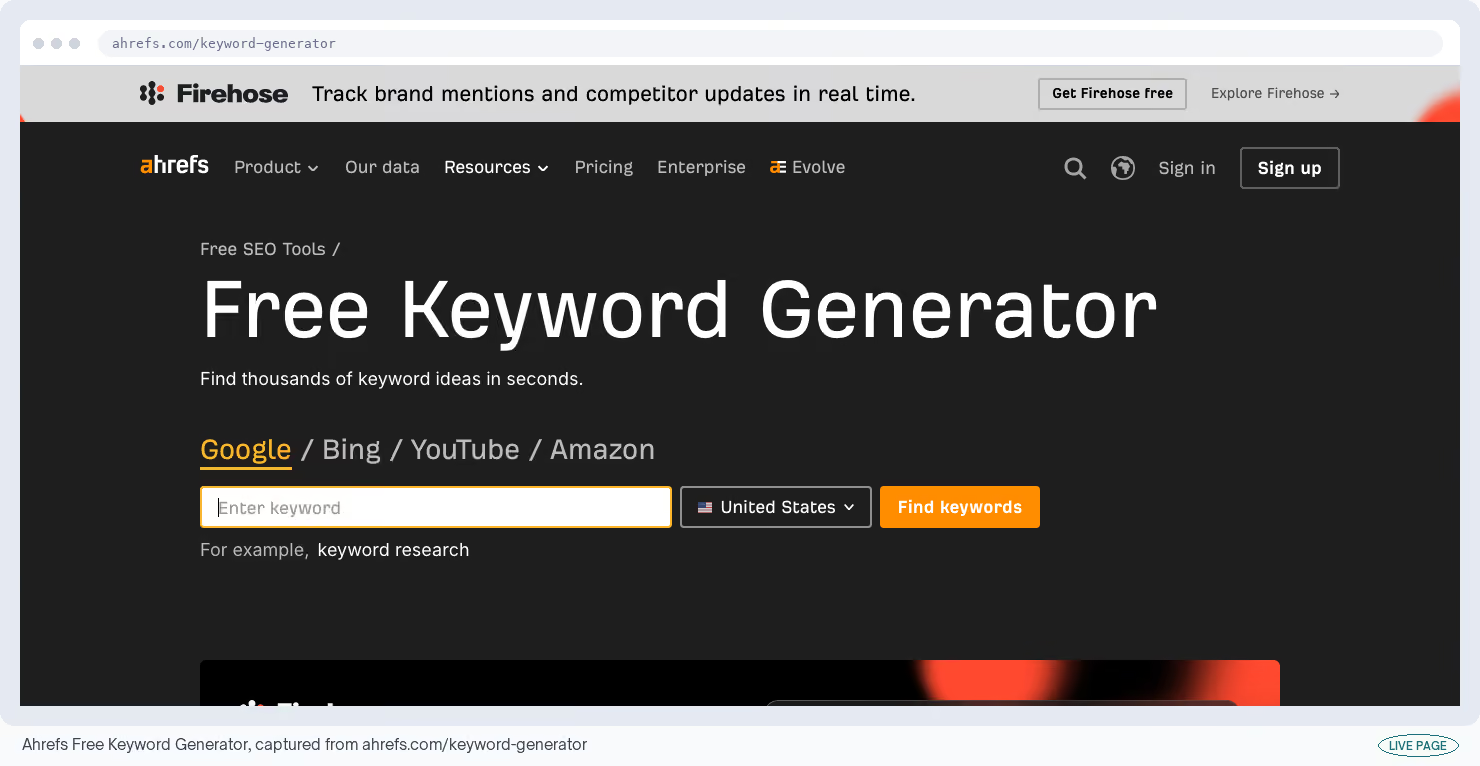
Type up to ten words or phrases into the Ahrefs Keyword Generator and it hands back related search terms, each with a monthly volume and a difficulty score out of 100.
Ahrefs draws them from what it calls "our database of over 8 billion queries". There's no login and no card.
Cost
Free, no account · Ahrefs Free Keyword Generator listing
What I like
- Search volume and a difficulty score with no signup, across Google, Bing, YouTube and Amazon.
- It's the fastest way I know to size up a topic before anyone opens a paid seat to check it properly.
What could be better
- It shows the top 100 of roughly 150 ideas and stops.
- You can't download the list, filter it, or tell which terms are people researching from people ready to buy, so the work dies in the browser tab you did it in.
My tip
Use this one to size a topic and AlsoAsked to structure it. Volume tells you whether a topic deserves a page, and the question branches tell you what goes on that page.
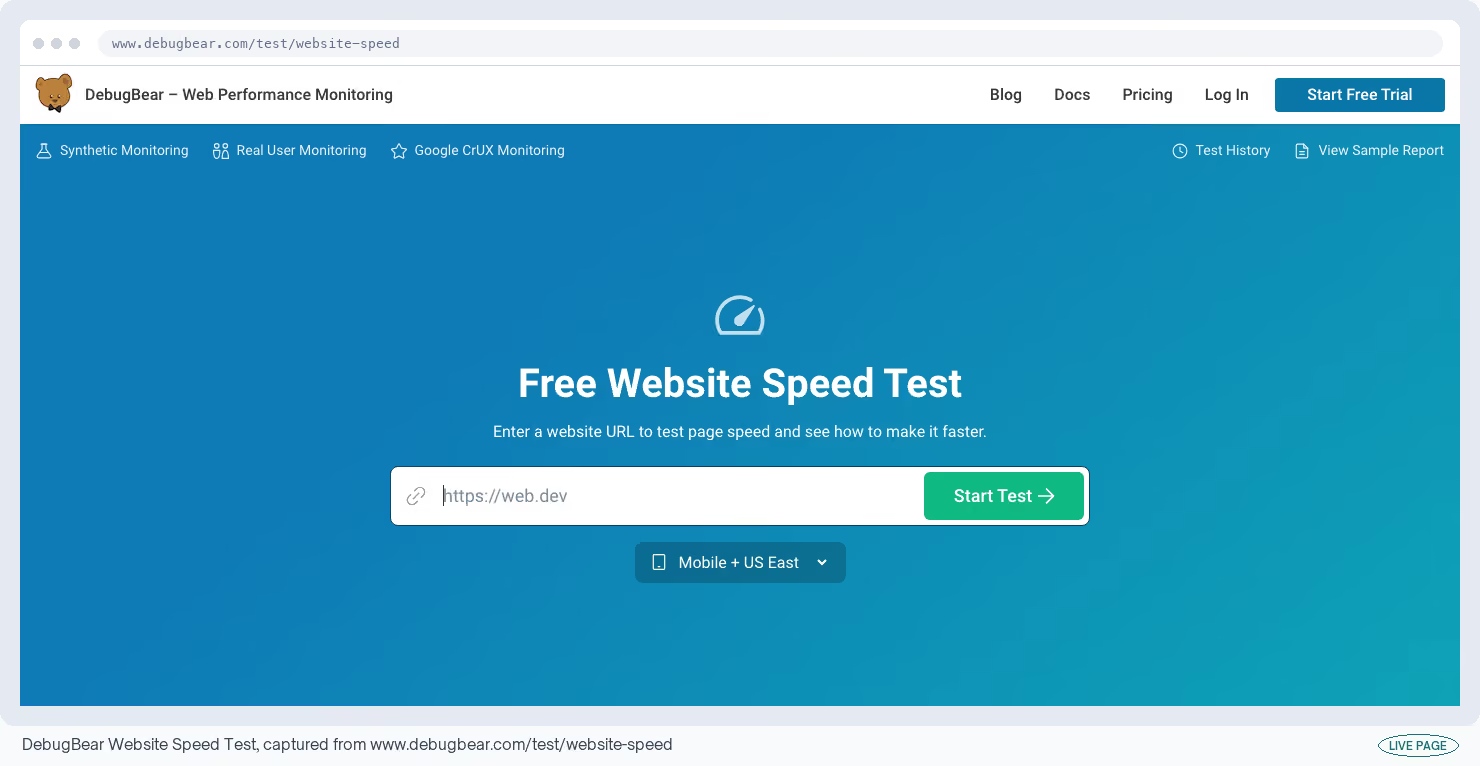
10. DebugBear Website Speed Test
DebugBear's speed test covers the same ground as Google's tool and then adds the part Google leaves out. You get a strip of stills and a video showing exactly what a visitor saw while the page was loading.
Cost
Free as a guest, tested from one location · DebugBear Website Speed Test listing
What I like
- It finds over 25 known speed problems and puts a priority on every recommendation, so the report arrives already sorted.
- Show the video to a non-technical stakeholder and the argument about whether the page is slow is over.
What could be better
- Guest tests run from one location only, so you can't see what a visitor in another country experiences.
- The 30-plus test locations, ongoing monitoring and saved history all sit behind the paid product.
My tip
Open this when Google's tool gives you a score and no explanation. DebugBear lists every file the page loaded in the order it loaded them, which names the one holding everything else up.
Paid Ads: Read the Ads Your Buyers Are Already Seeing
None of these will tell you what a competitor spends. No vendor has that number and the ad platforms don't publish it, so anyone selling you an estimate is guessing.
You can read the ad itself, though. The words, the images and the offer are all public. That's enough to see how a competitor is positioning.
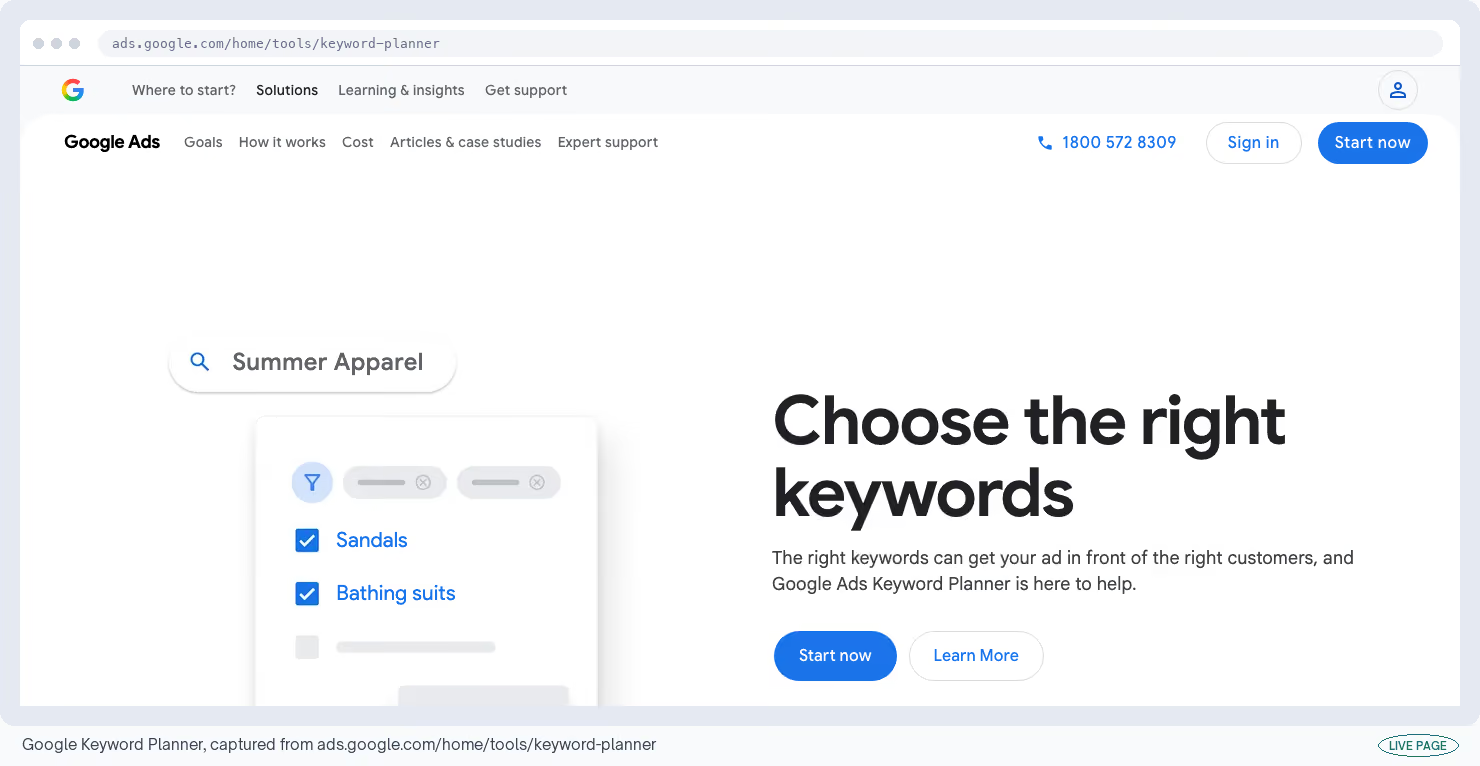
11. Google Keyword Planner
Google sells its search ads by auction, so the price of a click changes with how many advertisers want the same term. If you're budgeting a paid search test you need those prices.
Google Keyword Planner is the only place they come from, because nothing else has access to the auction.
It sits inside a Google Ads account, and opening one of those costs you nothing at all.
Cost
Free with a Google Ads account; you need to be spending to see exact search volumes · Google Keyword Planner listing
What I like
- Click prices and competition levels straight from the auction, which no outside estimate can match.
- It's the number a finance conversation will accept without an argument.
What could be better
- If you aren't spending, Google shows you brackets instead of numbers.
- A bracket of 1,000 to 10,000 covers a term searched 1,500 times and one searched 9,000 times, and reviewers point out that's far too wide to plan around. It also says nothing about how hard a term is to rank for without paying.
My tip
A few hundred dollars of live spend a month switches the brackets into exact numbers everywhere in the tool. If you're running any paid search at all, you already qualify.
12. LinkedIn Ad Library
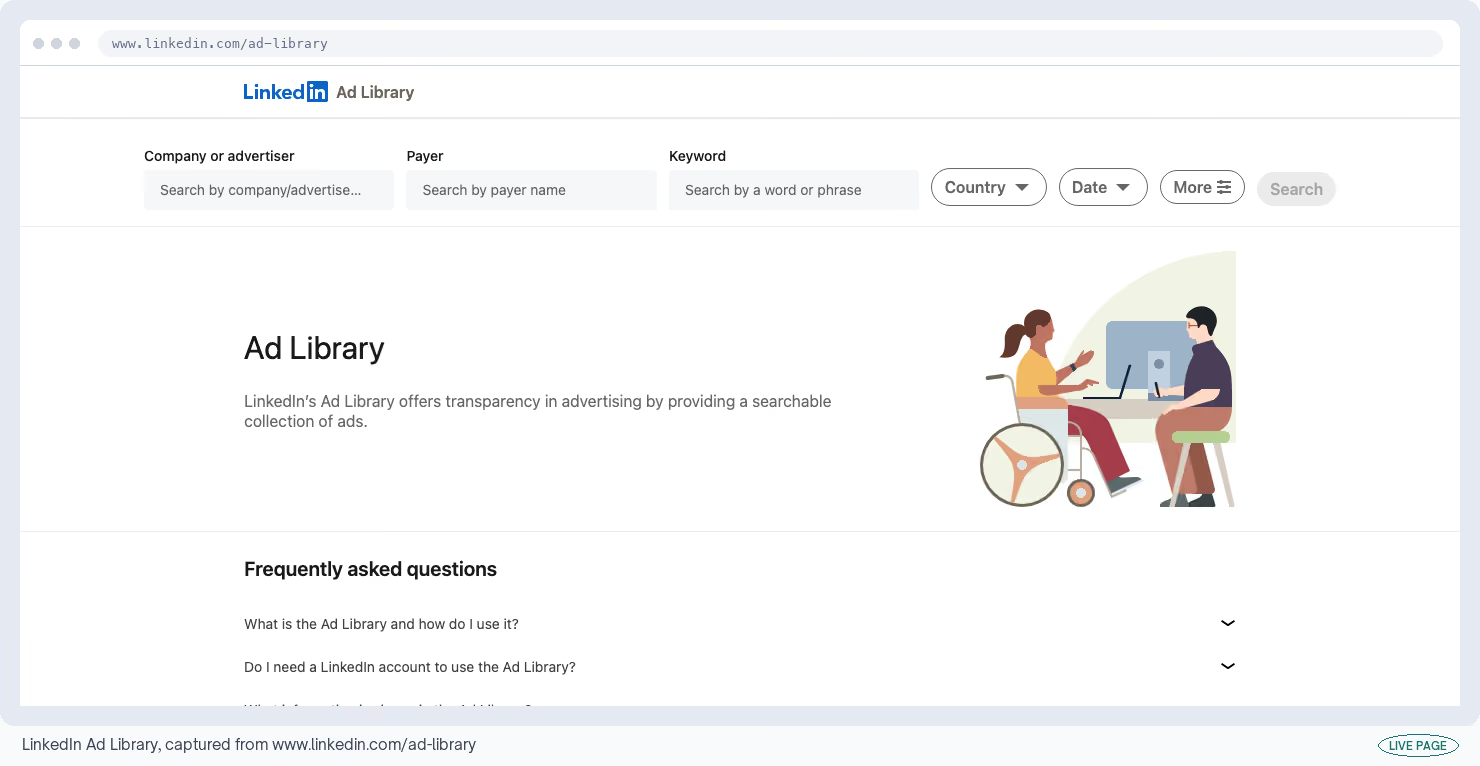
Every LinkedIn company page now has an ads tab, and LinkedIn Ad Library is the page where you read it. You get the ads a competitor has paid to put in front of your buyers over the past year, with no login needed.
Cost
Free, no login · LinkedIn Ad Library listing
What I like
- The exact words, in the exact format, from the exact company.
- Positioning changes turn up here months before a website catches up, which makes it the cheapest competitive research going.
What could be better
- Budget and cost appear nowhere in it, and no third party has that data either.
- LinkedIn only shows who an ad was aimed at, and how many people saw it, for ads served inside the European Union, so a competitor advertising only in North America gives you the ads and nothing else.
My tip
Screenshot whatever you find. Ads drop off the library about a year after they last ran, and there's no archive underneath it.
13. Ads Transparency Center
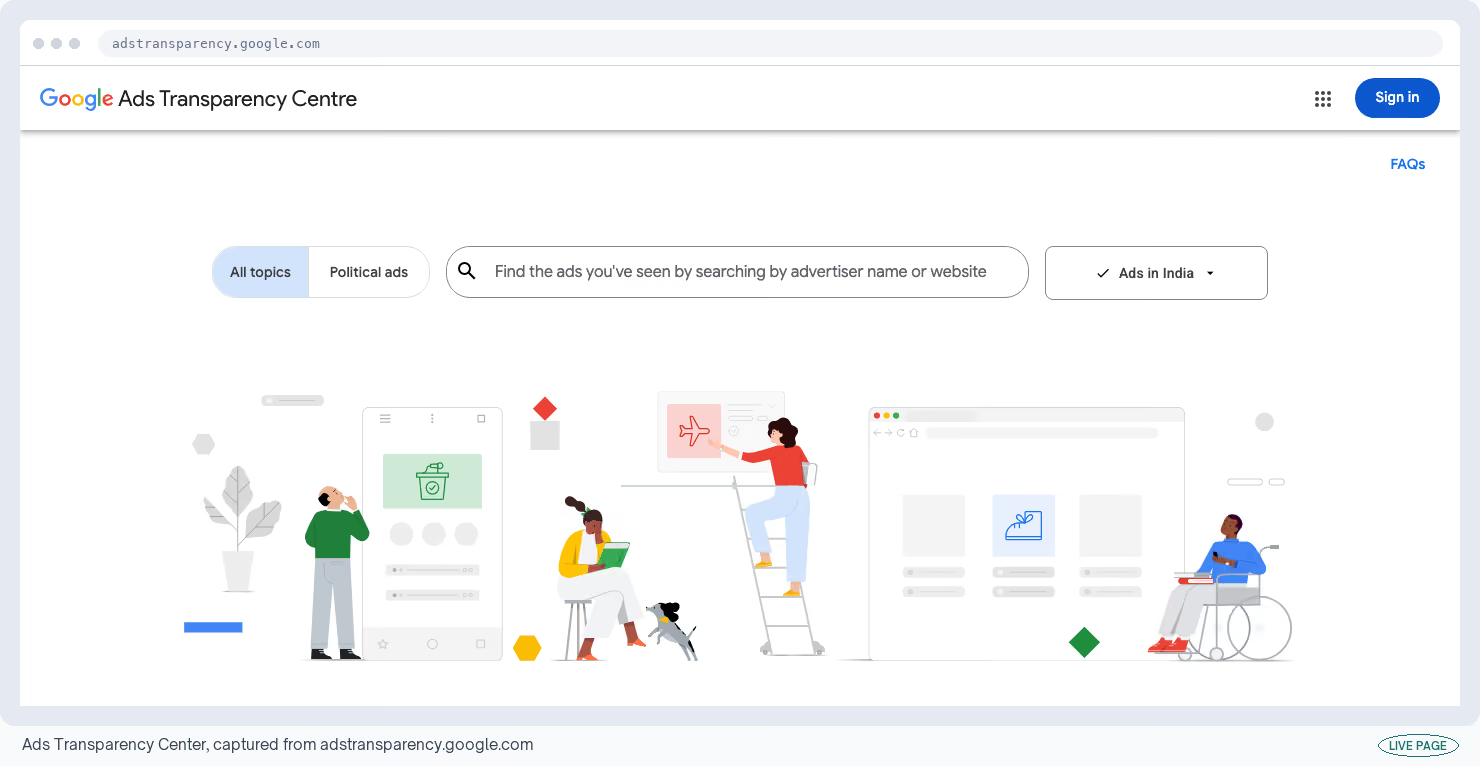
Google built the same idea and reached further with it. The Ads Transparency Center lets you look up an advertiser and page through every ad it has run across Google search, display banners, Gmail and YouTube.
Each listing shows the company's registered legal name and the country the ad ran in.
Cost
Free, no signup · Ads Transparency Center listing
What I like
- Four different ad formats in one place, plus the registered company behind the account.
- That last part earns its keep when a brand runs its ads through an agency or a subsidiary you'd never have found.
What could be better
- Only advertisers who have completed Google's identity checks appear, and you usually need their exact registered name to find them.
- A trading name or a small typo returns nothing, and there's no way to search by keyword.
My tip
Look the company up on its own privacy page or a company filing first, then search the legal name you find there. That's the step that turns an empty result into a list of ads.
Analytics: Find Out Where Visitors Give Up
Analytics splits into three jobs: counting your traffic, watching what individual visitors did, and testing whether a change made anything better.
The free plans here are more generous than you'd expect. The catch shows up when you try to get data out: the screens are generous and the exports are not.
14. Google Analytics 4
Google Analytics 4 is the standard way to find out which marketing channel produced last month's signups. It's free with no cap on how many people can log in. That's most of why it became the default.
The limits are all sitting in places you won't notice until a report comes out wrong.
Cost
Free, with limits on how long it keeps data · Google Analytics 4 listing
What I like
- Channel and conversion reporting for nothing, already wired into Google Ads and Search Console.
- The underrated part is the BigQuery export, which copies your raw data into a Google database you control, and it's free on the standard plan.
What could be better
- By default it throws away individual visitor data after two months, and 14 months is the maximum you can set.
- Nothing prompts you to change it.
- Past 10 million recorded actions in one report it starts estimating from a sample, and any list with more than about 500 different values a day gets lumped into a single row labelled "(other)".
My tip
Change the data retention setting to 14 months on the day you create the account. It only applies from that day forward, so a late change can't recover the months you already lost.
15. Looker Studio
Looker Studio replaces the monthly reporting deck with one link that updates itself. It plugs into Google Analytics, Search Console, Google Ads and Sheets at no cost, and there's no limit on how many people can view or build reports.
Cost
Free, unlimited reports and viewers · Looker Studio listing
What I like
- It kills the recurring job of screenshotting the same charts every month, which is most of why I keep it around.
- The Google connections need no setup, so you can have something shareable inside an hour.
What could be better
- Speed. Joining data from more than three or four sources gets unreliable, five is the hard maximum, and a report with 10 charts drawing on three sources can take 10 to 20 seconds to load.
- Of 13 G2 reviews in 2025, five flagged performance.
- The $9 paid version doesn't help, because the cause is how the product is built.
My tip
Build one page per audience instead of one page with 20 charts on it. Load time follows the number of charts more closely than anything else you control.
16. Microsoft Clarity
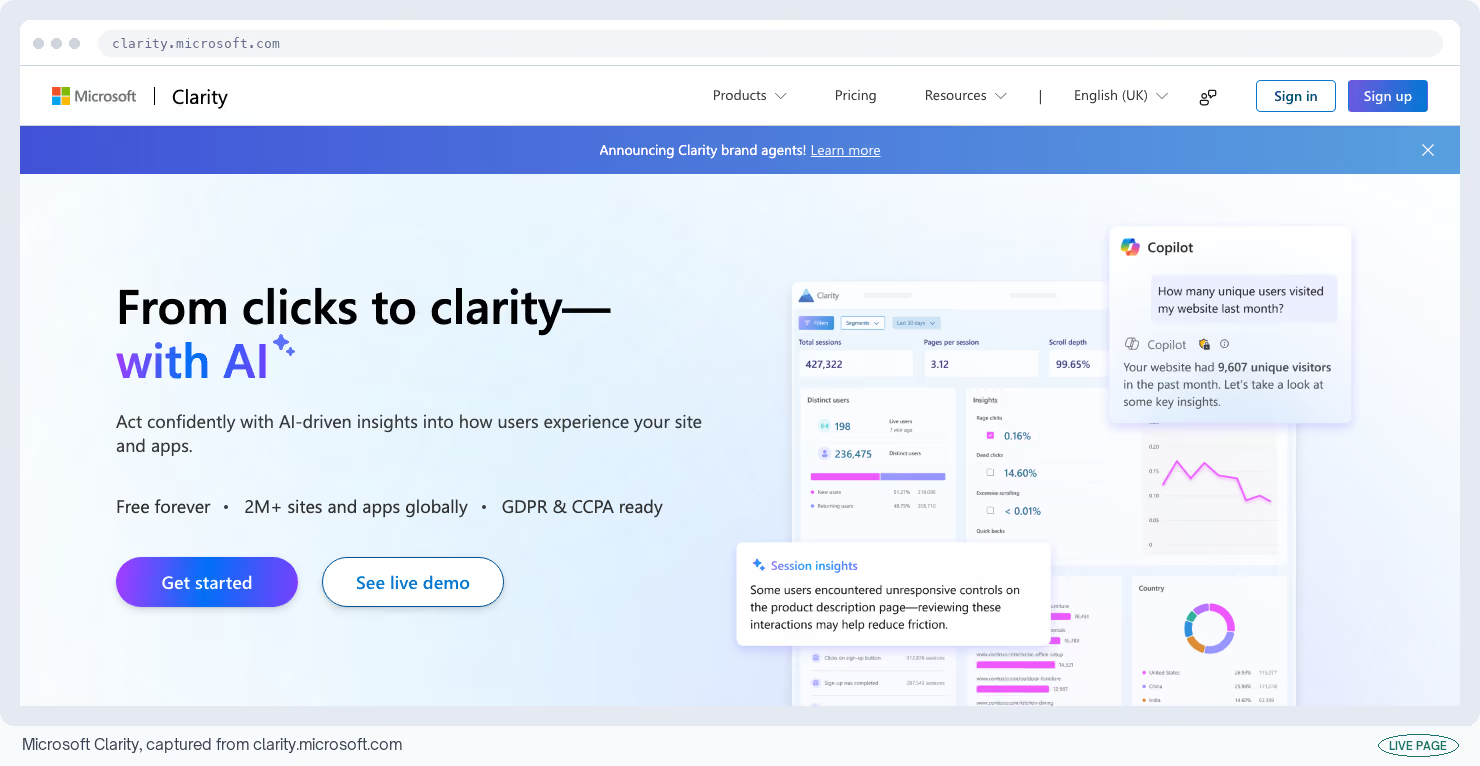
Clarity records a video of what each visitor did on your site, and it draws color maps showing where people clicked and how far down they scrolled.
Microsoft's own page says "Free forever. Built to grow with your business. No limits on traffic." Microsoft Clarity is where I'd start.
Cost
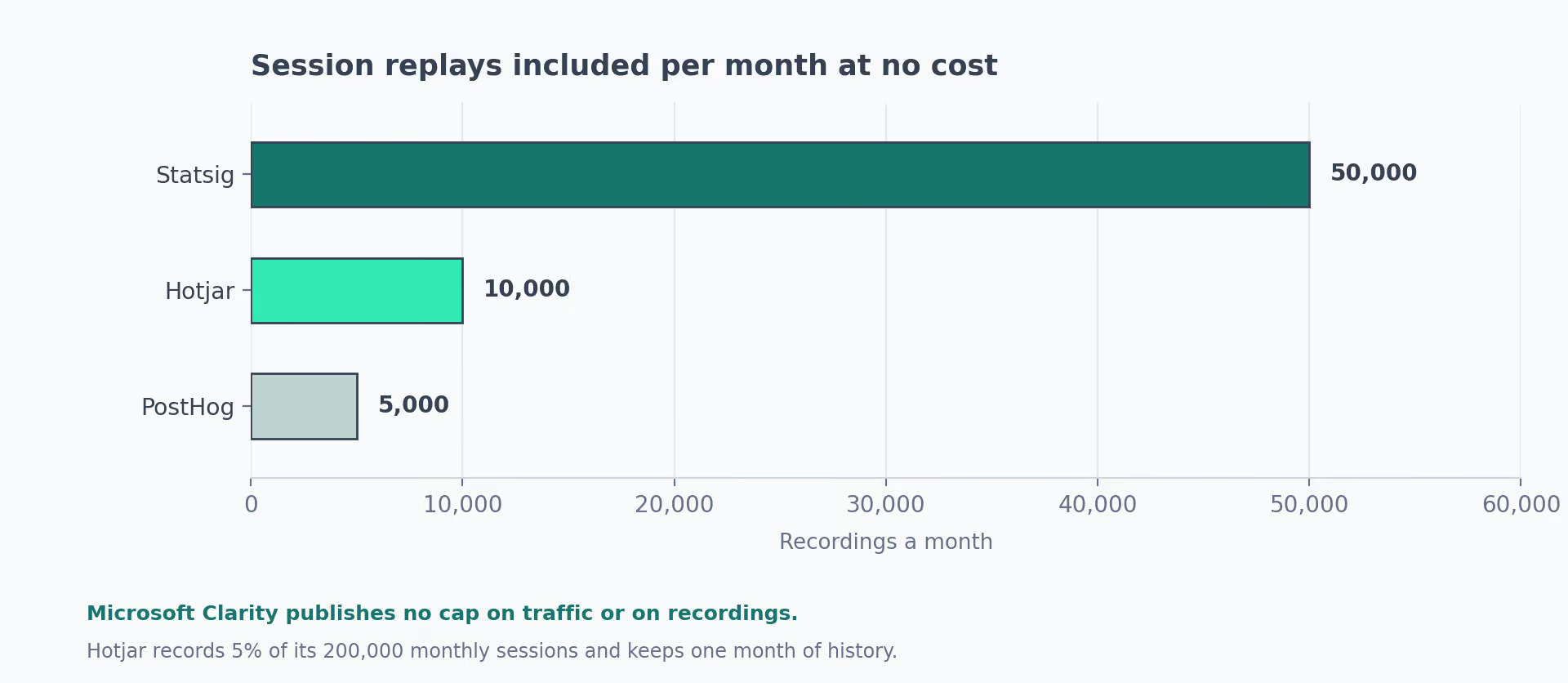
Free forever, no limit on traffic or recordings · Microsoft Clarity listing
What I like
- It flags rage clicks, where somebody jabs at the same spot because nothing is happening, and dead clicks, where they click something that isn't a button. Both point straight at the element that's confusing people, which saves you watching an hour of video to find it.
- Watch five recordings and you usually know why a page fails.
What could be better
- There's nothing in it that asks visitors anything.
- No surveys and no feedback boxes, so you see what people did and never why they did it in their own words.
- Reviewers also find the filtering thin next to a paid product.
My tip
Filter to the sessions that contain a rage click and watch those first. Random recordings will burn an hour and teach you less than 10 chosen ones.
17. PostHog
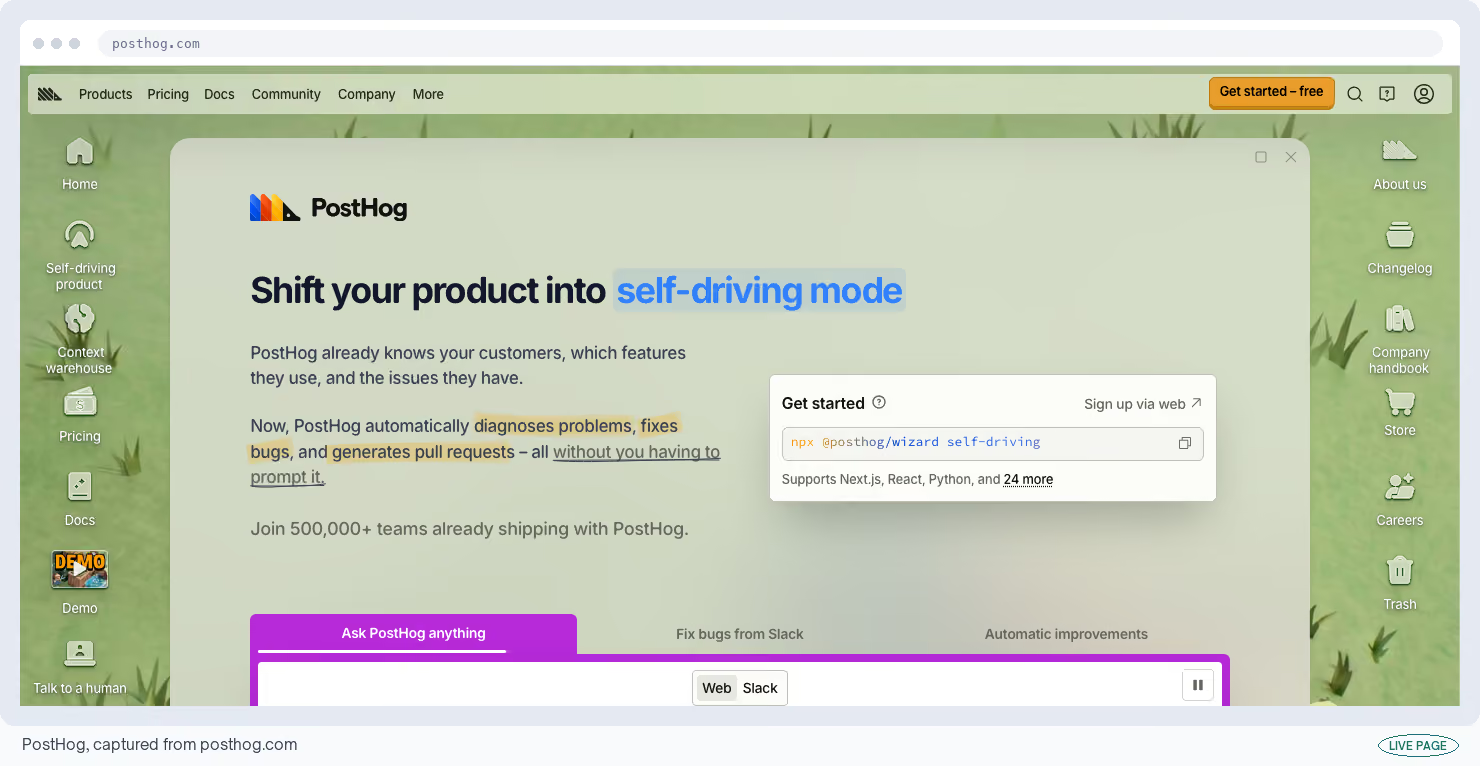
The PostHog platform puts five things on one free plan: product analytics, visitor recordings, feature switches, surveys and experiments.
The free allowance is 1 million recorded actions, 5,000 recordings, 1 million feature-switch checks and 250 survey responses a month, with no card.
Cost
Free to 1 million actions and 5,000 recordings a month · PostHog listing
What I like
- The range. One signup tells you which accounts reached the moment your product becomes useful, where the rest stalled, and what changed when you switched a feature on.
- The free allowance keeps applying even after you start paying.
What could be better
- Working out the bill. Because you pay per action recorded, reviewers report not knowing what a month will cost until it arrives, and an action tied to a named user can cost up to four times one from an anonymous visitor.
My tip
Set a spending limit on the day you sign up, and leave actions anonymous unless you need to know who the person was. Both controls exist and neither is switched on for you.
18. Google Tag Manager
A tag is a small piece of tracking code that sites drop onto a page, and normally a developer has to add it. Google Tag Manager lets you add and remove tags yourself, this afternoon, without waiting for the next release.
It's free however much traffic you have, and most of the analytics tools above depend on it being set up properly.
Cost
Free at any traffic level · Google Tag Manager listing
What I like
- Adding a tag and undoing it without a developer or a release window.
- It keeps every past version, so a bad tag is a two-click revert, which is why a marketer can use it at all.
What could be better
- The learning curve is steeper than anyone admits.
- Tracking a custom action means understanding how your site passes information to the tag, and reviewers describe documentation that assumes you can read code.
- Tag Companion tracked over 600,000 websites removing it since early 2026.
My tip
Learn Preview mode before you learn anything else. It shows you which tags fired when you clicked, and that one panel answers most of what the documentation doesn't.
19. Amplitude
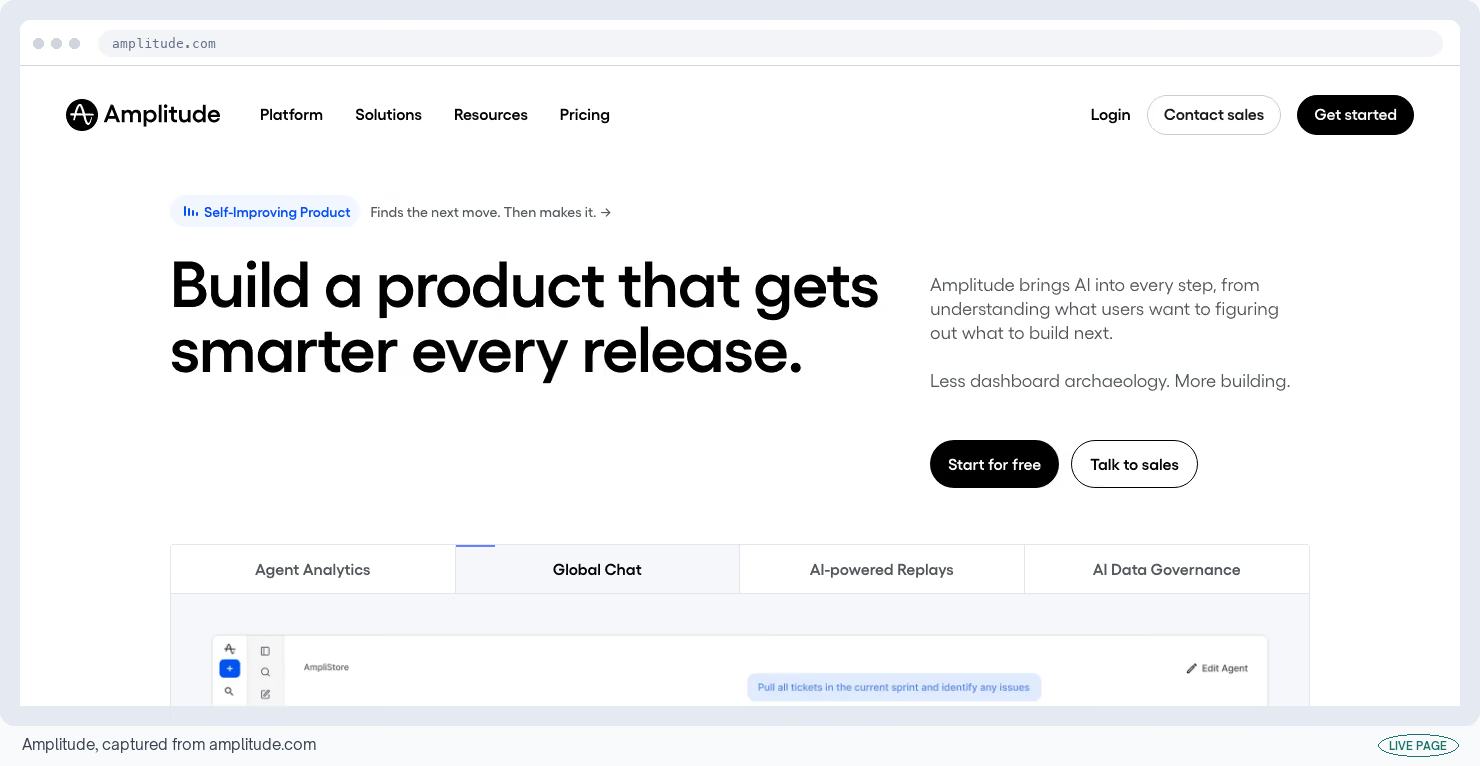
The Amplitude platform answers questions about how people use your product: where they drop out of signup, and who comes back a week later. The free plan covers 50,000 monthly users and 2 million recorded actions.
Nobody gets charged for a login. That matters more here than the action limit does.
Cost
Free to 50,000 monthly users and 2 million actions · Amplitude listing
What I like
- Drop-off and return-visit analysis that product teams trust, with nobody charged for a login.
- A designer can answer their own question instead of queuing behind whoever holds the account.
What could be better
- The price once you outgrow it.
- The complaint I see most across G2, Reddit and Hacker News is cost at scale, quoted at two to five times what Mixpanel charges for the same usage, and a spike in traffic lands directly on the bill.
- Reviewers also report two to three weeks before a non-technical person gets anywhere with it.
My tip
Decide what you're going to record before you record it. A monthly user counts once no matter how many actions they take, and recording every click is what pushes teams onto a paid plan within three months.
20. Statsig
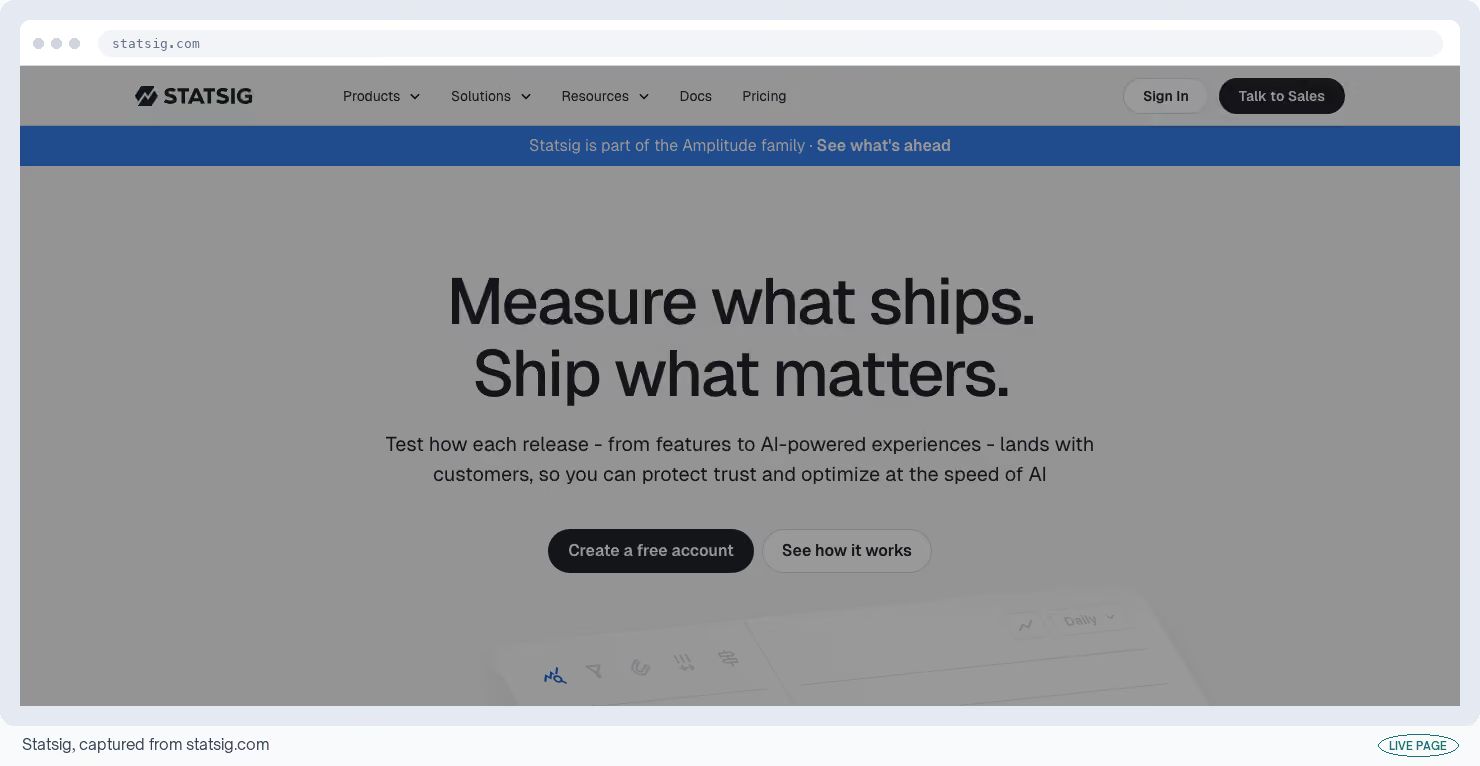
An A/B test shows two versions of a page to two halves of your audience and tells you which won. A feature switch lets you turn something on for a slice of users without a new release. Statsig's free plan does both at no cost.
The free plan allows 2 million recorded actions a month, unlimited switches and 50,000 visitor recordings, with nobody charged per login.
Cost
Free to 2 million actions, unlimited switches, 50,000 recordings · Statsig listing
What I like
- Fifty thousand visitor recordings on a free plan is the most generous allowance in this whole directory, by a long way.
- It sits at 4.7 out of 5 on G2 across roughly 100 reviews, and it can do its calculations inside your company's own database instead of copying data out.
What could be better
- It's built for teams who write code, and it shows.
- Running it against your own database needs a data engineer, and crossing 2 million actions asks you for a card straight away.
My tip
Take the feature switches even if you never run an experiment. Being able to turn a new release off for everyone in one click is the cheapest insurance a launch can have, and here it costs nothing.
21. Cloudflare Web Analytics
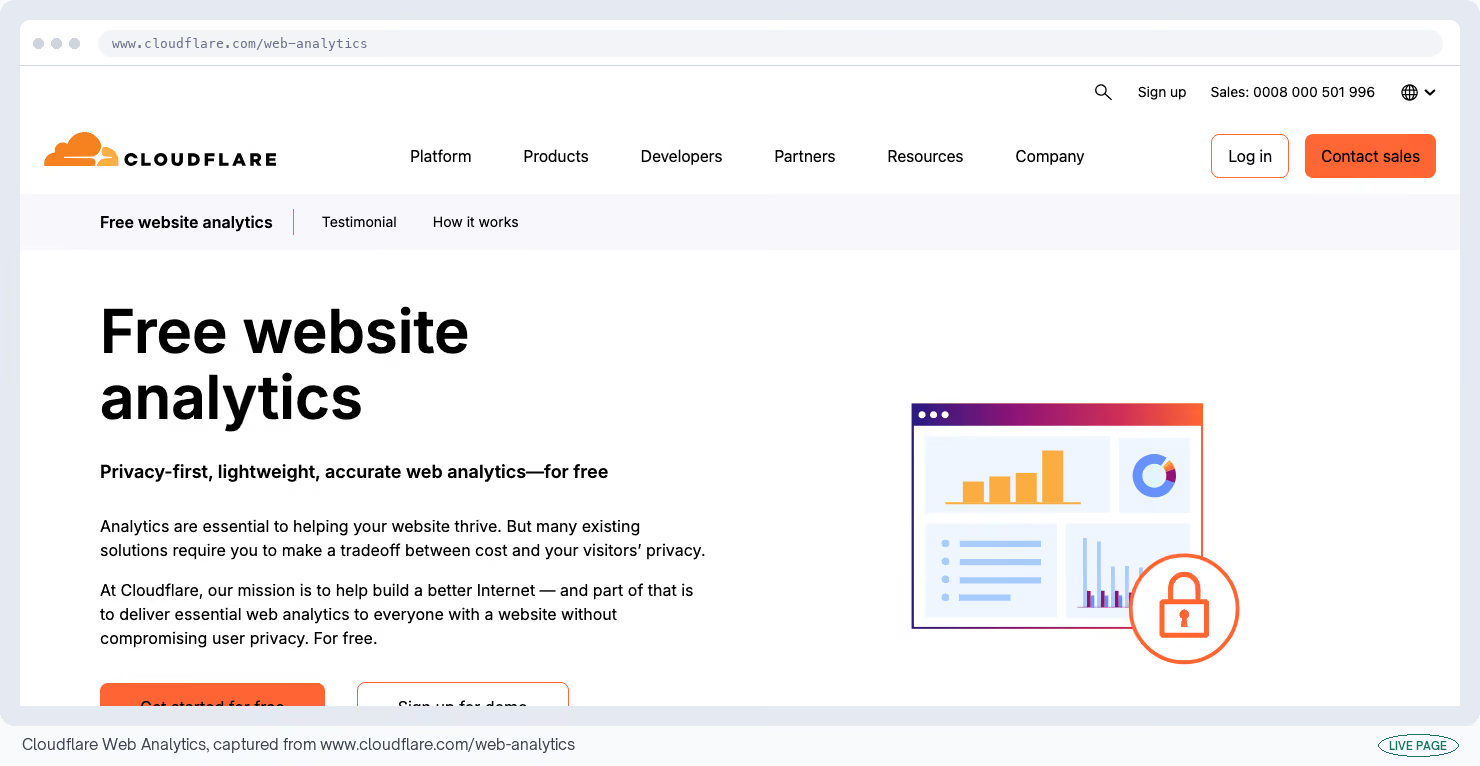
Most analytics tools identify returning visitors with a cookie, which is what forces the consent banner onto your site. Cloudflare Web Analytics counts traffic without one, so it gets you a number your legal team will sign off on. It's free.
Cost
Free, no cookie and no consent banner · Cloudflare Web Analytics listing
What I like
- Getting a page-view number legal will accept is not a small thing.
- You also see server-level detail like how many requests failed and how much data your site sent, which ordinary analytics tools never show you.
What could be better
- It's thin. Bounce rate is missing, so is any measure of how long people stayed, and there's no live view of who's on the site right now.
- Marko Saric's review calls it basic even next to Plausible, and seeing today's numbers means setting a custom date range by hand every time.
My tip
Run it alongside Google Analytics and compare the two page-view numbers. The gap between them is a decent estimate of how much consent banners and ad blockers are costing your reporting.
22. Matomo On-Premise
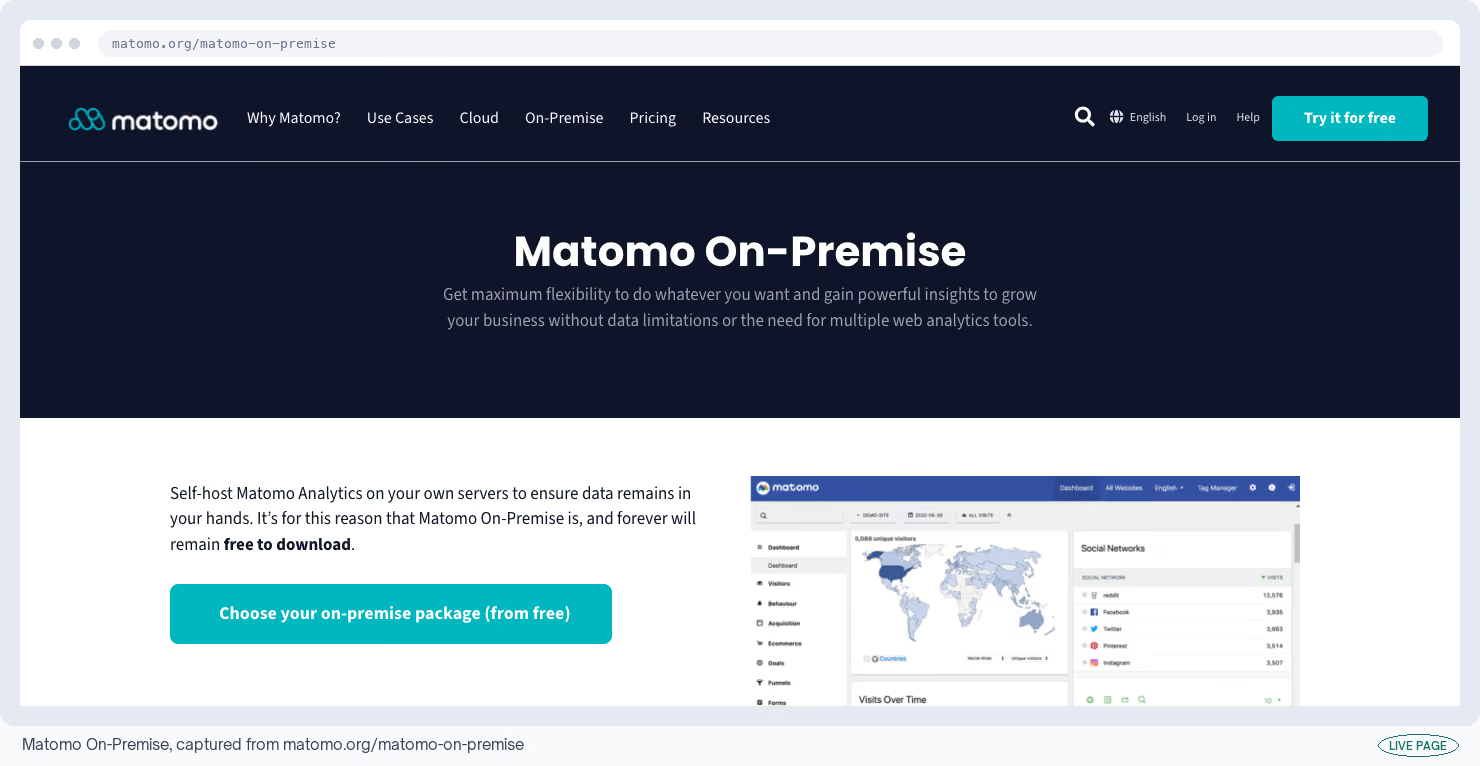
Matomo On-Premise is analytics software you install on your own server, which means the visitor data never leaves your company. That's usually the shortest route to a yes from a legal or procurement team.
The software itself costs nothing, and the cost lands instead in hosting it and looking after it.
Cost
Free software; you pay for the server and the upkeep · Matomo On-Premise listing
What I like
- You own all of it, with no estimating from samples and no limit on how long data is kept, which is why regulated companies keep picking it.
- You get Google-Analytics-style reports without sending anything to Google.
What could be better
- The upkeep. The most common reason people say Matomo is slow is a missing scheduled task that pre-builds the reports overnight; without it, the reports get built while people are trying to read them.
- Some plugins cost extra even on your own server, and third-party ones often break when Matomo updates.
My tip
Set up that scheduled task in the first hour, before you add a single website to it. Almost every complaint about Matomo being slow traces back to that one step being skipped.
23. Hotjar
Hotjar's free plan covers visitor recordings, click maps and simple surveys. It counts 200,000 visits a month, one website, and 100 survey answers.
Only a slice of those visits ever gets recorded, which is the detail that trips people up.
Cost
Free to 200,000 visits, 1 website, 1 month of history · Hotjar listing
What I like
- Recordings and click maps with a survey attached, which is the one combination Clarity doesn't offer.
- The interface is the friendliest here for a team that doesn't do this every day.
What could be better
- The headline number is misleading.
- Only 5%% of visits get recorded, capped at 10,000 recordings, and history stops after a month, so comparing this month with last is off the table.
- Contentsquare split Hotjar into three separately billed products in July 2025, and surveys now start at $99 a month.
My tip
Choose between this and Clarity on one question: do you need to ask visitors anything? If watching them is enough, Clarity has no cap and keeps more history.
Email: Land in the Inbox Before You Worry About the Subject Line
Deliverability is the question of whether your email reaches the inbox at all, or gets filed as spam and never read.
It comes down to your domain's reputation and to three technical records in your DNS settings, the configuration that tells the rest of the internet where your mail comes from.
Nowhere else does free software get you this close to the paid version. Four of these tools diagnose a sending problem without asking you to create an account at all.
24. Google Postmaster Tools
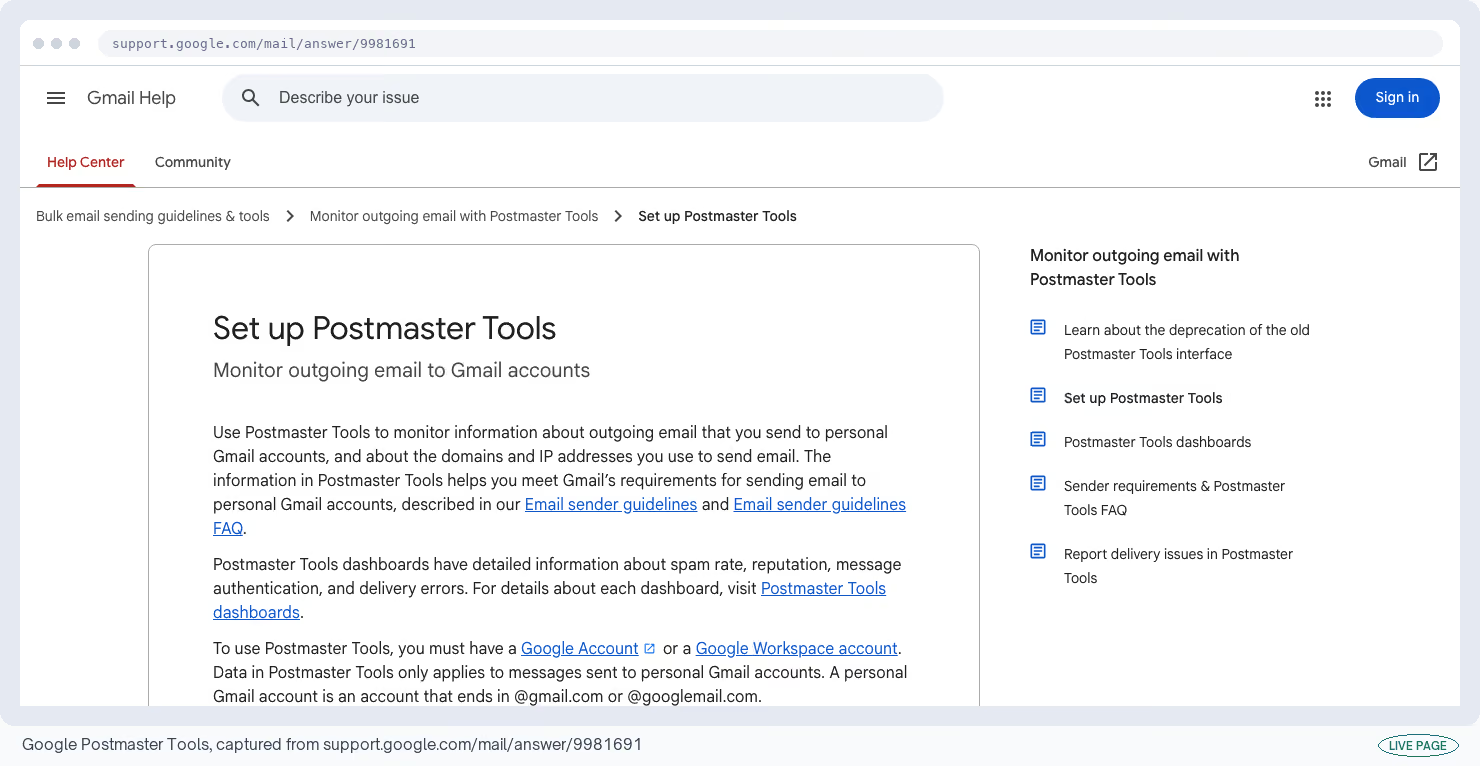
Gmail keeps a private opinion of every domain that mails it. It's based partly on how many recipients hit the spam button. Google Postmaster Tools is the only place you can read it.
Verify the domain and it's free. Version two added a compliance panel that names what Gmail wants you to change.
Cost
Free once you prove you control the sending domain · Google Postmaster Tools listing
What I like
- It shows you the spam rate Gmail has decided on before that turns into a drop in opens.
- No other tool tells you what the receiving mail provider thinks of you; everything else is inference.
What could be better
- It needs volume before it says anything.
- Guidance points at a few hundred to a few thousand Gmail messages a day before the dashboards fill in, and smaller senders just see "No data available".
- Figures also lag 24 to 72 hours behind reality.
My tip
Read "No data available" as too small a sample and nothing more. Teams see that screen, decide their reputation is bad, and start changing things that were never broken.
25. MXToolbox
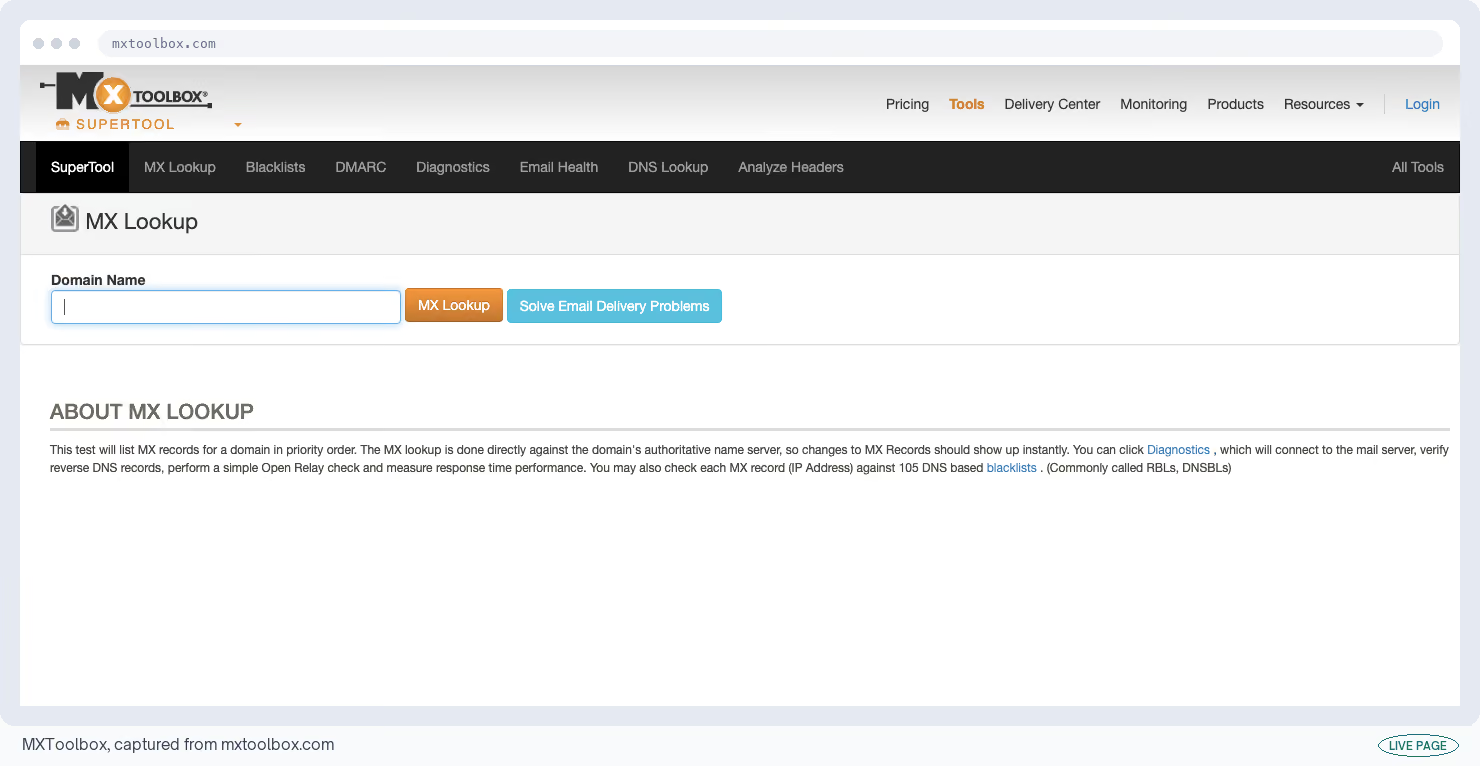
A blacklist is a shared list of senders that mail providers check before accepting a message, and landing on one can stop your email overnight. The MXToolbox site checks whether you're on any of them.
It also validates your DNS records, tests your mail server, and unpicks the routing information hidden inside an email, with nothing to create and nobody to pay.
Cost
Free lookups with no account; ongoing monitoring from $129 a month · MXToolbox listing
What I like
- Speed, and no login. A blacklist verdict takes under a minute, which is why it stays bookmarked, and the header analyzer shows you every server a message passed through on its way in.
What could be better
- It tells you that you're listed and then gives you almost nothing on how to get removed.
- Free monitoring checks 30 blacklists once a week, against more than 100 several times a day on the paid plan, and the results pages carry ads.
My tip
On any new sending domain, run the blacklist check and the SPF check together. SPF is the DNS record naming which servers are allowed to send as you, and getting it wrong causes more failed delivery than an actual blacklisting does.
You can check the SPF record from a terminal if you'd rather not open a browser:
dig +short TXT yourdomain.com | grep spf126. dmarcian DMARC Inspector
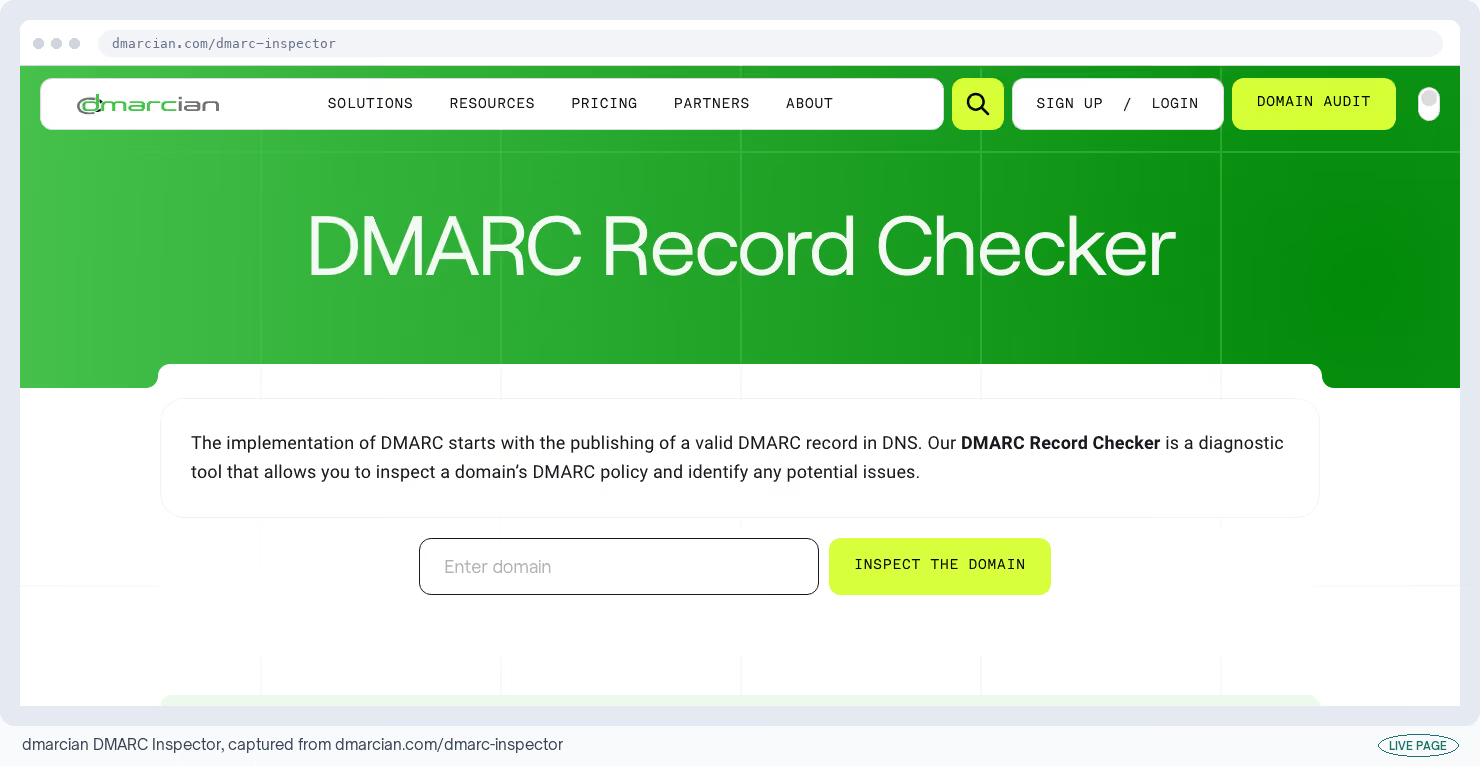
DMARC is a DNS record you publish. It tells other mail servers what to do with email that claims to be from you but fails its checks. Paste any domain into dmarcian DMARC Inspector and it reads your record back in plain language.
It works on domains you don't own too. That makes it a quick way to check a vendor before you integrate with them, and there's nothing to sign up for.
Cost
Free, no login, works on any domain · dmarcian DMARC Inspector listing
What I like
- Five seconds to find out whether a domain has a policy and what that policy asks other servers to do about impersonation.
- Running it on a vendor's domain before you integrate is a useful habit.
What could be better
- Reading the record proves nothing about the mail you're sending today.
- A policy set to p=none is perfectly valid and asks other servers to take no action at all, so a green result can sit happily on a domain with no protection whatsoever.
My tip
Look at the p value before anything else. Anything still set to p=none is collecting reports and stopping nobody from sending email in your name.
You can read the same record from a terminal, which is quicker when you're checking several domains at once:
dig +noall +answer TXT _dmarc.buffer.com TXT _dmarc.calendly.com TXT _dmarc.clay.com
27. Mail-tester
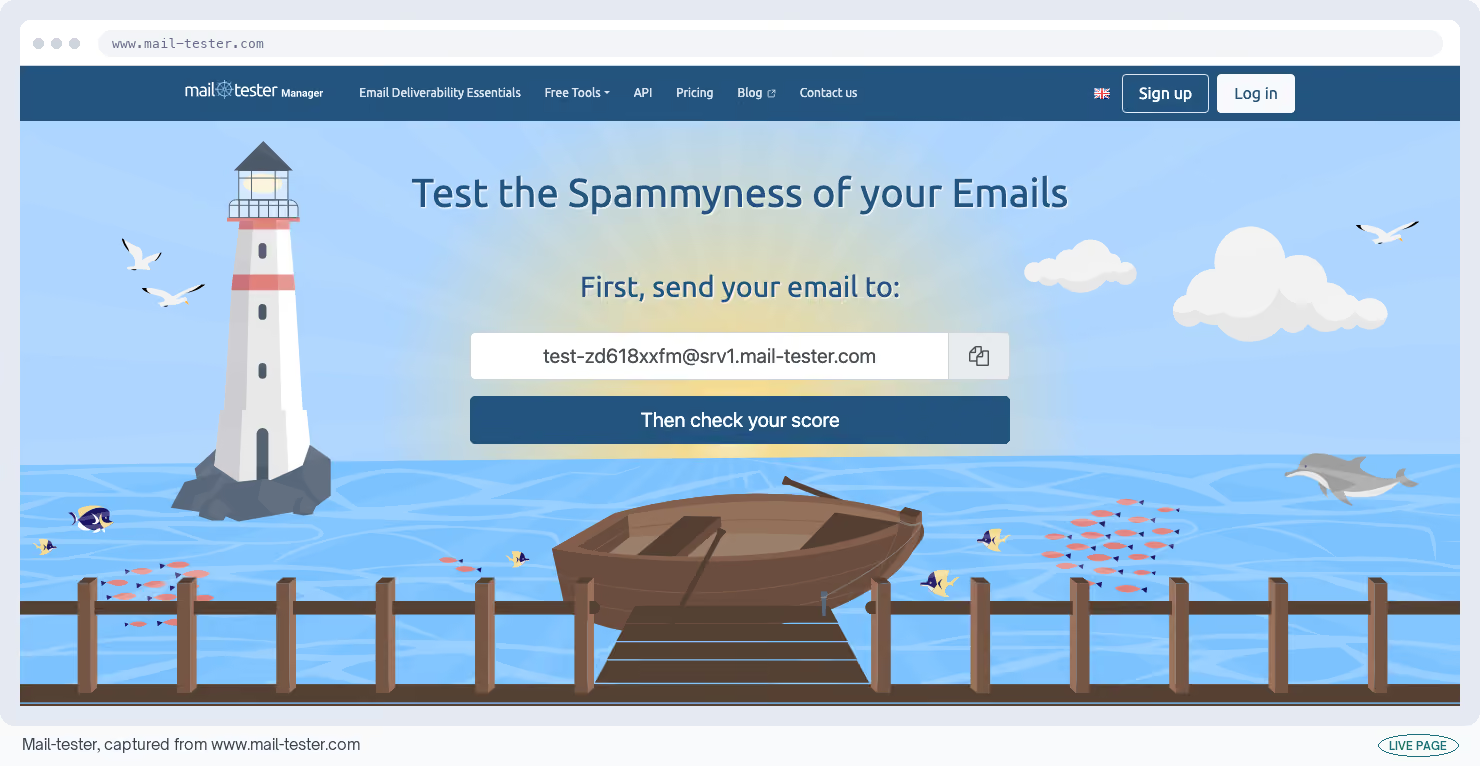
The Mail-tester page gives you a one-off email address. Send a live message to it and you get a score out of 10 on what arrived, along with a pass or fail on each of your DNS records.
You get three tests a day, with the results staying up for a week afterwards.
Cost
Free for 3 tests a day; results kept for 7 days · Mail-tester listing
What I like
- It tests the message you sent, down the path you send through, which catches setup problems that a tool inspecting your DNS records alone would walk straight past.
What could be better
- Three tests a day, and short explanations unless you pay.
- Reviewers are right that the score simulates a spam filter and doesn't predict the inbox, so a 9 out of 10 is reassurance and not a promise.
My tip
Test the template and the sending domain separately. Send identical copy from a second domain, and the gap between the two scores tells you which of the two is dragging you down.
28. Postmark Spam Check
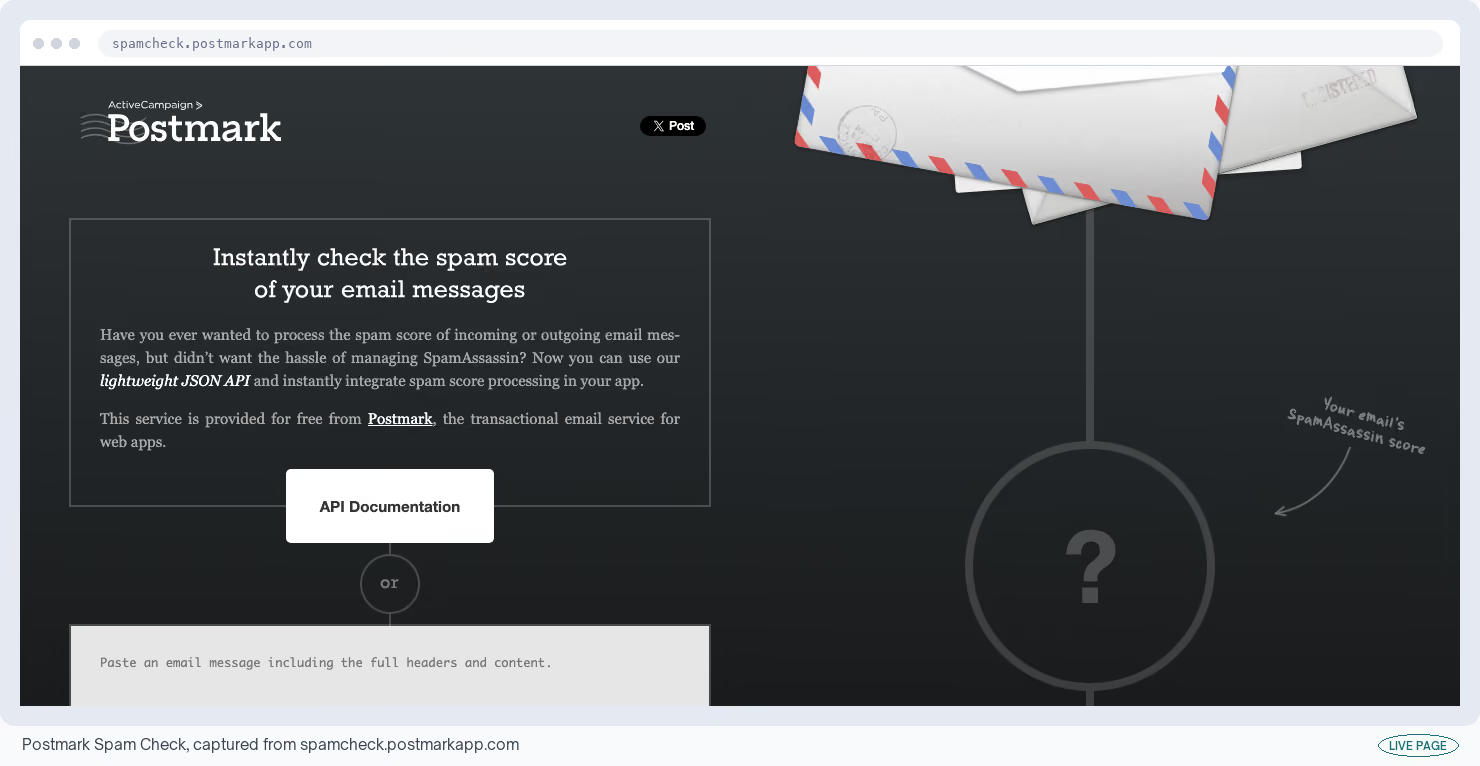
Most mail servers score incoming email with an open-source filter called SpamAssassin, which adds points for anything suspicious. Postmark Spam Check runs that same filter for you and shows the score with every rule that fired and what it cost.
Paste in the raw source of an email and you're done. No test limit, no account.
Cost
Free, unlimited tests, no account · Postmark Spam Check listing
What I like
- The line-by-line breakdown saves you time.
- You see which rule fired and what it cost, so you can cut the one phrase doing the damage instead of rewriting a whole template on a hunch.
What could be better
- It runs an older release of SpamAssassin, version 3.4.0, and it doesn't look at attachments, links or your DMARC record.
- It also can't tell you where the message landed once it was delivered.
My tip
Score every campaign before it sends and write down the number. A jump of two points nearly always traces back to one link or one phrase somebody added at the last minute.
29. Brevo
Most email tools charge by how many contacts you store. Brevo's free plan charges by how many you mail each day instead, which is why you can keep a big list on it.
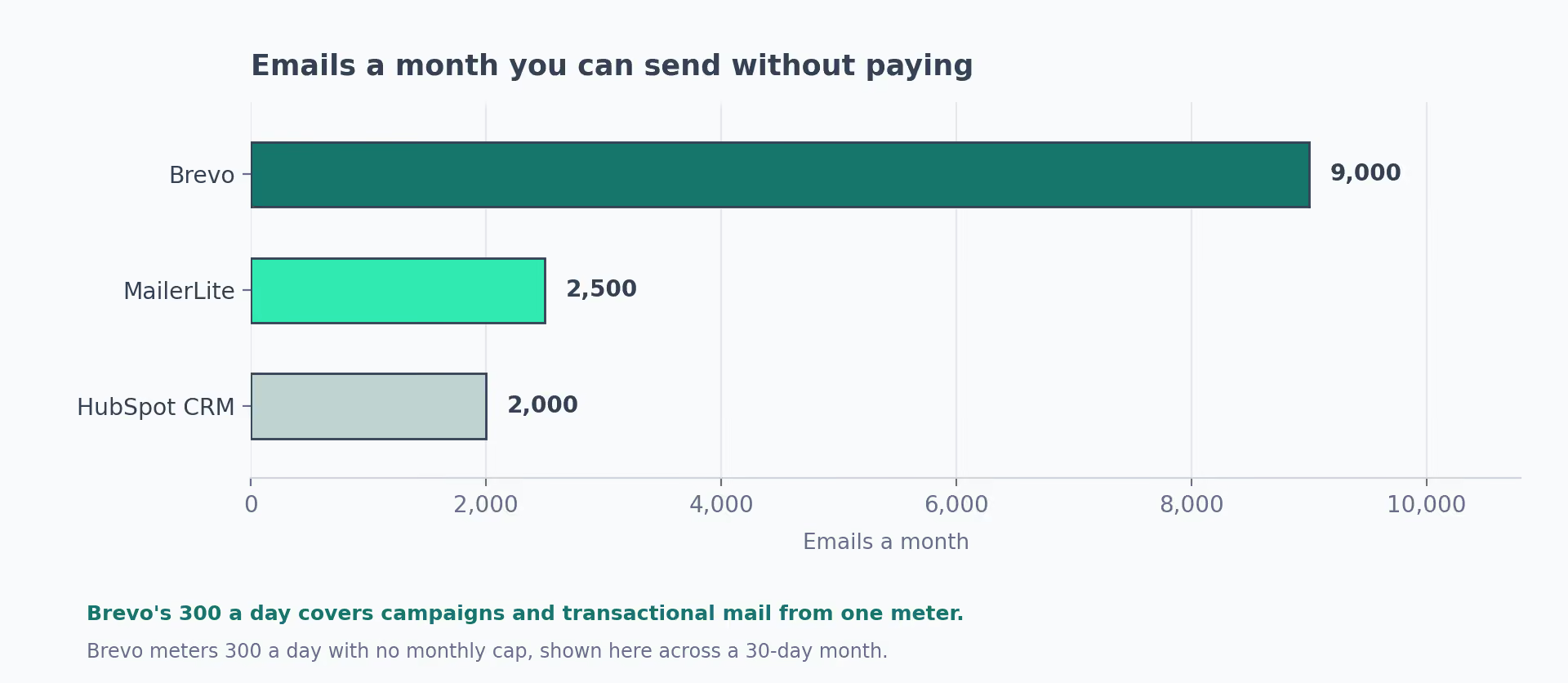
You get 300 emails a day with no monthly ceiling, and room for 100,000 stored contacts.
Cost
Free to 300 emails a day, 100,000 contacts stored · Brevo listing
What I like
- The contact storage is far more generous than anything else at this price.
- It's the one I'd pick when the list is big and you mail it rarely, which describes plenty of B2B newsletters.
What could be better
- Those 300 a day cover your campaigns and your automatic emails from the same counter, so password resets and receipts eat into your newsletter.
- Brevo branding stays on free sends unless you pay $10.80 a month, and automated sequences stop at 2,000 contacts.
My tip
Move the automatic emails to a separate service on day one. Otherwise a busy signup week uses up the day's allowance and the campaign you scheduled for Thursday never goes out.
30. MailerLite
MailerLite's free plan gets a welcome sequence running before your list is big enough to justify paying for one. It now allows 250 active subscribers and 2,500 emails a month.
You also get three automated sequences, three signup forms and one landing page on the free plan.
Cost
Free to 250 subscribers, 2,500 emails a month · MailerLite listing
What I like
- The editor and the sequence builder are better than they have any right to be at this price, and reviewers rate them above much heavier tools.
- The June 2026 update also gave free accounts custom templates, the HTML editor and popups.
What could be better
- Two cuts in a row.
- The subscriber cap went from 1,000 to 500 to 250, and getting an account approved is harder than with most senders.
- Capterra shows 60% of the 88 reviews that mention approval were negative, and there are Trustpilot cases of accounts suspended on perfectly healthy numbers.
My tip
Get the account approved before you import a single contact. Approval is where the friction sits, and a suspended account with your only list inside it is a bad afternoon.
31. Can I email
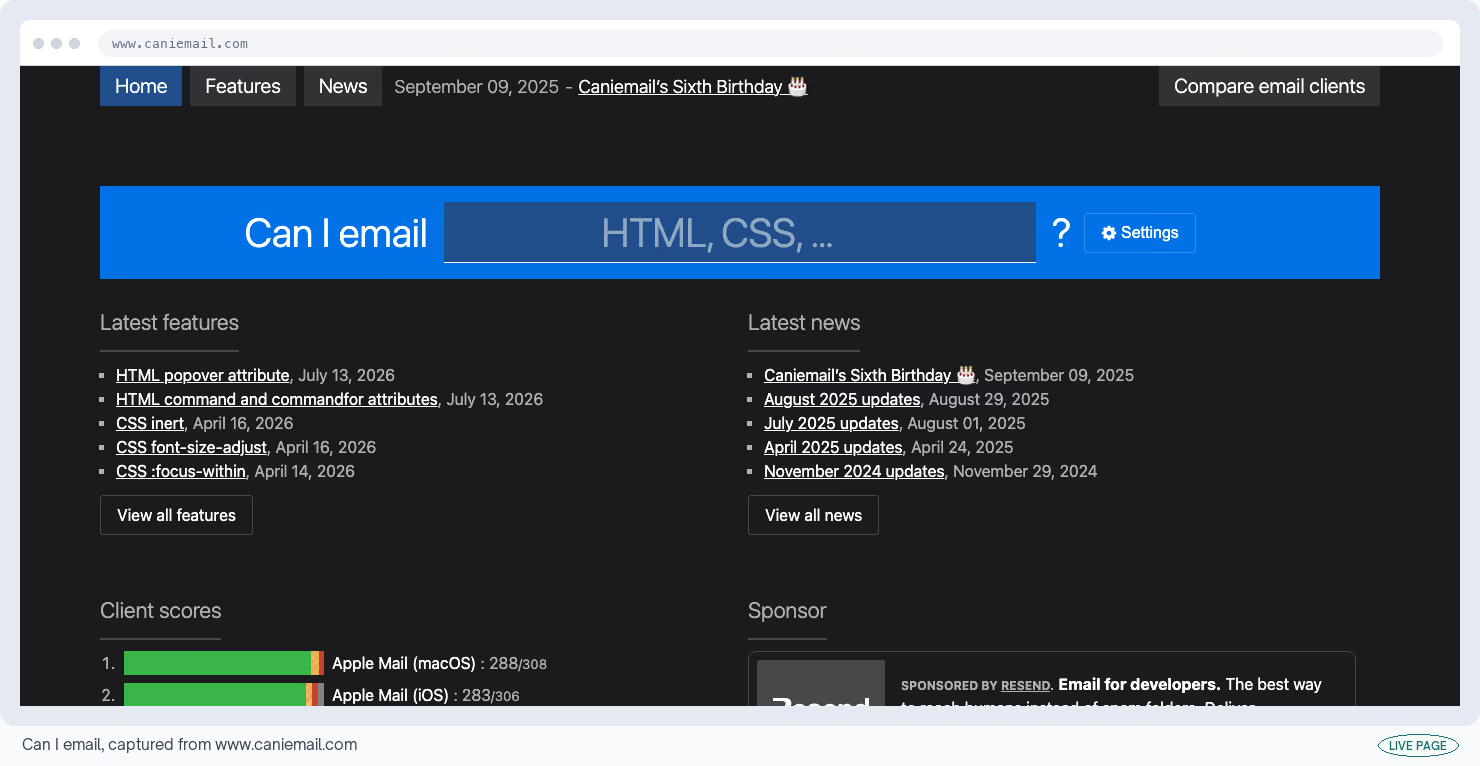
Email templates break in ways websites don't, because Outlook, Gmail and Apple Mail each support a different slice of HTML and CSS. Can I email is a free reference telling you which app supports what.
It's the email version of caniuse, open source, and it documents more than 300 features across every client from Gmail to HEY.
Cost
Free and open source, MIT licensed · Can I email… listing
What I like
- It settles an argument in one lookup.
- The client scoreboard is a decent map of what your template has to survive, and it settles a design argument faster than an opinion will.
What could be better
- Some rows are estimated instead of tested, worked out by dividing the clients that support something by the clients they've checked.
- The maintainers say so themselves, but you still have to notice which rows those are.
My tip
Check your own list's client breakdown in your sending tool before you trust an estimated row. Your Outlook percentage is the only one that gets to decide your template.
The maintainers are direct about the limits of the data behind those estimates:
"While we think this is a valuable functionality to help make technical choices, it is important to keep in mind how email tracking works and how accurate (or how inaccurate) this data can be."
32. MJML
Old versions of Outlook only lay out email correctly if it's built from nested HTML tables, which is miserable to write by hand. The MJML framework lets you write simple components instead and turns them into that table markup for you.
It's free and open source, and reviewers call it the most proven of the email frameworks.
Cost
Free and open source · MJML listing
What I like
- You get email that renders in Outlook without hand-writing a single table.
- That's the whole promise, and it holds.
What could be better
- The code it produces is bulky.
- Gmail cuts off any email over 102KB and hides the rest behind a link, and reviewers report crossing that line on richer designs.
- The layout grid is also rigid, and anything unusual pushes you into a raw-HTML escape hatch that undoes the point of using it.
My tip
Check the file size of the finished email before every send. Gmail clipping your email hides your footer and your unsubscribe link, and the cutoff arrives sooner than the design suggests.
Compile and measure in one step, then compare the byte count against Gmail's 102KB cutoff:
mjml campaign.mjml -o campaign.html && wc -c campaign.html
Outbound: Check an Account Before Anyone Emails It
Outbound means you reach out first, to people who haven't heard of you. These tools help you work out who to contact and whether their details are any good.
They all sell credits, where one credit buys one lookup, and the allowances are small enough that you have to decide what a credit is for before you spend it.
I'd spend mine checking whether a segment exists at all, because that part is cheap. Building the list and mailing it is what needs a contract.
33. Clay
The Clay app looks like a spreadsheet and behaves like a research assistant. You give it a list of companies. For each row it queries dozens of data providers to fill in whatever details you asked for.
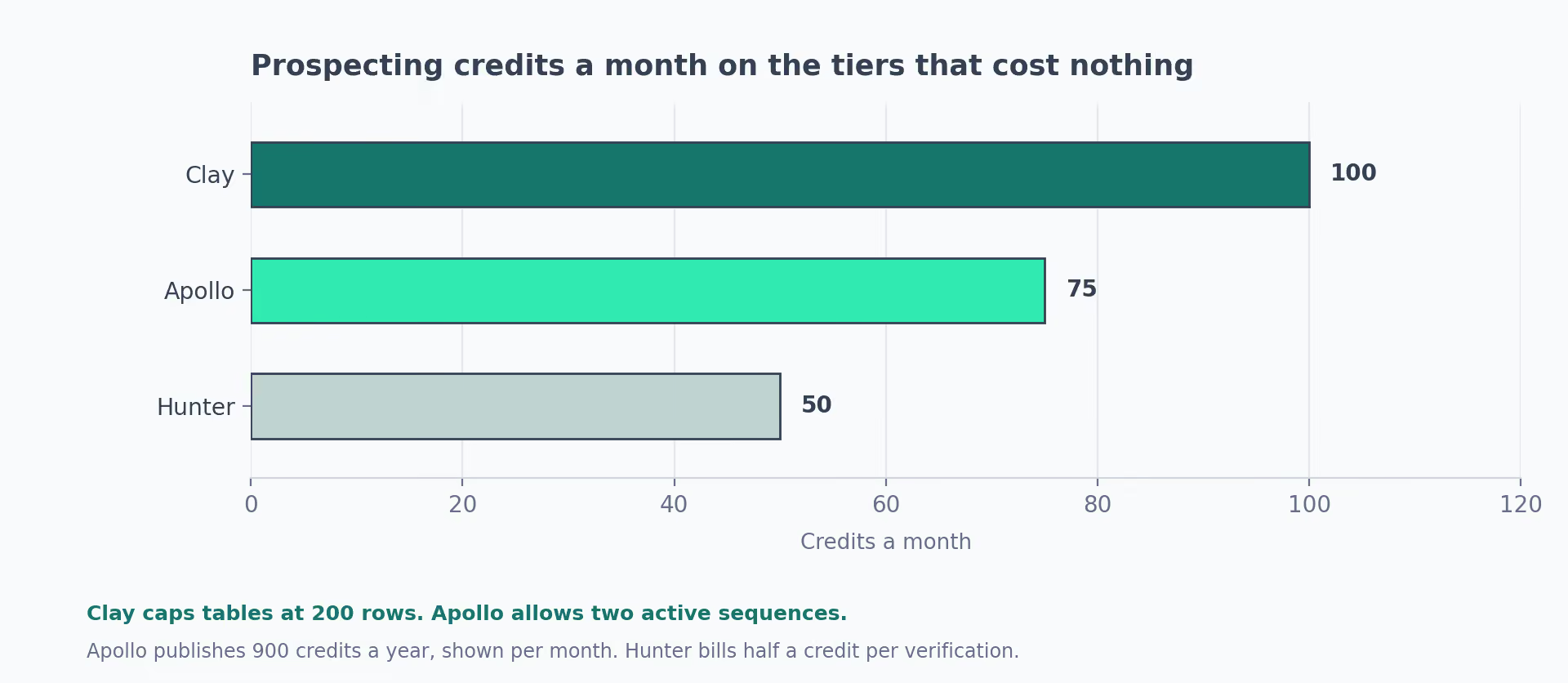
The free plan allows 100 credits a month and tables up to 200 rows. Phone numbers stay behind the paywall.
Cost
Free to 100 credits a month, 200-row tables · Clay listing
What I like
- Sandbox Mode is the change that makes this plan usable.
- It lets you build and test a whole table against sample answers without spending a credit, and before it existed, learning the tool was the expensive part.
What could be better
- The learning curve turns up in nearly every G2 review.
- A survey of 500 GTM professionals put 42% of complaints on credits disappearing faster than expected, because a lookup that fails costs you the same as one that works.
My tip
Build everything in Sandbox Mode and only run it live against a table you already trust. That single habit is the difference between 100 credits lasting a month and lasting an afternoon.
34. Hunter
Hunter's email finder does two jobs: it guesses a work email address from a name and a company domain, then checks whether that address exists before you send to it.
The free plan gives you 50 credits a month. Finding an address costs one credit and checking one costs half, so that's 50 finds or 100 checks.
Cost
Free to 50 credits a month, 1 connected inbox · Hunter listing
What I like
- Verification is the stronger half.
- Reported accuracy sits around 91% on B2B software companies, and it puts a confidence score on every single result, which is more honesty than most providers offer.
What could be better
- Billing is the most divisive subject in its reviews, including being charged for lookups that came back inconclusive.
- On harder names it falls back to guessing the pattern, and it does sometimes mark a working address as invalid.
My tip
Spend the 50 on checking instead of finding. Cleaning 100 addresses you already have protects your sending reputation more than 50 new addresses ever will.
35. Apollo
Apollo's free plan opens its whole contact database and lets you run two email sequences, meaning two sets of automated follow-ups.
You also get the Chrome extension and 900 credits a year, with no card. A database and a sending tool on one login is something nothing else here offers.
Cost
Free, 900 credits a year, 2 active sequences · Apollo listing
What I like
- Database access and sending in the same place at no cost.
- It's a workable way to test two outbound angles before anyone signs off on a bigger sales stack, and being able to do that before you commit is useful.
What could be better
- The gap between what Apollo claims and what people report is wide.
- Apollo publishes 96% email accuracy from its own internal checks, while reported delivery lands nearer 65% to 73%, and bounce rates of 15% to 35% show up across G2, Capterra and Reddit depending on the region.
My tip
Send every Apollo export through a checker before it goes anywhere near a sending tool. US contacts hold up better than the rest, and the gap is wide enough to change how you sequence.
36. Wappalyzer
Wappalyzer's browser extension tells you what software a website is built with. Click it while you're on a prospect's site and you'll see their content system and their payment processor, which is usually enough to know whether they're on a platform you connect to.
Cost
Extension free and unlimited; accounts get 50 lookups a month · Wappalyzer listing
What I like
- It's accurate enough to act on.
- One test across 100 sites with known setups put it at 94% correct with 2% to 3% false alarms, which is good enough to sort a list on.
What could be better
- It can only see what your browser can see, so anything running on the company's own servers leaves no trace at all.
- Coverage thins out on newer frameworks, and the API, the market data and the ability to list every site using a given tool all start around $250 a month.
My tip
Treat a detection as a hint and never as proof. A tracking tag can sit on a page for a year after the team stopped using the product behind it.
37. BuiltWith
A BuiltWith lookup answers the same question with a much longer memory. It's free for one site at a time, recognizes roughly 114,000 different tools, and its records go back to 2007.
Cost
Free for single-site lookups; bulk lists and most categories are paid · BuiltWith listing
What I like
- The depth and the history.
- Reviewers call the detection the best available, and seeing when a company adopted or dropped a tool is a signal you can't get anywhere else.
What could be better
- Freshness. It reads from a stored crawl instead of the live page, so a lookup can be days or weeks behind reality.
- The free version has narrowed over the years and bulk lookups have gone from it entirely.
My tip
Cross-check anything surprising against Wappalyzer in the browser. One reads a stored copy and the other reads the page in front of you, so a disagreement usually means something changed recently.
Content: Make the Asset Without a Designer
This group covers video, writing, images and social scheduling. Two of them run entirely inside your browser and send nothing anywhere. Between them they hold up better than any other group.
The exception is Loom, where a five-minute cap ends most of what you'd want to record.
38. Loom
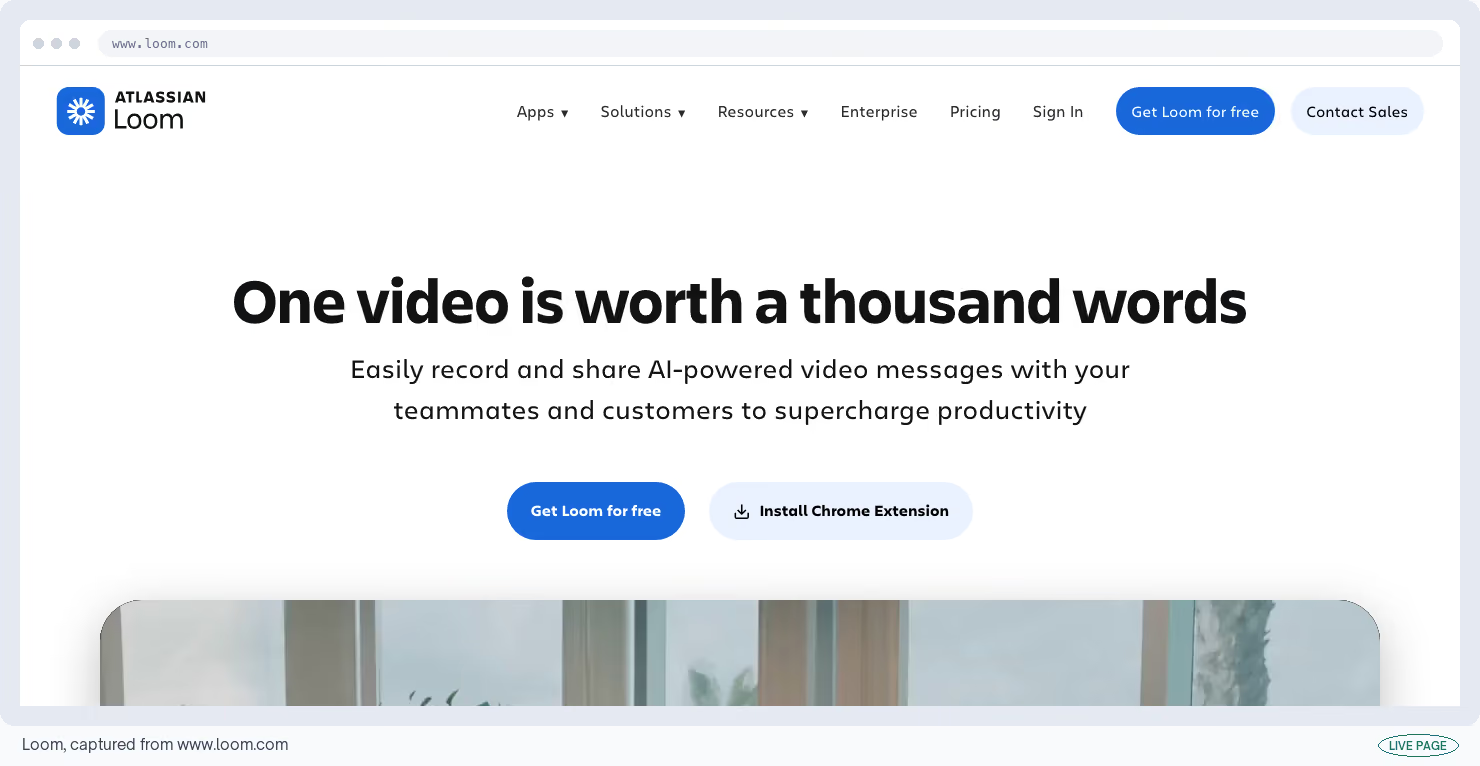
Loom's free plan records your screen and your face at the same time and gives you a link to send. It's how you answer a prospect's question in four minutes instead of booking a call for it.
You get 25 videos per person, five minutes each, at 720p, with automatic transcripts in over 50 languages.
Cost
Free to 25 videos, 5 minutes each, 720p · Loom listing
What I like
- Record, get a link, paste it into a reply.
- Transcripts and the little camera circle come included, and up to 50 people can share one workspace, so a small team doesn't need to pay to collaborate.
What could be better
- Five minutes ends anything past a quick answer, and 25 videos fills up within weeks on a team.
- Free accounts can't download their own recordings either.
- Reviewers have reported lag, sound falling out of sync and failed uploads through 2025 and into 2026, during Loom's move onto Atlassian's infrastructure.
My tip
Script the first 15 seconds and delete anything you'd have re-recorded. Five minutes is plenty for one question answered well. It's nowhere near enough for a demo.
39. Grammarly
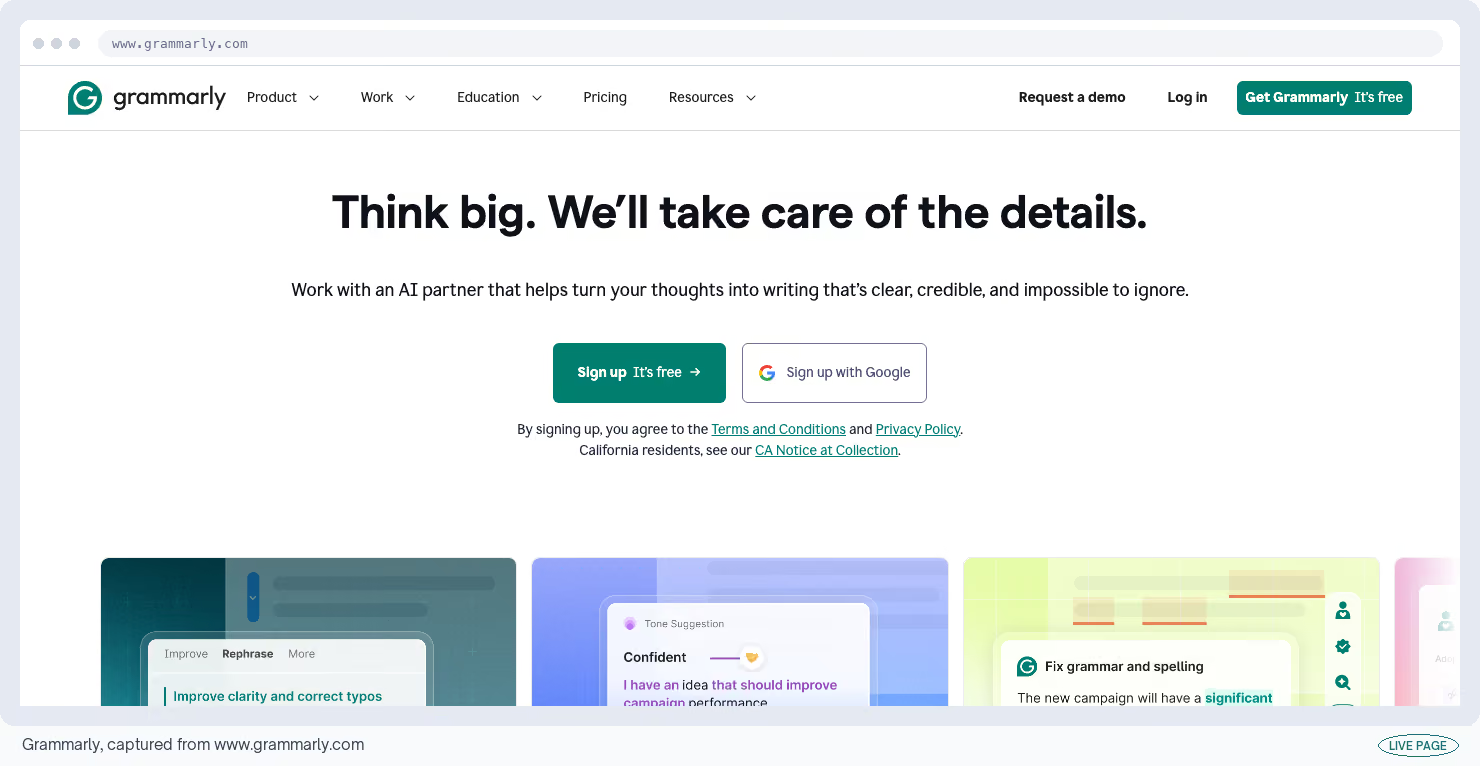
Grammarly's free plan catches the typo in the first line of a cold email, which is where a typo costs you most.
It handles grammar and spelling across six languages, flags when your tone reads colder than you meant, and includes 100 AI prompts a month.
Cost
Free forever, 100 AI prompts a month · Grammarly listing
What I like
- It works inside whatever you're already typing in, which is the only reason anybody keeps using it.
- No card, no trial clock, and the tone checker has saved me from sending a reply that read as annoyed.
What could be better
- Rewriting a whole sentence, adjusting tone and checking for plagiarism all belong to the paid version.
- The complaint I see repeated most is the annual charge that lands after a paid trial, catching people who meant to stay free.
My tip
Turn the style suggestions off and keep the correctness ones. Style advice flattens a distinctive sentence. The typo is what you came here for.
40. Hemingway Editor
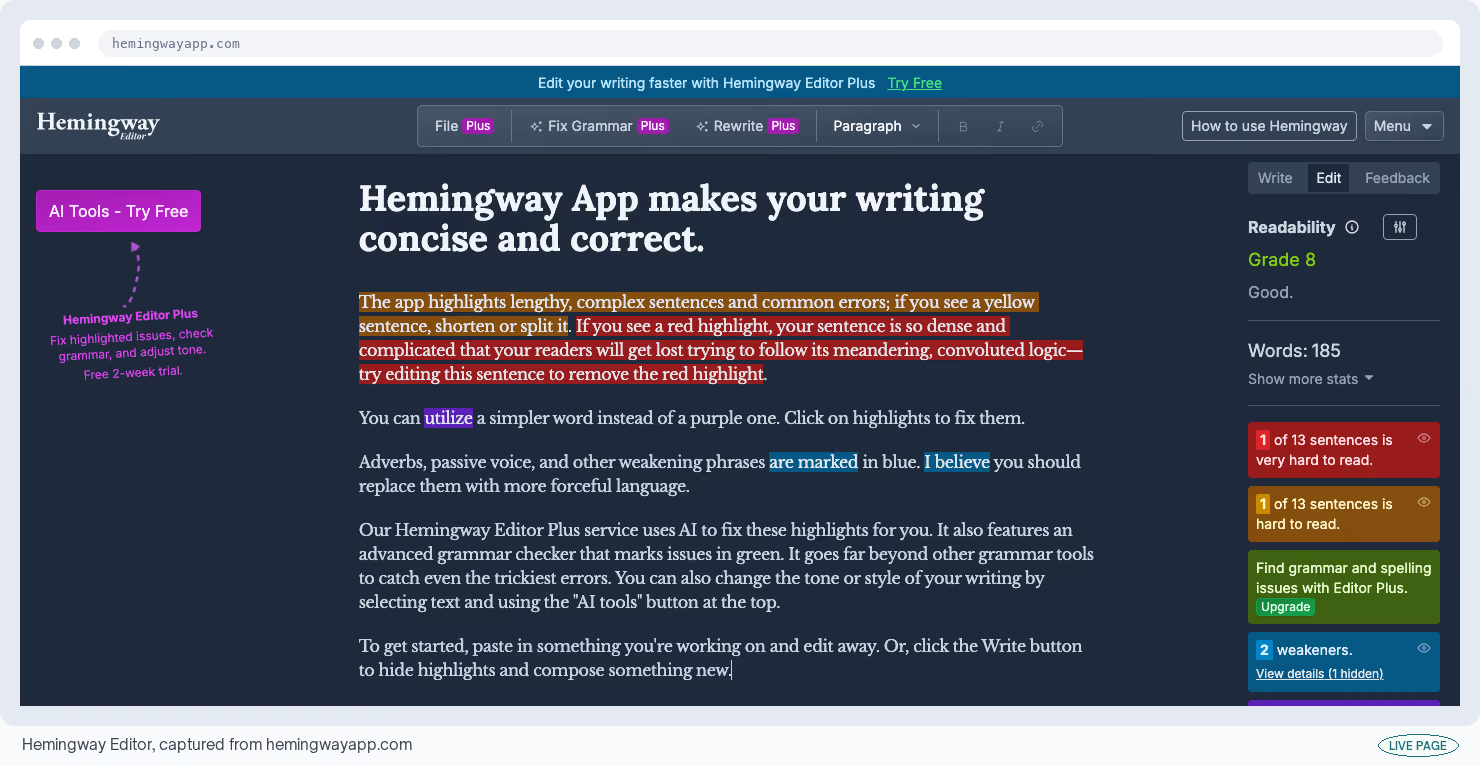
Paste a draft into the Hemingway Editor and it colors your sentences by how hard they are to read. Dense ones go yellow and unreadable ones go red.
It also gives you a US school grade level, which is a rough proxy for how much effort a reader has to put in. The web version is free with no signup.
Cost
Free in the browser, no signup · Hemingway Editor listing
What I like
- The red highlight. It finds the sentence you'd have defended in a review and shows you that it runs to 40 words, and the grade level gives an editor something objective to point at instead of a preference.
What could be better
- It flags problems and doesn't repair them, at least not without paying.
- The rules also punish deliberate complexity, so technical and formal writing collect warnings that are pure noise, and offline use plus the AI rewrites are both paid.
My tip
Aim for grade eight on anything for a general audience and ignore the tool's own grade five target. Below eight, B2B copy starts to sound like it doesn't trust the reader.
41. Really Good Emails
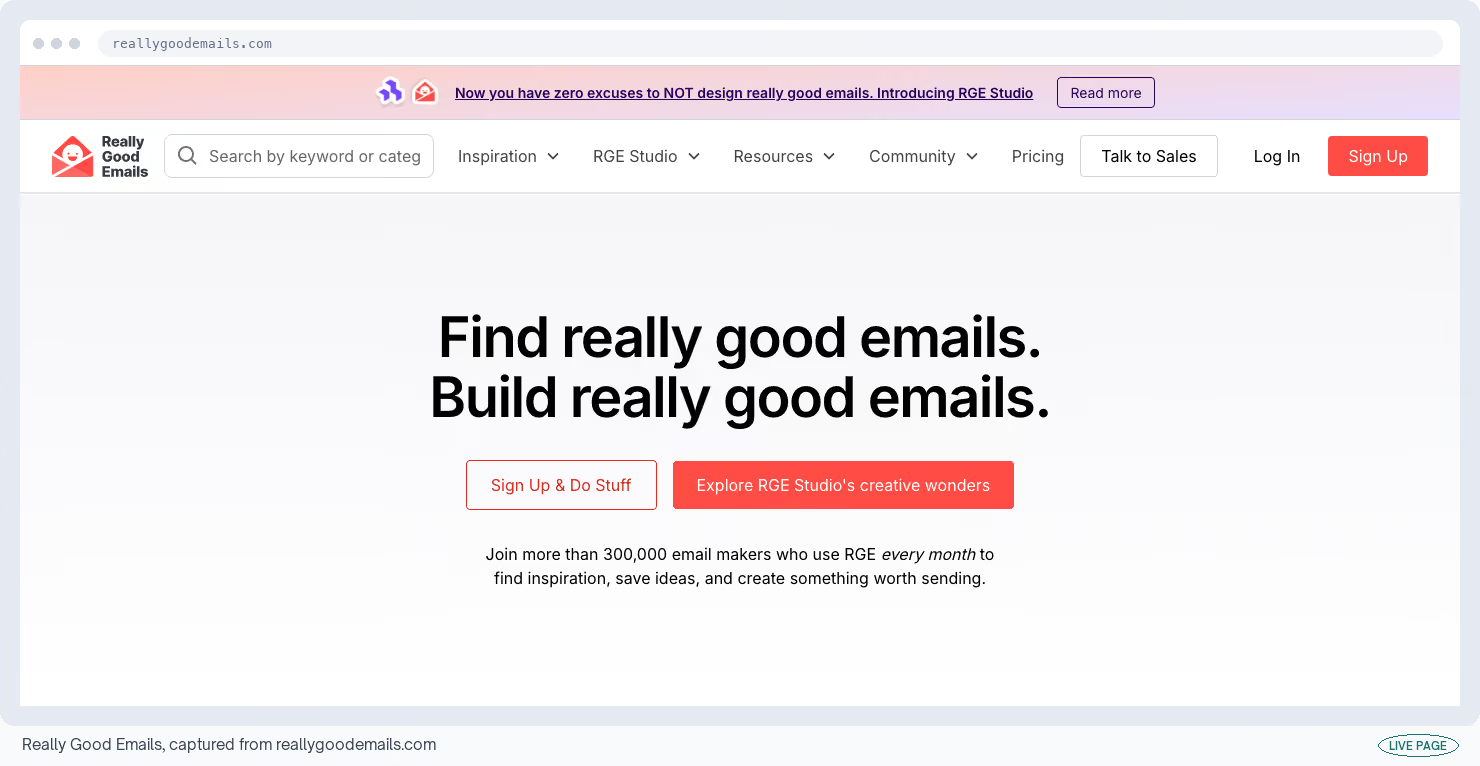
Really Good Emails is a gallery of more than 4,000 marketing emails somebody has hand-picked, sorted by what the email was for. Browsing costs nothing.
It's the fastest way I know to learn a format. Read 20 win-back emails that went out and the conventions stop being a mystery.
Cost
Free to browse; an account lets you save · Really Good Emails listing
What I like
- The categories match the emails a lifecycle program has to send, so you're not scrolling a mood board hoping for inspiration.
- Product Hunt reviewers rate it the best place to find both design and copy references.
What could be better
- Curation cuts both ways. You're looking at what somebody judged good, which skews toward consumer brands and pretty design, and none of it comes with performance numbers attached.
My tip
Read 20 in one category before you write one. The conventions become obvious well before you finish the set, and that's faster than any framework will teach you.
42. Squoosh
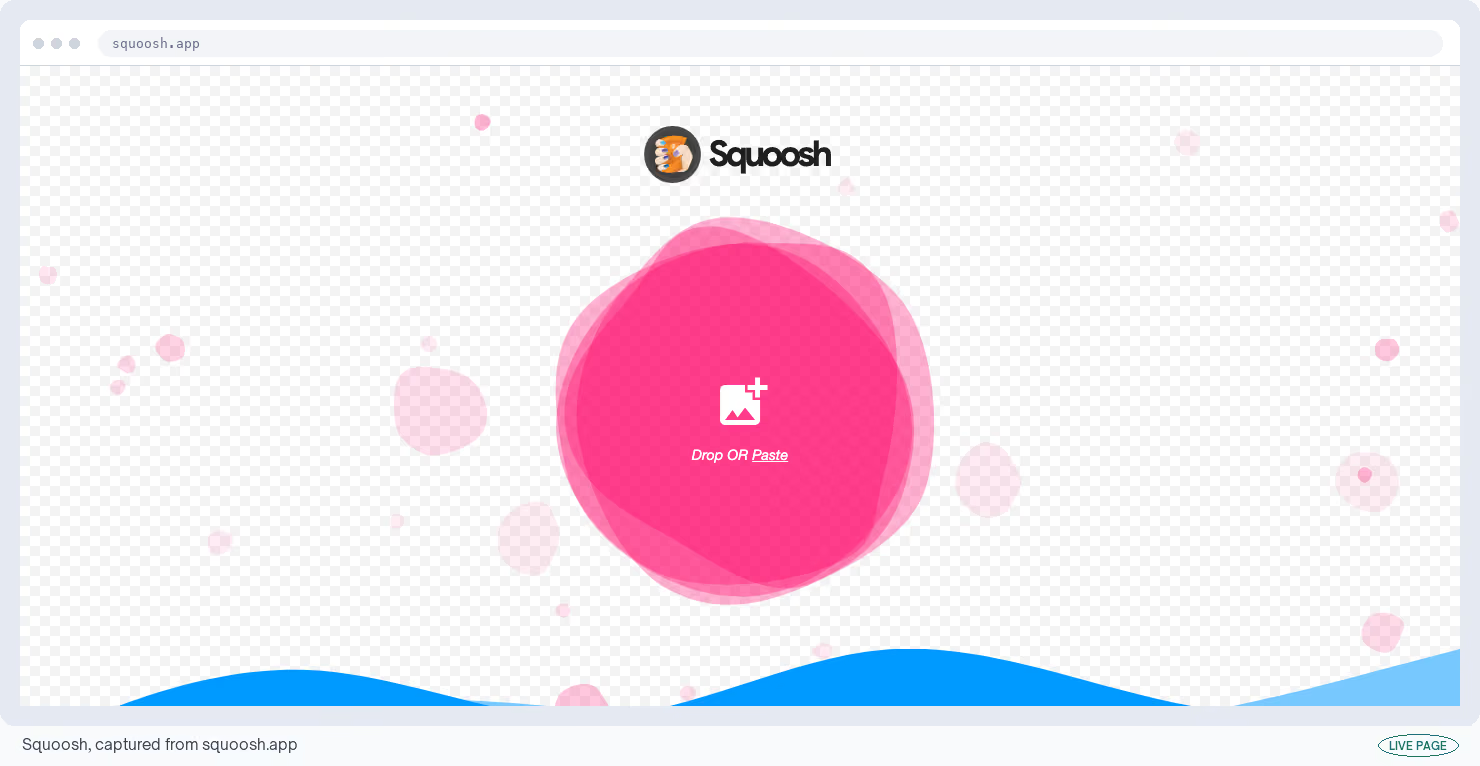
Most image compressors upload your file to their servers first. Squoosh in your browser does the work on your own machine instead. The file never leaves it, and works offline after the first load.
Cost
Free, open source, nothing uploaded anywhere · Squoosh listing
What I like
- The split-screen slider, showing the original and the compressed version side by side while you drag the quality down.
- It supports every modern image format, and it comes from Google's own Chrome team.
What could be better
- One image at a time.
- There's no way to do a batch or point it at a folder, and a very large photograph can run your browser out of memory on a modest laptop.
My tip
Use this for anything unreleased and TinyPNG for everything else. Client screenshots and unlaunched product shots shouldn't be passing through somebody else's server at all.
43. TinyPNG
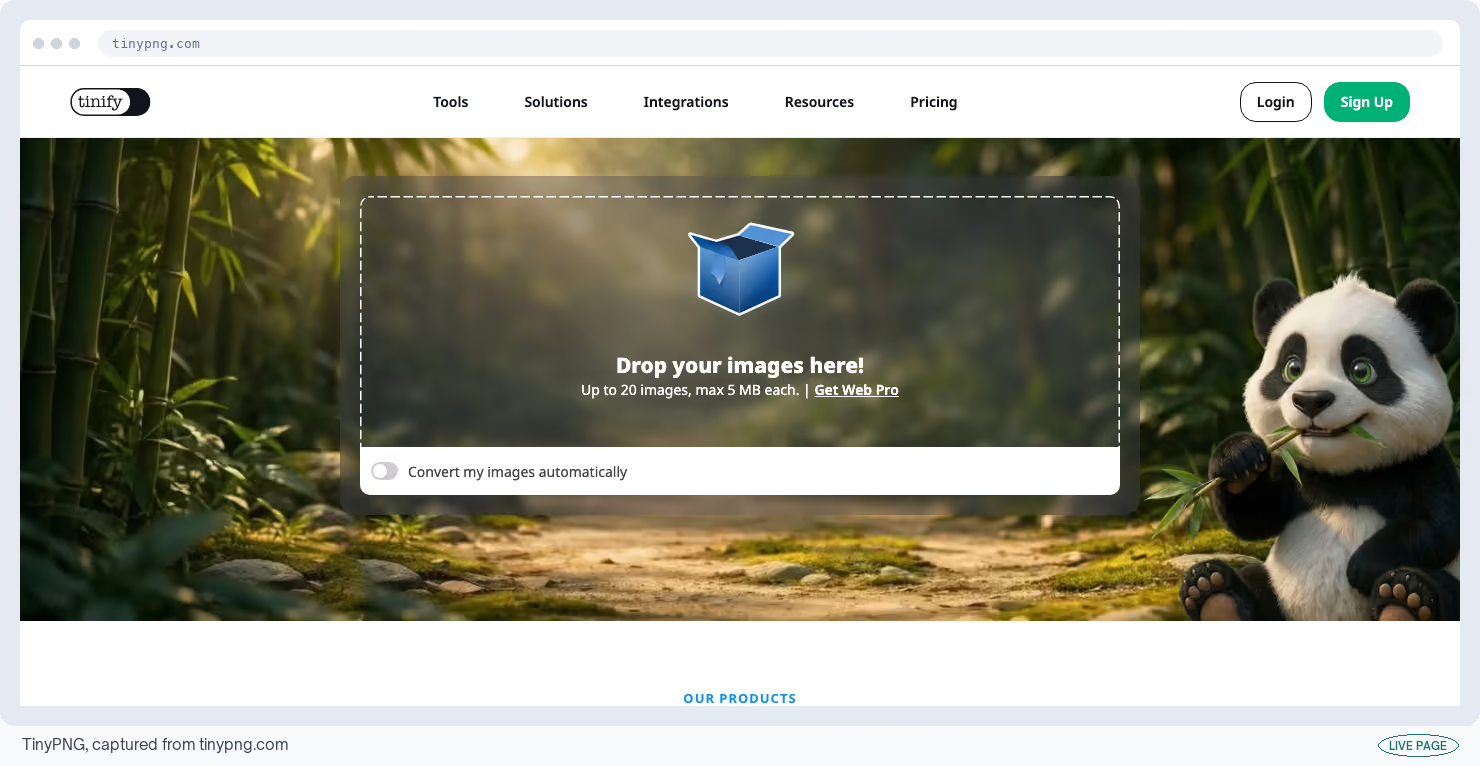
TinyPNG's compressor is the one to use when you have a folder of screenshots and no patience. Drag in 20 images at a time, up to 5MB each, and it usually strips more than 85% of the file size off them.
Cost
Free, 20 images per batch, 5MB each · TinyPNG listing
What I like
- Speed, and the fact that it does batches.
- Drop 20 in, wait, download a zip, and on screenshots the quality loss is invisible at the sizes a web page uses. It's the least interesting tool in this list and the one you'll open most.
What could be better
- Your files go up to their servers, which rules it out for anything unreleased.
- The free version also gives you no control over how hard it compresses, so you take the result you're given.
My tip
Send screenshots through this and photographs through Squoosh. Photographs are where an automatic setting shows its limits. Reach for the slider there.
44. Buffer
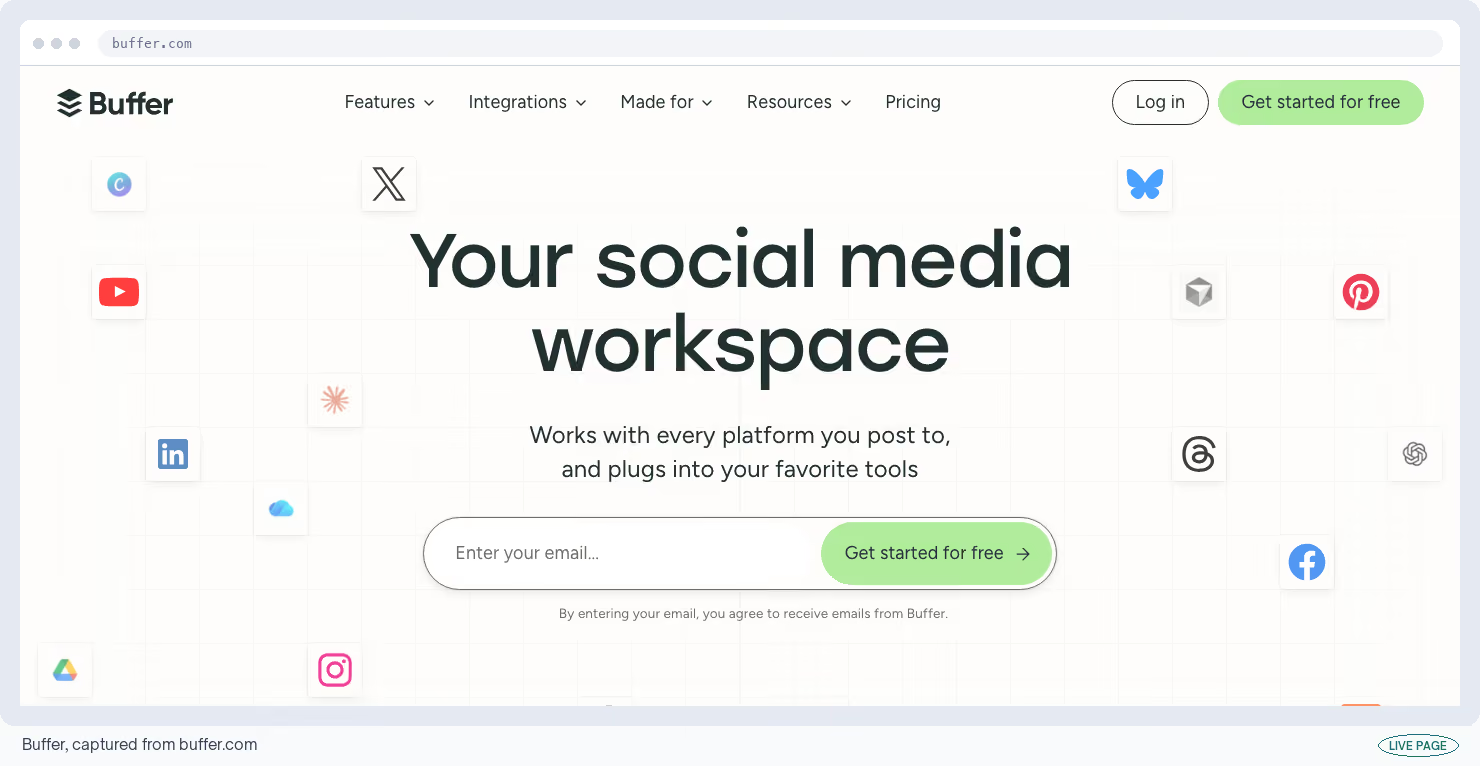
Buffer's free plan keeps a company page alive on an hour of scheduling on a Sunday. It connects three social accounts and holds 10 scheduled posts per account. You also get 100 saved ideas and access to its API.
Cost
Free forever, 3 accounts, 10 scheduled posts each · Buffer listing
What I like
- It stays out of the way, which is all I want from a scheduler.
- G2 puts it at 4.3 out of 5 across 1,071 reviews and Capterra at 4.5 across 1,492, and the free statistics are more than a small team needs.
What could be better
- The 10-post limit counts what's waiting, so nothing new goes in until one of them publishes.
- Charging per social account is the most common complaint in its public reviews, and accounts losing their connection and needing to be reauthorized comes up over and over.
My tip
Refill the queue on the same day every week and check the connections while you're in there. An expired connection fails silently, and you find out when a whole week of posts never went out.
Operations: Run the Pipeline and the Paperwork
This is the plumbing: where deals get tracked, where documents live, and how systems talk to each other.
These are the plans a growing team outgrows first, and almost always because of logins instead of data. A generous record limit with two logins still means everybody queues behind two people.
Two of these have cut their free allowance in the last two years, without much warning to anybody.
45. HubSpot CRM
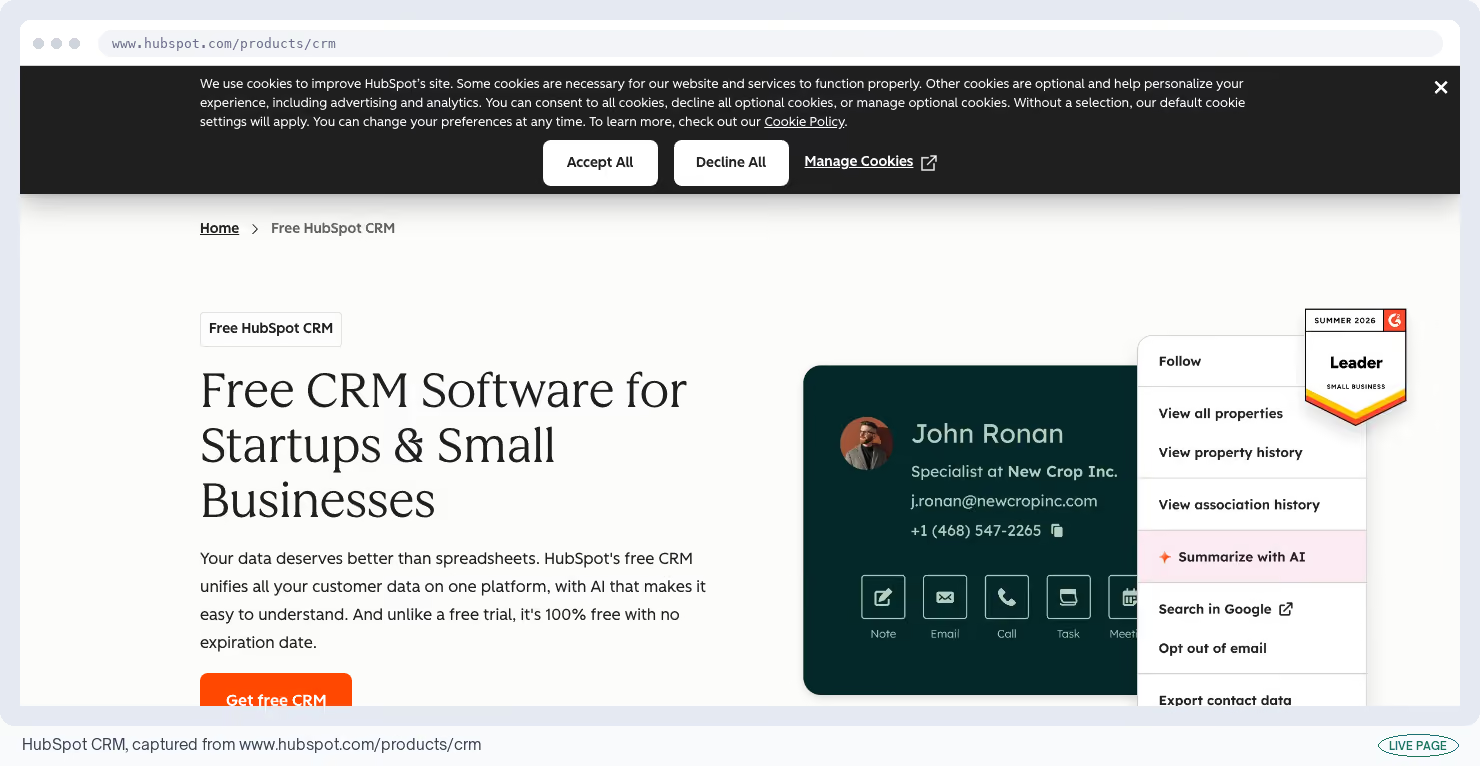
A CRM is the shared database of everyone you're talking to and every deal in progress. HubSpot's free CRM gives you that, plus forms for your website and reporting on what's in the pipeline, with no expiry date on any of it.
You get 1,000 contacts, two logins and one pipeline. Contacts used to be capped at a million.
Cost
Free to 1,000 contacts, 2 logins, 1 pipeline · HubSpot CRM listing
What I like
- A working deal pipeline with forms feeding into it, at no cost and with no clock running.
- Reviewers regularly rate it the strongest CRM you can get without signing a contract, and that holds even after the cuts.
What could be better
- Two logins. The contact limit dropped from 1 million to 1,000 for new accounts in September 2024, you can only add 10 custom fields, and "Powered by HubSpot" sits on every email, form, landing page and booking link with no way to remove it.
My tip
Decide who the two logins belong to before you import anything. Sales and marketing both wanting one is the moment this plan stops working, and that moment arrives long before you hit 1,000 contacts.
46. Notion
Notion's free workspace is where a lot of teams keep the one page of positioning that never goes stale, which is the version sales will read. Notion counts usage in blocks, meaning each paragraph, image or table row you create.
If you're the only person in the workspace there's no block limit at all, which changes the moment you invite somebody.

Cost
Free, unlimited blocks on your own; 1,000 blocks once you invite someone · Notion listing
What I like
- It becomes the place people look, and that habit is very hard to buy.
- Its databases can show the same records as a calendar or a board, so a content plan doesn't need a second tool, though I keep it mostly for the writing.
What could be better
- File uploads stop at 5MB, which breaks the moment somebody adds a slide deck.
- You can only invite 10 people from outside your company, which cuts off clients and contractors.
- Search and filtering also slow down noticeably on big workspaces, with reviewers reporting two to three second searches past 5,000 pages.
My tip
Put the sales-facing pages inside one top-level section and share that whole section, never individual pages. Your 10 outside invitations disappear fast if you hand them out one page at a time.
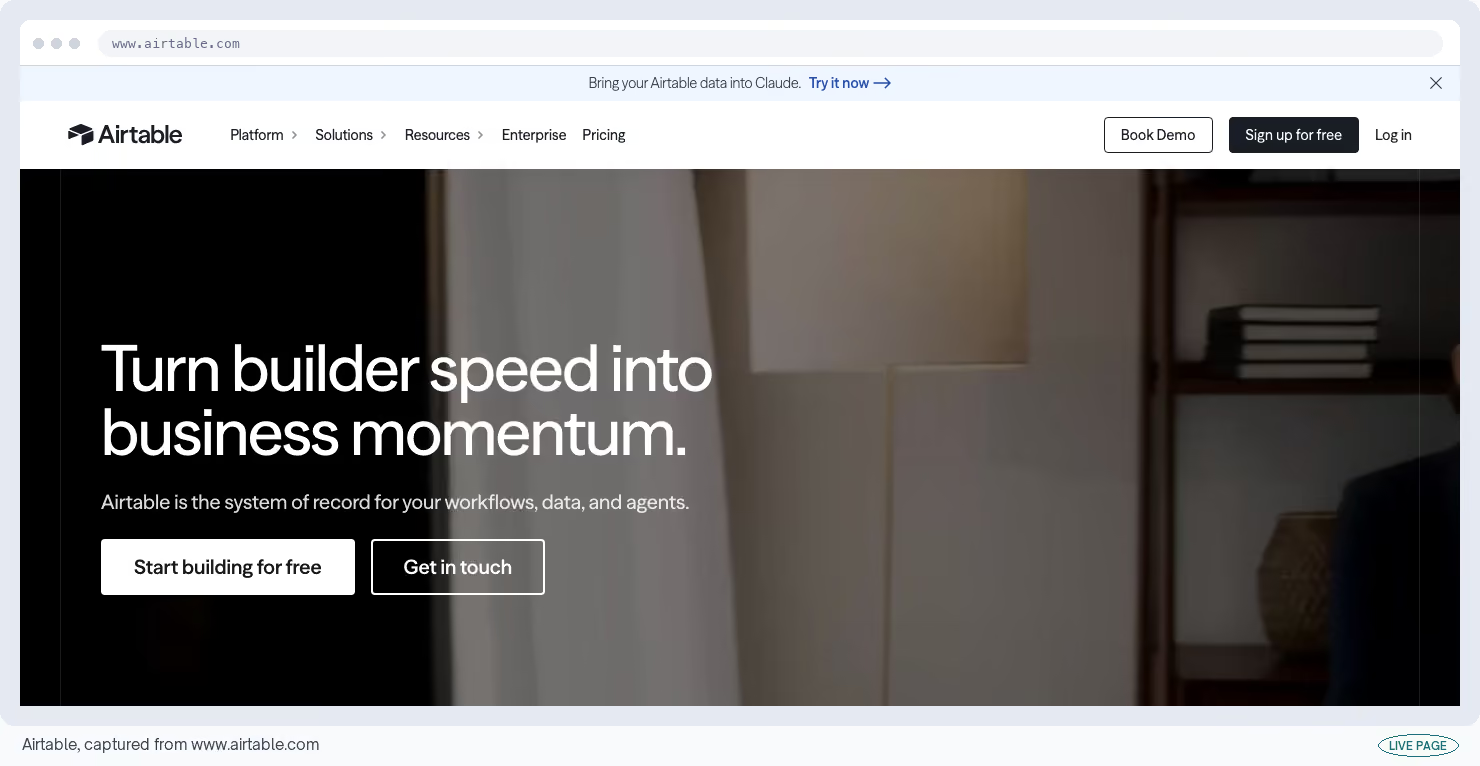
47. Airtable
Airtable's free plan is a spreadsheet that behaves like a database, and it's how a lot of teams run a content calendar the whole team can edit. One database is called a base; each row in it is a record.
You get unlimited bases at 1,000 records each, five people who can edit, 1GB of attachments per base and 100 automated actions a month.
Cost
Free to 1,000 records per base, 5 editors · Airtable listing
What I like
- The views. The same rows can be read as a calendar, a board or a grid without duplicating anything, which is why content teams pick it over a spreadsheet.
- Five editors is more shared access than most plans here allow.
What could be better
- The cut from 1,200 records to 1,000 in February 2026, where any base already over the line went read-only until somebody deleted rows.
- Reviewers report a content calendar reaching the ceiling in four to six weeks, and a CRM in two to three.
My tip
Split by year or by quarter into separate bases from the start. Bases are unlimited and records are not, so moving old rows into an archive base is the only headroom this plan has.
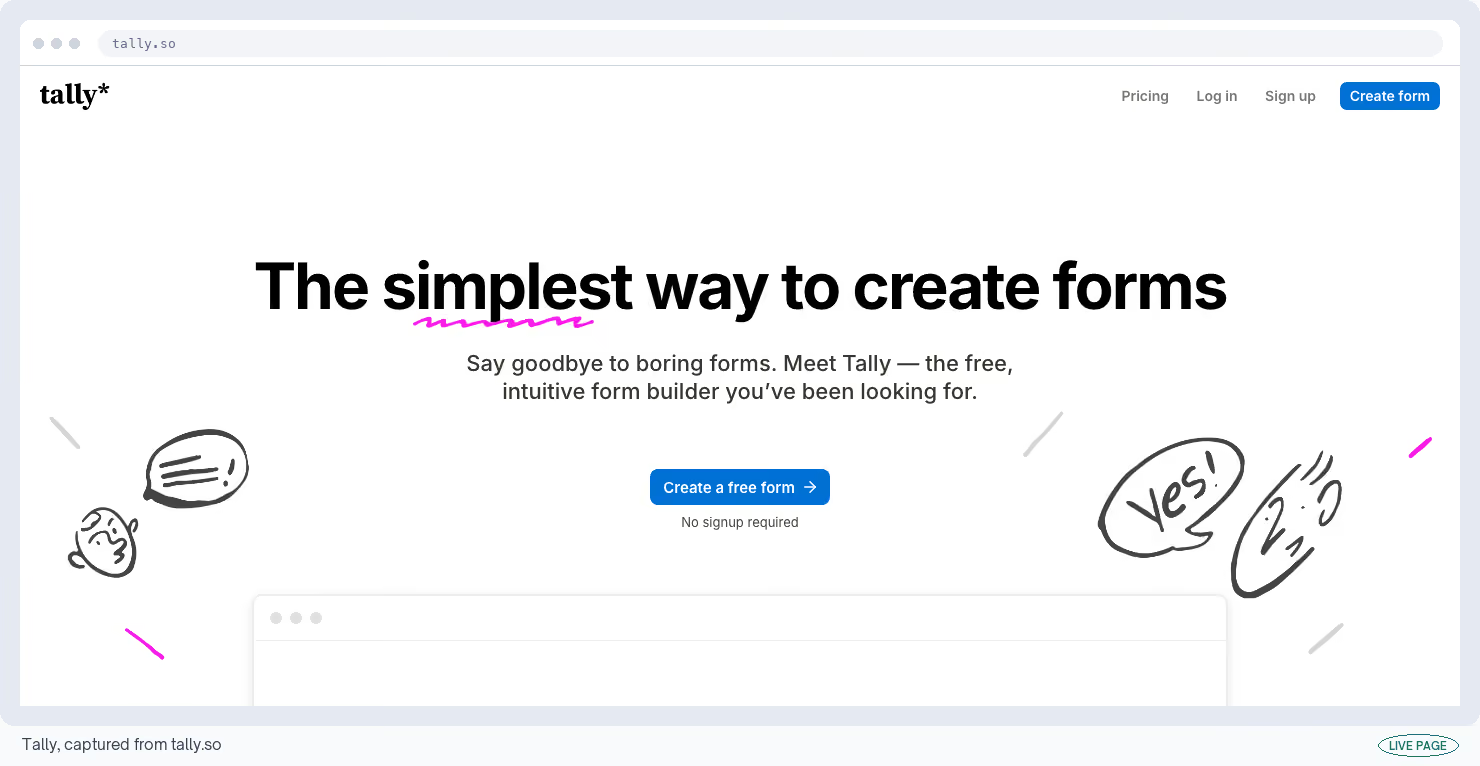
48. Tally
Tally's form builder allows unlimited forms and unlimited responses under a fair-use policy, which means you can send a survey to a whole list instead of the sample your pricing plan decided you could afford.
Conditional questions, calculations, file uploads and taking payment through Stripe all come included on the free plan.
Cost
Free, unlimited forms and responses under fair use · Tally listing
What I like
- This is the most generous free plan in the whole directory and it isn't close.
- G2 puts it at 4.9 out of 5, scoring 9.5 on conditional logic and 9.2 on form design, and one reviewer collected 847 responses in a month on a client campaign without hitting anything.
What could be better
- Fair use isn't a published number, so the ceiling stays unknown until you meet it.
- Removing Tally's branding, using your own domain and adding teammates all belong to the $29 a month plan.
My tip
Use it for the research survey you'd otherwise have sampled. Cost per response is why teams survey 200 people instead of 2,000, and Tally takes that constraint away.
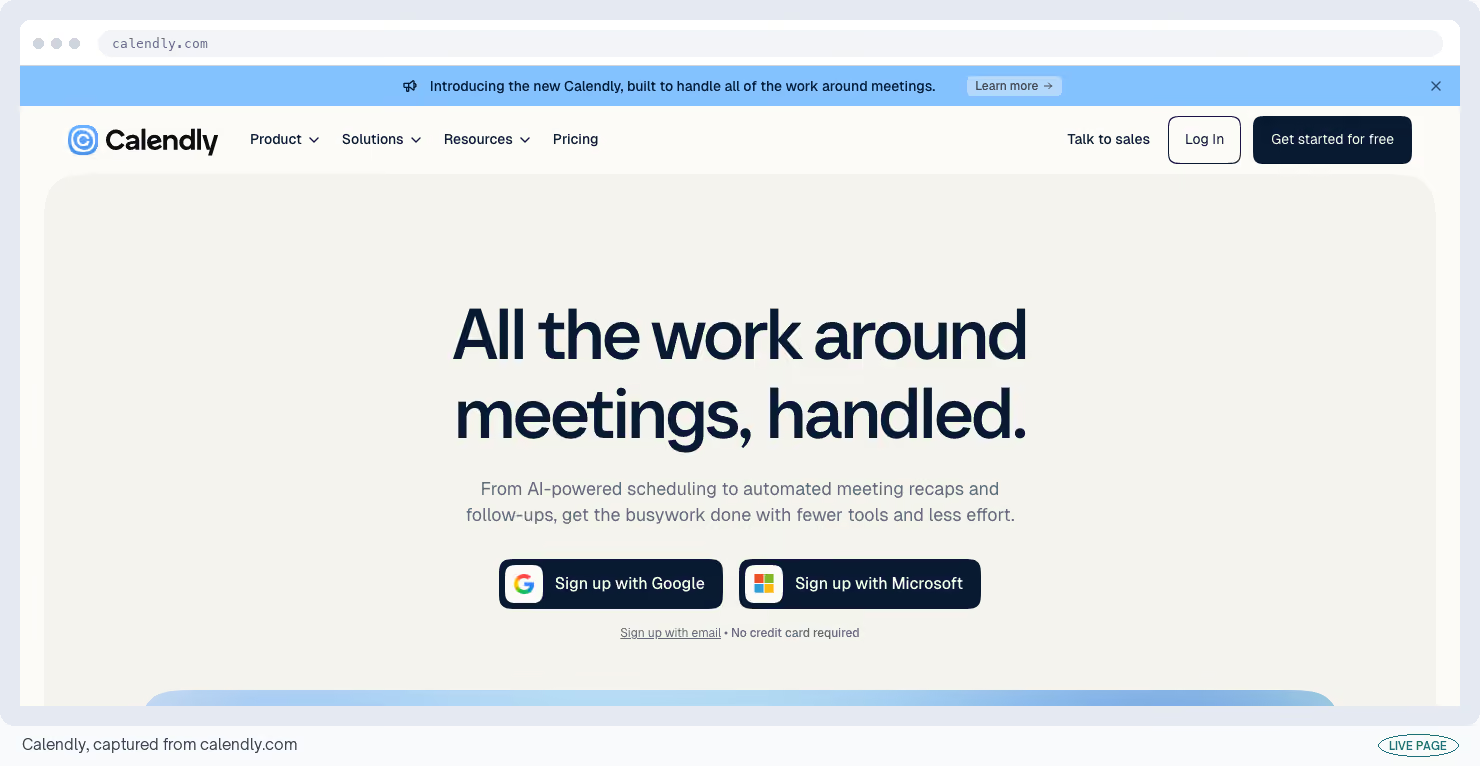
49. Calendly
Calendly's free plan turns a demo request into a booked meeting without three emails about times. It connects one calendar and lets you have one bookable meeting type at a time, with Zoom and Google Meet included.
A meeting type is one kind of booking, like a 30-minute intro call.
Cost
Free, 1 meeting type bookable at a time, 1 calendar · Calendly listing
What I like
- Polish and reliability, which sounds dull until a booking link breaks in front of a buyer.
- It's a link your prospects have probably used before, its timezone handling is the best here, and nobody needs the page explained to them.
What could be better
- One meeting type at a time.
- A discovery call, a demo and a follow-up make three, and reviewers report outgrowing the plan in the first week.
- Calendly's branding stays on the page, and reminder texts, group polls and automated follow-ups are all paid.
My tip
Make your one meeting type the longest call you take and arrange the short ones by hand. Then weigh the upgrade against how many scheduling emails a week you're still writing.
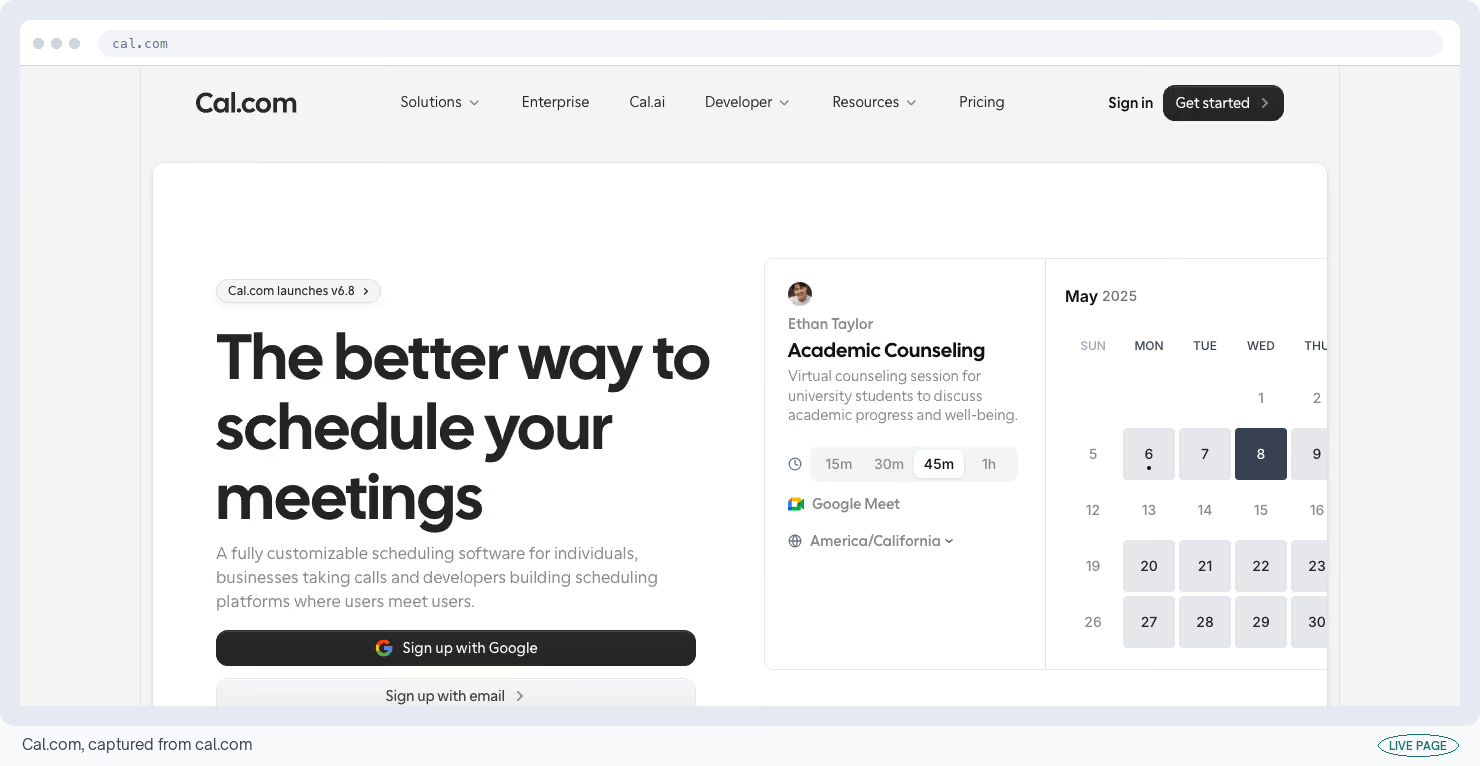
50. Cal.com
Cal.com's free plan is the open-source answer to the same job, and it gives you far more. You get unlimited meeting types, unlimited bookings, several calendars connected at once and automated follow-ups.
You can also run the whole thing on a server you rent, which gives you every paid feature for the price of the server.
Cost
Free, unlimited meeting types; running it yourself removes every limit · Cal.com listing
What I like
- Unlimited meeting types on a free plan, which is exactly the thing Calendly charges for.
- Running it yourself costs $6 to $12 a month on a basic server and lifts every restriction there is.
What could be better
- Less polish and a smaller list of integrations than Calendly.
- Running it yourself also means you own the updates, the backups and the downtime, and reviewers who have tried it treat that as a fair trade.
My tip
Try the hosted version before you consider running your own. Doing that usually answers a legal requirement about where data lives, and without one of those you're paying for a server to save nothing.
51. Zapier
Zapier's free plan connects two apps that don't talk to each other, so something happening in one makes something happen in the other. It allows 100 of those actions a month across five automations.
Each automation gets one starting event and one action, and that's the whole of it.
Cost
Free to 100 actions a month, 5 automations, 2 steps each · Zapier listing
What I like
- The sheer number of apps it connects to.
- It's the fastest way to find out whether two specific tools can talk at all, and its own spreadsheet and form tools come along at no cost.
What could be better
- Two steps rules out a condition, a reformat or a branch, which covers most of what a working automation does.
- It also only checks for new activity every 15 minutes, and reviewers describe the free plan as a demonstration instead of something you'd run a process on.
My tip
Use the 100 actions to answer one question: does this connection work at all? Then build the version with the conditions in it somewhere you control, because this plan won't hold it.
AI: Put a Model on Work You Already Do
These three do unrelated jobs. One writes a first draft, another answers questions about documents you upload, and the third reports how AI assistants describe your category.
52. Claude
Claude's free tier turns call notes into a first draft and a long report into answers you can quote back. Instead of a message count, it measures usage across a rolling five-hour window that starts when you send your first message.
The free version runs Sonnet 5, the same mid-range model a paid seat gets. For marketing-specific add-ons, see our list of Claude skills for marketing.
Cost
Free, on a rolling five-hour window, with no published message count · Claude listing
What I like
- How it handles long documents, and the quality of a first draft out of messy notes.
- Getting the same mid-range model as a paid seat on a plan that costs nothing is unusual in this category.
What could be better
- There's no published limit to plan around.
- People report getting roughly 40 short messages a day, the ceiling moves depending on how heavily you use it, and the coding tool belongs to the paid plans.
My tip
Paste the source material in and ask for quotes with their locations instead of a summary. A summary you can't trace means re-reading the document to check it, which defeats the point of asking.
53. Gemini Notebook
Gemini Notebook, which Google renamed from NotebookLM in July 2026, answers questions using only the documents you upload. Load 20 sales call transcripts, ask which objection keeps coming up, and it hands you the quote with a pointer to where it came from.
The free version takes 50 documents per notebook, at up to 500,000 words in each one.
Cost
Free to 50 documents per notebook, 50 questions a day · Gemini Notebook listing
What I like
- Because it answers only from your documents and points at the passage it used, it won't hand you a confident fact that isn't in them.
- That's why researchers use it on case files, and why I'd trust it with transcripts.
What could be better
- Your files are processed on Google's servers instead of on your own machine, so it's a poor home for anything confidential.
- Fifty questions a day and three audio summaries are the other ceilings.
My tip
Load the transcripts and ask for each objection with the speaker's name and the exact quote. That output drops straight into a sales battlecard, and sales believe it because the quote is right there.
54. Slate Index
When somebody asks ChatGPT to recommend software in your category, you have no idea whether your name comes up. Slate Index checks that for you across 445 products in 28 categories and refreshes it weekly. Searching is free with no account.
I work at Slate, so read this one with that in mind. The tool's own page puts the conflict plainly:
"This is Slate's own index, and Slate sells the AEO software that acts on it, so read it as an interested party's data."
Cost
Free to search, 445 products, 28 categories · Slate Index listing
What I like
- It shows you the answer the assistant gave and the web pages it read to give it, so you can see which sources are shaping how your category gets described.
- Those sources are what you can act on this week.
What could be better
- Positions move when the underlying AI models change, so a drop one week can have nothing to do with anything you did.
- The weekly refresh also makes daily checking a waste of time.
My tip
Ignore your own position and read the sources it cites instead. If the same three third-party pages keep showing up, those pages are the work, and your own site matters less than you'd hope.
Which Free GTM Tools I'd Open First
Fifty-four is too many for one person. Starting from zero I'd take four and leave the rest until something specific breaks.
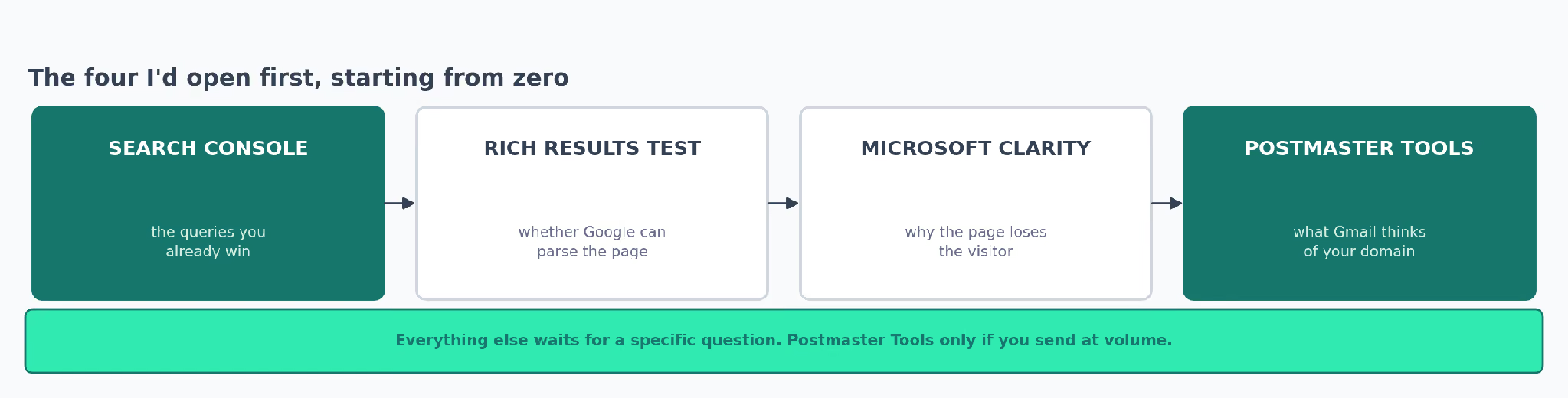
Search Console goes first, because it's the only one telling you what already happens instead of estimating it. Rich Results Test comes second, since a page Google can't read properly won't rank however good the writing is.
Microsoft Clarity comes third, because five recordings usually explain a conversion problem that a month of guessing wouldn't.
Postmaster Tools is fourth, and only if you send email in volume. A smaller sender opens it and sees an empty dashboard with nothing in it.
After that, wait for a specific question. Clay when somebody asks whether a segment exists, Zapier when two tools need to talk, Tally when you need a survey out this week.
The fifth choice depends on what you own. Sending outbound? I'd take Hunter before Apollo, because cleaning a list protects the sending reputation you'd otherwise damage.
If you're publishing, take Screaming Frog before any keyword tool. A crawl of 500 pages finds broken links and duplicate titles that no keyword list will ever show you.
| If the question is | Open | Because |
|---|---|---|
| Which pages lose clicks | Google Search Console | It reports the searches people made instead of estimating them |
| Why this page doesn't convert | Microsoft Clarity | No limit on recordings, and it flags rage clicks for you |
| Why our email stopped landing | MXToolbox, then Postmaster Tools | Rules out the domain before you blame the copy |
| Whether this segment can be built | Clay | Sandbox Mode tests it without spending credits |
| Whether a competitor has repositioned | LinkedIn Ad Library | The exact words they're paying to put in front of buyers |
| How to report this every month | Looker Studio | One link that updates itself |
What to Check Before You Build on a Free GTM Tool
Every allowance in the table at the top moved inside two years. Treat each figure here as a starting point and open the vendor's own page before you commit a process to it.
Start with how many people can log in, because that limit bites earlier than the data one and there's no way around it.
Then check whether you can export. A report you can't take with you stops being a report the day you outgrow the tool.
Last, read the terms on client work. Most plans allow agency use. The ones with a login limit or a single-website restriction are where a second client causes trouble.
The Exchange re-checks the free tools directory every 90 days, and the figures on each tool's own page are the ones kept current.