


Preview
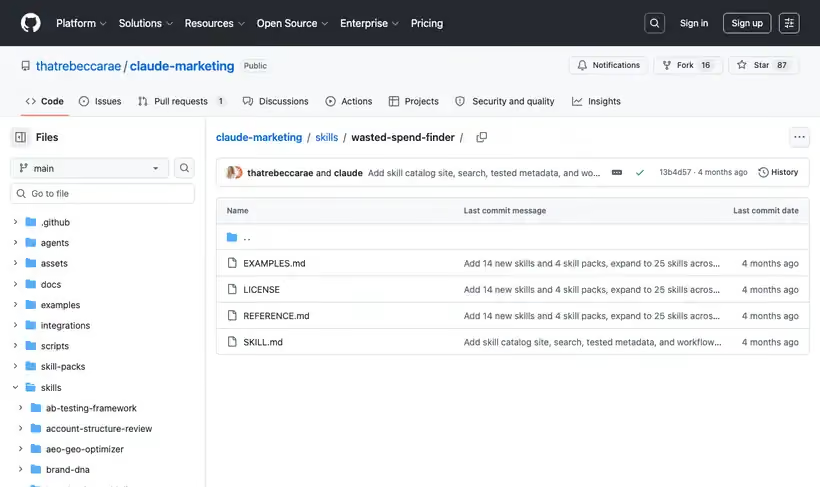
What it is.
You feed it search term, placement and keyword exports, and it returns exclusion lists you can upload, grouped into themes with statistical validation attached.
On Google it checks search terms with zero conversions above a spend threshold, Display and YouTube placements with none, and keywords whose conversion rate is low for their spend. On Meta it checks Audience Network placements and underperforming lookalike and interest segments.
What you get.
- Uploadable exclusion lists for Google and Meta
- Waste grouped into themes, so approval is one decision per category
- Statistical validation, so a term with two clicks does not get cut
- Placement waste across Display, YouTube and Audience Network
- A repeatable monthly hygiene pass
How to set it up.
Clone the repo and copy skills/wasted-spend-finder into ~/.claude/skills.
Export search terms, placements and keyword performance for a window long enough to matter. A fortnight of data produces false positives.
Set the spend threshold before running. Zero conversions on $8 of spend is noise, and the threshold is what separates the two.
Work the thematic groups instead of the term list. Approving a theme is one decision and approving them term by term is a week.
Check the statistical validation column before cutting anything expensive, because a high-spend term with few clicks needs more data.
Upload the exclusion lists directly, which is what the output format is built for.
Pricing Plans
Free. MIT license.
Checked against the repo in July 2026.
Use cases
The inherited-account audit
You just took over an ad account and suspect leakage. Feed it the search term and placement exports and it returns uploadable exclusion lists grouped by theme, with statistical validation attached so a term with two clicks doesn't get cut.
Monthly hygiene rerun
The same waste comes back every month under new wording. Rerun it on fresh exports and the new zero-conversion terms arrive already themed, so approval is one decision per category.
Meta placement cleanup
Audience Network is quietly eating budget. The Meta pass flags underperforming placements alongside weak lookalike and interest segments, and the output uploads directly.
A figure for the review
The client review needs a saving with a number on it. Thematic grouping attaches a spend figure to each theme, and that pairing drops straight into a slide.
Best for
Onboarding a new ad account
The first waste audit on an inherited account is usually the largest single saving available, and this produces the exclusion list instead of a report.
Monthly account hygiene
The output is designed to be re-run, and search term waste regenerates every month.
A client review with a number in it
Thematic grouping plus a spend figure per theme is a slide, and the audit produces both.