


Preview
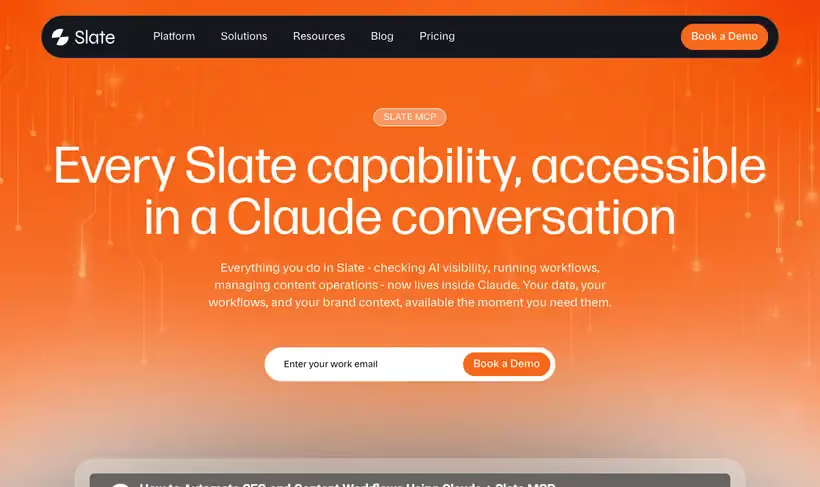
What it is.
Once the Slate connector is live you ask in plain English and get live data back as a response, a chart or structured output: visibility score, share of voice, citation breakdown, sentiment by theme and page-level performance in AI answers.
The question it answers fastest is which competitors are getting cited more than you, broken down by domain. Slate is TripleDart's own platform, which is worth knowing before you read our view of it.
What you get.
- Share of voice and citation breakdown by domain
- Sentiment by theme, including the negative mentions under a named topic
- Page-level performance, so you see which of your pages appear in AI answers
- Live data returned as a response, a chart or structured output
- Answers inside the conversation instead of a dashboard trip
How to set it up.
Open Settings then Connectors in Claude Web or Claude Desktop.
Click Add custom connector and enter the Slate MCP server URL, client ID and client secret. All three are in your Slate workspace under MCP Connectors.
Click Connect and confirm the Slate login. The connector goes live immediately.
Ask Claude to list your Slate workspaces, then name the one to use. You can switch workspaces later by asking.
Start with a competitor citation question, since share of voice by domain is the fastest read on where you stand.
Ask for sentiment themes by name when you want the negative mentions under a specific topic such as pricing.
Pricing Plans
It needs a paid Slate workspace.
Check current pricing on slatehq.com. Checked against the product page in July 2026.
Use cases
The citation gap by domain
You want to know who AI answers cite in your category. Ask in plain English and the citation breakdown comes back by domain, with your share of voice against each competitor.
Negative mentions under pricing
Sales says prospects arrive with pricing objections from AI answers. Ask for sentiment themes by name and the negative mentions filed under pricing come back where you can read them.
Evidence for the content plan
The next quarter's briefs need grounding. Pull page-level performance for your domain, and the pages already appearing in AI answers tell you which topics deserve more coverage.
Tracking a question monthly
A fresh chart is hard to compare month over month. Ask for structured output instead, and the same query returns the same fields each time you run it.
Best for
A weekly AI visibility report
Share of voice, top cited domains and sentiment movement answered in one question instead of assembled from a dashboard.
Finding which pages appear in AI answers
Page-level performance tells you what to write more of, which a brand-level score cannot.
Sentiment on a specific topic
Themes are queryable by name, so you can pull the negative mentions filed under pricing.