


Preview
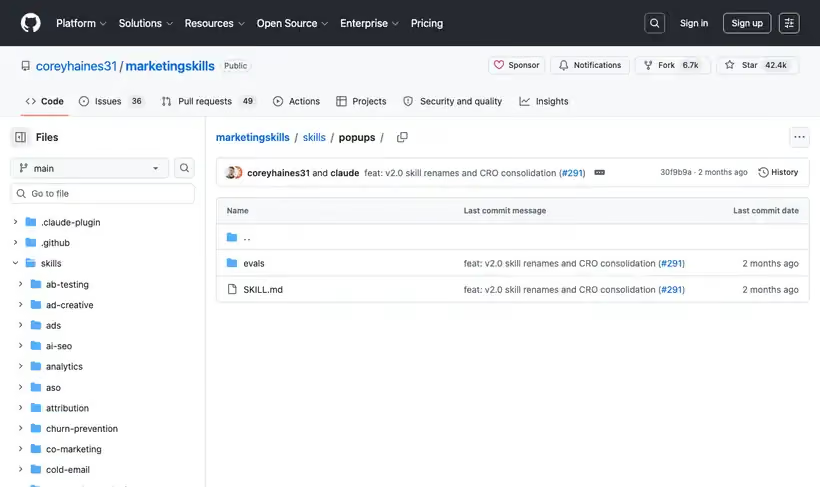
What it is.
It makes you pick one job from seven, then recommends the trigger, the offer and the copy for that job, measured against how your current popup performs.
Matching the trigger to the job is where the gain is: exit intent suits a save offer and scroll depth suits a lead magnet. A modal doing two jobs is the usual reason it gets dismissed.
What you get.
- One job named from seven, before any copy
- Trigger recommendations tied to that job
- Copy and offer for the specific popup type
- A performance read on the popup you already run
- Exit-intent handling as its own case
How to set it up.
Install with npx skills add coreyhaines31/marketingskills --skill popups -a claude-code.
Pick one purpose from the seven. A modal collecting emails and promoting a feature does neither well.
Report the current trigger and performance if you have one, because the recommendation is a change against that.
Match the trigger to the job. Exit intent suits a save offer and scroll depth suits a lead magnet, and swapping them wastes both.
Write the offer before the copy. A popup with a weak offer and good copy still gets dismissed.
Set frequency capping so a returning visitor does not meet the same modal three times.
Pricing Plans
Free. MIT license.
Checked against the repo in July 2026.
Use cases
Rescuing a dismissed modal
Your current popup gets closed on sight. Report its trigger and performance, and it checks for a doubled purpose before touching the copy, then hands back one job and the trigger that suits it.
Exit-intent save offer
Visitors leave the pricing page without converting. Describe the page and it builds an exit-intent popup with save-offer logic, which runs on different rules from an email capture.
Scroll-depth lead magnet
You have a guide to give away on long blog posts. It pairs the lead magnet with a scroll-depth trigger and writes the offer before the copy, with frequency capping so returning readers don't meet it twice.
Announcement bar for a launch
A feature launch needs a site-wide banner. Hand it the announcement and it treats the bar as its own popup job, with rules that differ from a modal's.
Best for
A popup that gets dismissed
Usually the trigger or a doubled purpose. Both are checked before copy here.
Exit-intent save offers
It is treated as its own case, with a different offer logic from an email capture.
Announcement bars and banners
In scope, and they need different rules from a modal.